
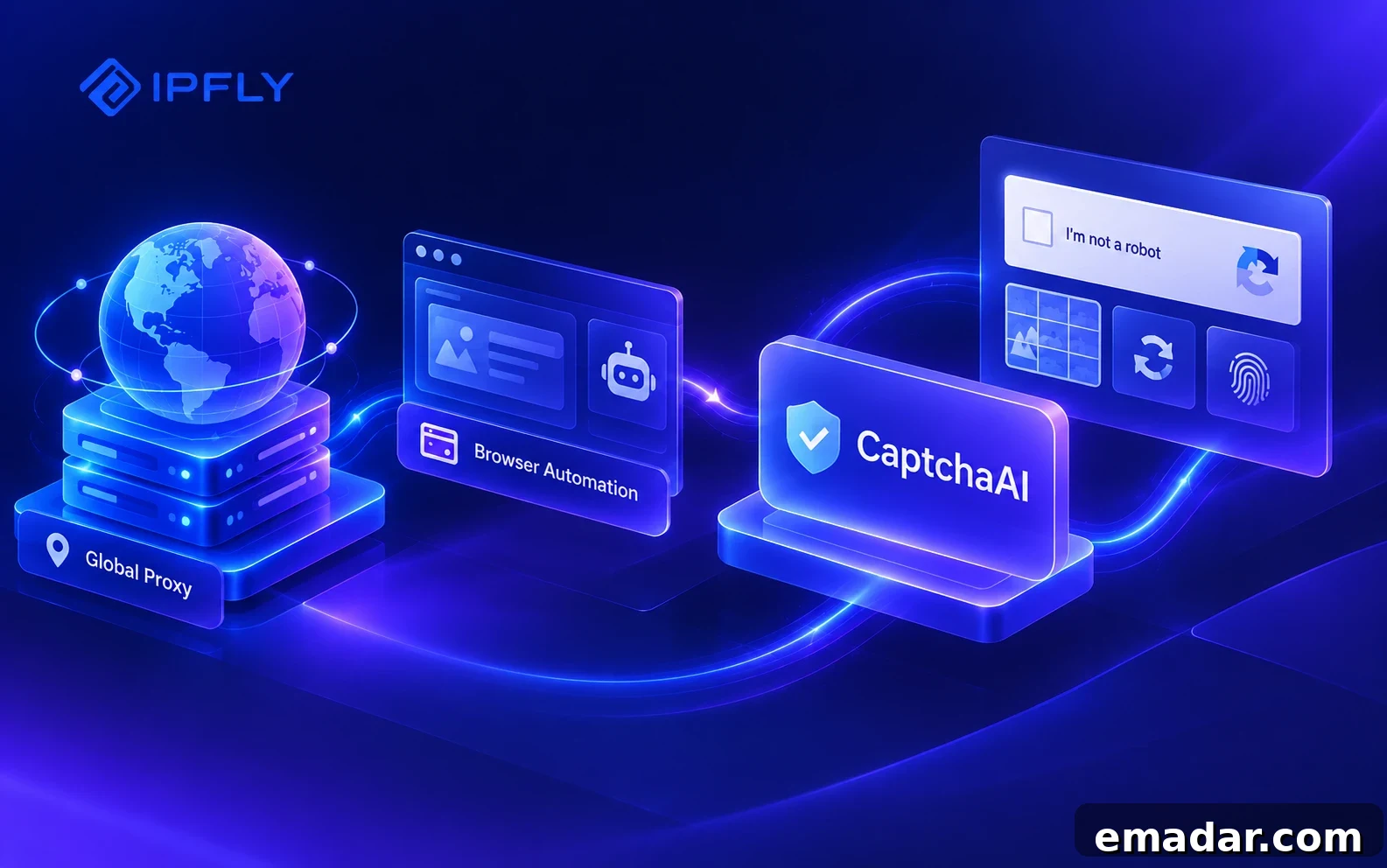
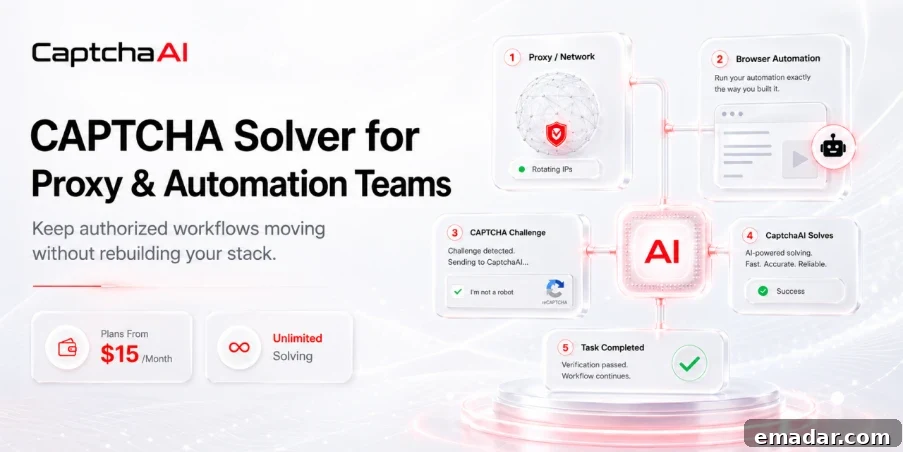
A stable proxy, a persistent browser session, and a reliable automation script can all be in place — then a CAPTCHA appears and the entire workflow grinds to a halt. CaptchaAI provides the missing layer that lets proxy-based and browser automation systems handle CAPTCHAs without rebuilding existing infrastructure.
CaptchaAI adds a dedicated CAPTCHA-handling layer to existing proxy and automation setups. It integrates with the proxy, browser profile, and automation software already in use, allowing teams to resolve supported CAPTCHAs and continue processing tasks automatically.
The Missing Layer in Proxy Automation
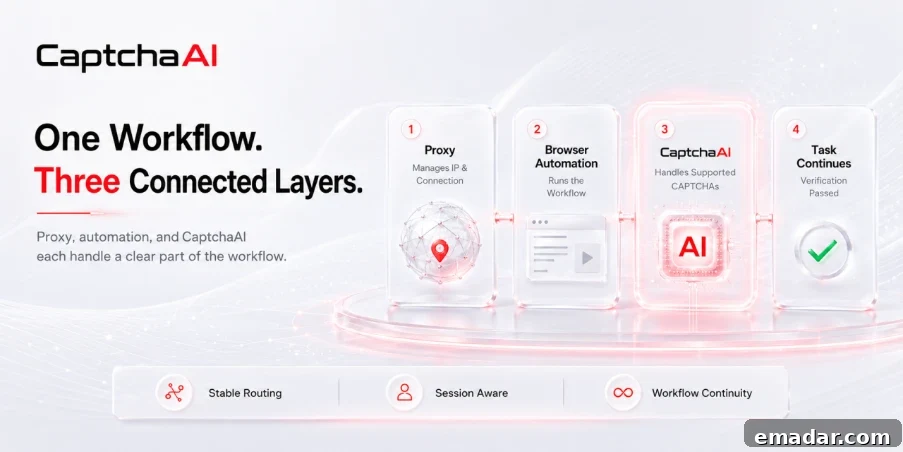
Proxies and CAPTCHA solvers address different parts of automation. A proxy controls the network route and IP address; the automation platform handles navigation, cookies, and browser behavior; CaptchaAI focuses on interpreting and returning CAPTCHA results. This separation means teams can add CAPTCHA handling to an existing workflow without replacing trusted tools.
Preserve Session Integrity When IP Matching Is Required
Certain browser-based challenges are tied to the IP and session that loaded the page. Changing the proxy, clearing cookies, switching User-Agent strings, or altering the browser context before applying a CAPTCHA solution can cause the site to reject the response. CaptchaAI supports HTTP, HTTPS, SOCKS4, and SOCKS5 proxies for compatible workflows and offers authentication via IP allowlisting or username/password credentials. Proxy support must be enabled through CaptchaAI support and is disabled by default.
Currently, proxy usage is supported for reCAPTCHA v2; the official documentation advises against submitting reCAPTCHA v3 through a proxy. The practical rule for reliable automation is straightforward: when a challenge requires IP matching, maintain the same proxy and browser session from the moment the CAPTCHA appears until its result is applied.
Integrate CaptchaAI with Tools You Already Use
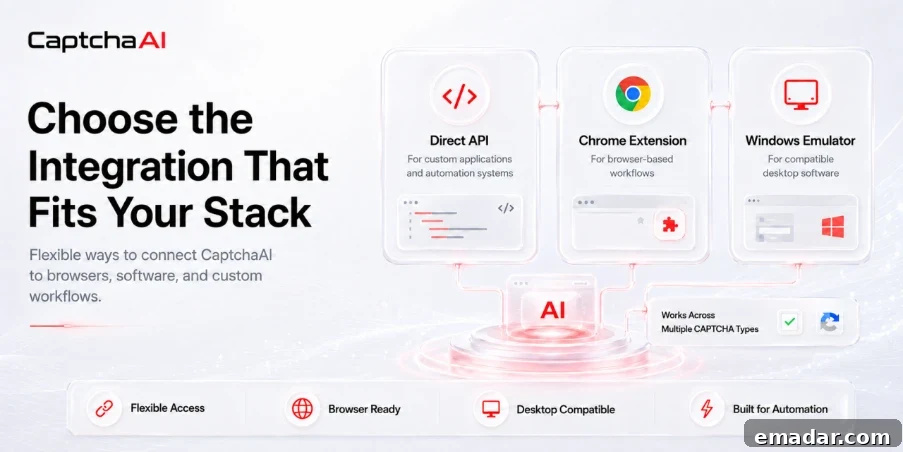
Teams rely on diverse environments and tools, so CaptchaAI offers multiple integration options to fit different architectures and workflows.
Direct API
The API is ideal for custom scripts, SaaS platforms, backend services, task queues, browser automation systems, and internal tools. It gives developers control over submission, polling for results, retries, logging, and concurrency management.
Chrome Extension
For workflows managed primarily through browser profiles, the CaptchaAI Chrome extension detects and processes supported CAPTCHAs directly in the browser. This is useful when a backend isn’t part of the automation pipeline.
Windows Emulator
The CaptchaAI Windows Emulator provides compatibility for applications already configured to work with other CAPTCHA solving services. It enables teams to route those requests through CaptchaAI without rebuilding the application’s CAPTCHA module.
Support for Multiple CAPTCHA Families from a Single Account
Different sites use different CAPTCHA types: image challenges, reCAPTCHA, Cloudflare protections, GeeTest, and more. CaptchaAI supports a broad range of formats, including standard image and text CAPTCHAs, grid-image challenges, reCAPTCHA v2 and v3 variants, reCAPTCHA Enterprise, Cloudflare Turnstile and Challenge, GeeTest v3, BLS CAPTCHA, CaptchaFox, Friendly Captcha, and Lemin. The documentation also lists support for thousands of image-based CAPTCHA formats.
Having a single account that supports multiple CAPTCHA families simplifies integrations, billing, and maintenance — teams no longer need separate providers or custom adapters for each project.
Scale by Concurrent Threads, Not Per-Solve Fees
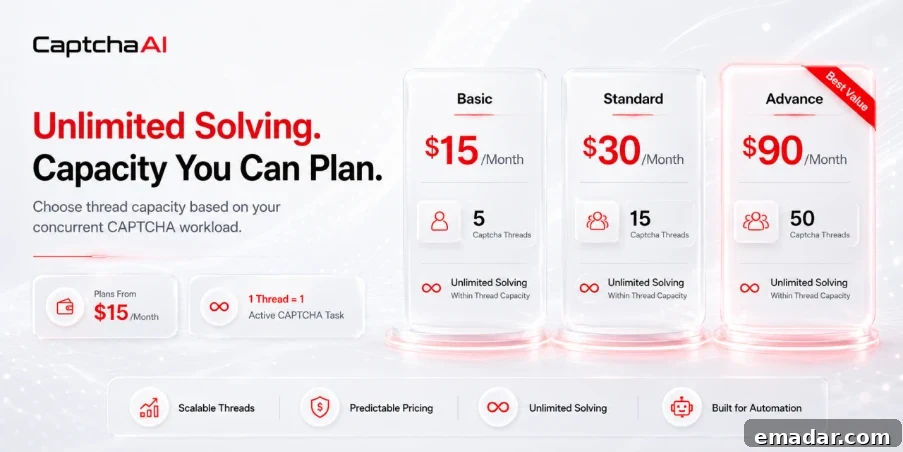
CaptchaAI uses thread-based subscriptions instead of charging per solved CAPTCHA. A Captcha Thread processes one active task at a time; when that task finishes, the thread becomes available for the next job. Plans include unlimited solves within the chosen thread capacity, with no daily limits.
Entry-level pricing examples:
- Basic: $15/month — 5 Captcha Threads
- Standard: $30/month — 15 Captcha Threads
- Advanced: $90/month — 50 Captcha Threads
Higher-tier plans offer 100, 150, 200, or up to 5,000 concurrent threads for large-scale workloads. Unlimited solving refers to the total number of tasks the subscription can process; the thread count governs how many tasks can run simultaneously. For automation teams, this makes capacity planning simpler: pick a plan based on peak concurrency rather than trying to estimate total monthly CAPTCHA volume.
Test the Full Workflow Before Committing
New users can start with a three-day free trial that includes five concurrent threads and unlimited solving within that capacity. The trial is designed to validate CAPTCHA coverage, proxy compatibility, session handling, integration behavior, and peak concurrency under real conditions before selecting a paid plan.
Successful automation requires each component to perform its role reliably:
The proxy maintains the network connection.
The automation platform executes tasks and browser actions.
CaptchaAI handles supported CAPTCHA challenges and returns results to the workflow.
Start with CaptchaAI
Free three-day trial: https://captchaai.com/trial
Join the CaptchaAI Community
Telegram:
https://t.me/+C1iW_dYUsC41NjM8
Discord:
https://discord.gg/HKSDdkGqSK
Use this workflow only within environments you own, manage on behalf of a client, or where you have explicit contractual authorization.