Why Emadar
5 Best Unblocked Browsers for Privacy and Flexible Access
You click a link, wait for the page to load, and get a “website blocked” message instead. Or you’re traveling and discover that content you usually watch is…

You click a link, wait for the page to load, and get a “website blocked” message instead. Or you’re traveling and discover that content you usually watch is no longer available. If either sounds familiar, you may have started looking for an unblocked browser.
But which option fits your needs? This guide compares five browsers, breaks down their features, pros, and cons, and shows how IPFLY proxies can add more control over your browsing location and exit IP.
What Is an Unblocked Browser?
An unblocked browser is a general term for a browser that uses a built-in network or an external proxy to help access restricted websites. It is not a standardized browser category, so the connection method varies between products.
For example, Tor Browser sends traffic through the Tor network, while a proxy-compatible browser connects through a server configured by the user. In the latter case, the proxy forwards requests to the website, which sees the proxy’s IP address instead of the user’s original IP address.
These connection methods are separate from privacy features such as tracker blocking, cookie clearing, and incognito mode. While a browser may offer both, privacy features alone do not change its IP address or remove network restrictions. Access still depends on how the website is blocked and how the browser connects to it.
Why Use an Unblocked Browser?
An unblocked browser can help improve access to restricted content and reduce certain privacy risks. Here are three common reasons to use one.
Improve Access to Geo-Restricted Content
Websites and streaming platforms may use your IP location to determine which content is available. A proxy-compatible browser lets you connect through an IP address in another region, which may improve access to location-restricted pages and media. This can be useful when traveling and trying to access familiar content from home.
Access Research Resources on Restricted Networks
School, workplace, and public networks sometimes apply broad filters that also affect educational videos, news outlets, and discussion forums. A browser configured with an alternative connection route may help reduce these access barriers, making useful resources easier to reach for research and learning.
Reduce Online Tracking and IP Exposure
Reading sensitive news, researching personal topics, or joining online discussions can expose information about your browsing activity. Features such as tracker blocking, fingerprinting protection, and cookie clearing help reduce cross-site tracking. Connecting through Tor or an external proxy can also reduce the risk of exposing your original IP address to websites.
5 Best Unblocked Browser Options: Features, Pros and Cons
These five unblocked browsers offer different approaches to privacy and connection management. Tor Browser uses its own network, while other options can work with external proxies through browser or system settings.
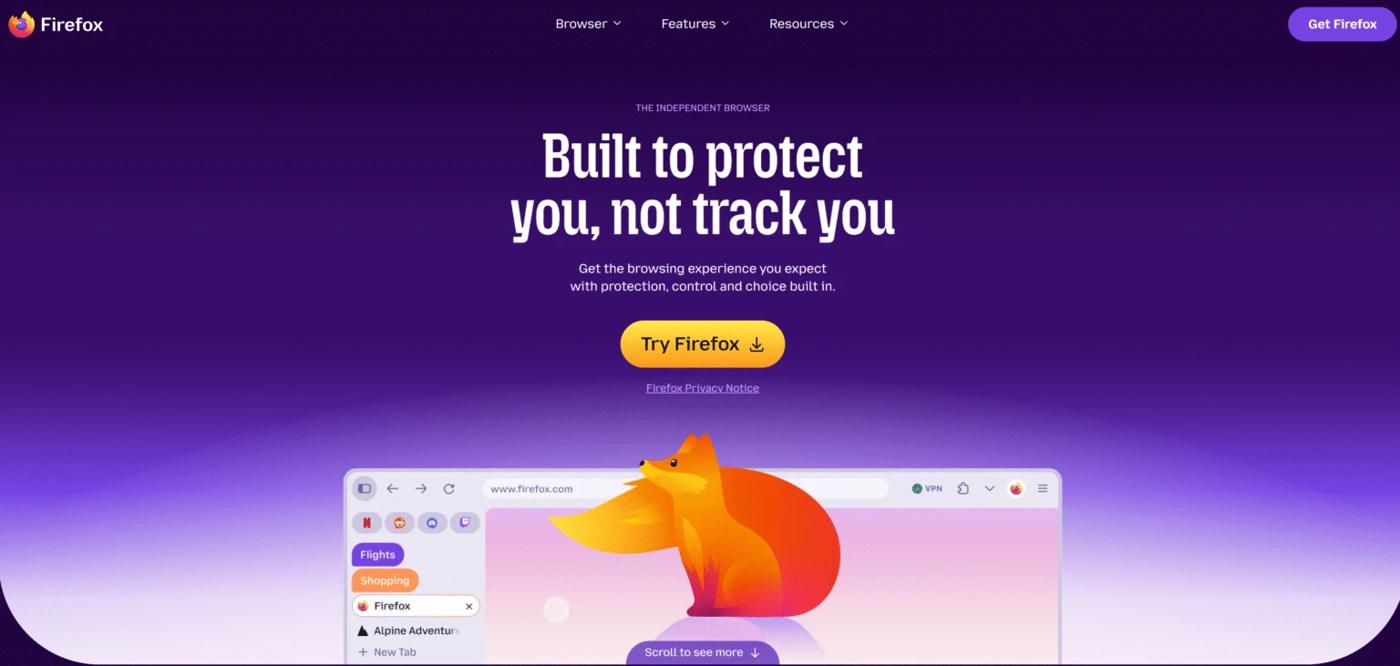
Firefox
Firefox is a practical choice for users who want direct control over their proxy connection. Its desktop connection settings let you configure a proxy within the browser, making it useful for selecting a specific exit IP without changing the connection used by every application.
Features
- Manual desktop proxy settings, including HTTP and SOCKS options.
- Support for automatic proxy configuration URLs.
- Options to exclude selected addresses from the proxy connection.
Pros
- Convenient for connecting to an external proxy service such as IPFLY.
- Offers control over which proxy configuration the browser uses.
- Supports both manual and automatic configuration workflows.
Cons
- Requires proxy details and initial setup.
- Proxy authentication and connection settings may require troubleshooting.
- The desktop configuration process does not apply equally to mobile versions.
Best for: Users who want flexible proxy configuration for regional browsing, research, or ongoing sessions.
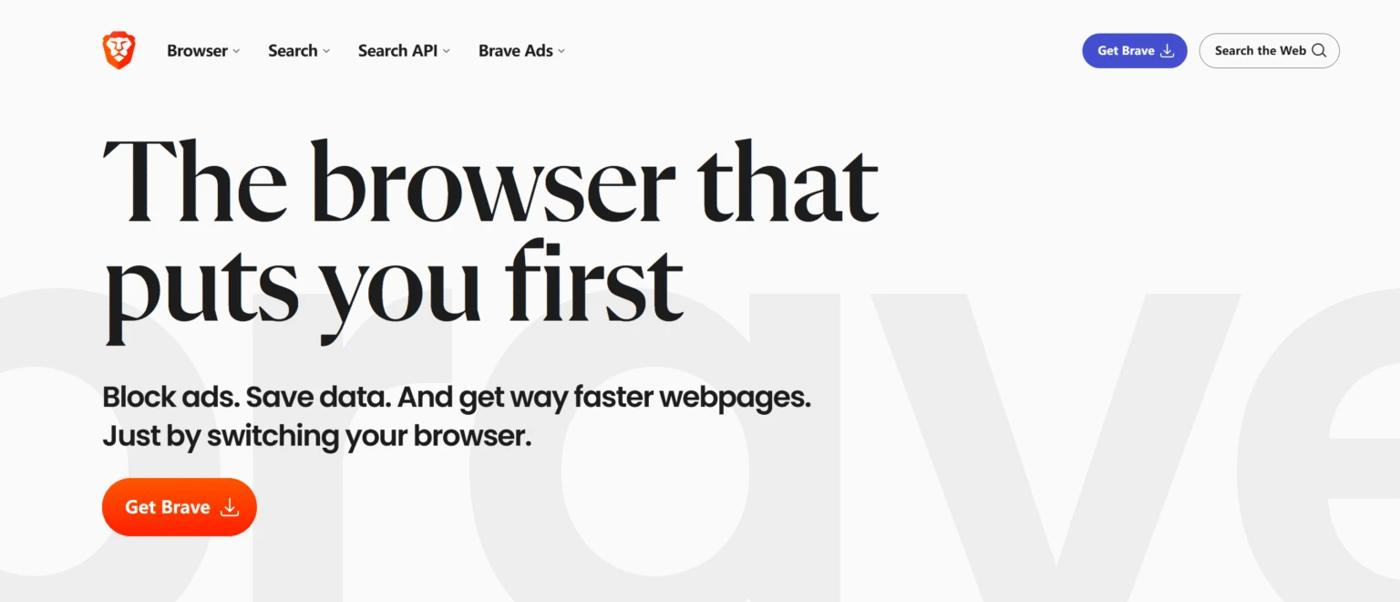
Brave
Brave focuses on reducing tracking during everyday browsing. Its built-in Shields protections address ads, trackers, and fingerprinting, making it useful for users who want privacy features integrated into their main browser.
Features
- Built-in ad and tracker blocking through Brave Shields.
- Fingerprinting protections that modify certain browser signals.
- Desktop private windows with Tor connectivity.
Pros
- Combines several privacy protections in one browser.
- Provides site-specific controls for adjusting Shields.
- Offers a familiar experience for users of Chromium-based browsers.
Cons
- Regular browsing mode requires an additional connection setup to change the exit IP.
- Some websites may need adjustments to Shields settings.
- Tor private windows provide fewer privacy protections than Tor Browser.
Best for: Users who prioritize everyday tracking protection and want to add a proxy connection when needed.
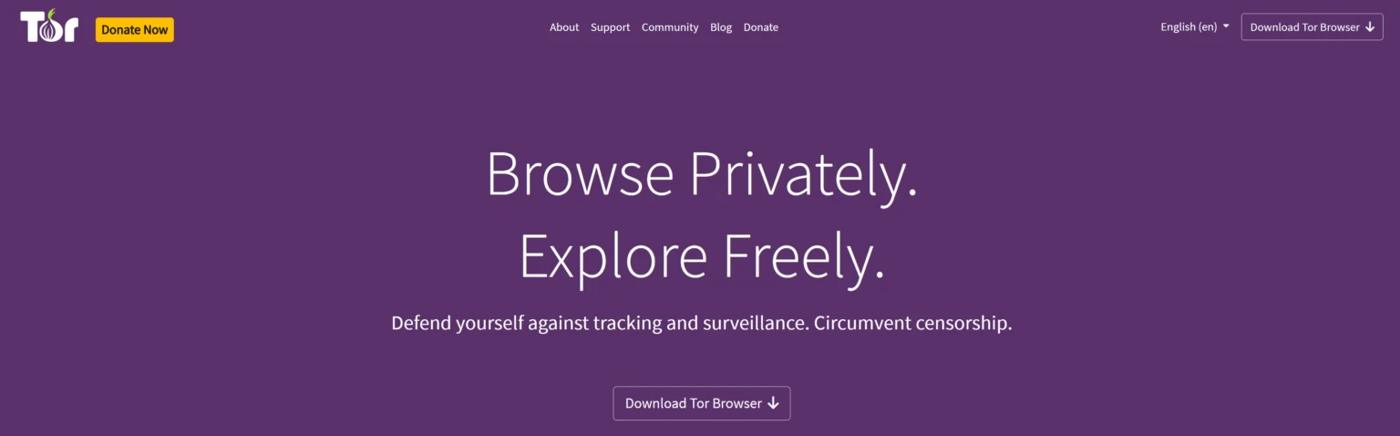
Tor Browser
Tor Browser routes browsing traffic through the Tor network rather than connecting directly to websites. It combines this connection method with browser protections designed to make individual users harder to distinguish.
Features
- Multi-hop routing through the Tor network.
- Anti-fingerprinting protections designed to make users appear more alike.
- Bridge support for situations where direct Tor connections are restricted.
Pros
- Reduces direct exposure of the user’s original IP address to websites.
- Integrates privacy protections with its network connection.
- Provides alternative connection tools for restrictive networks.
Cons
- Network routing can affect page-loading performance.
- Some websites may introduce additional checks or compatibility issues.
- Less suited to workflows requiring a consistent exit IP in a specific region.
Best for: Users who place greater importance on browsing anonymity and access to information than on fixed-location connections.
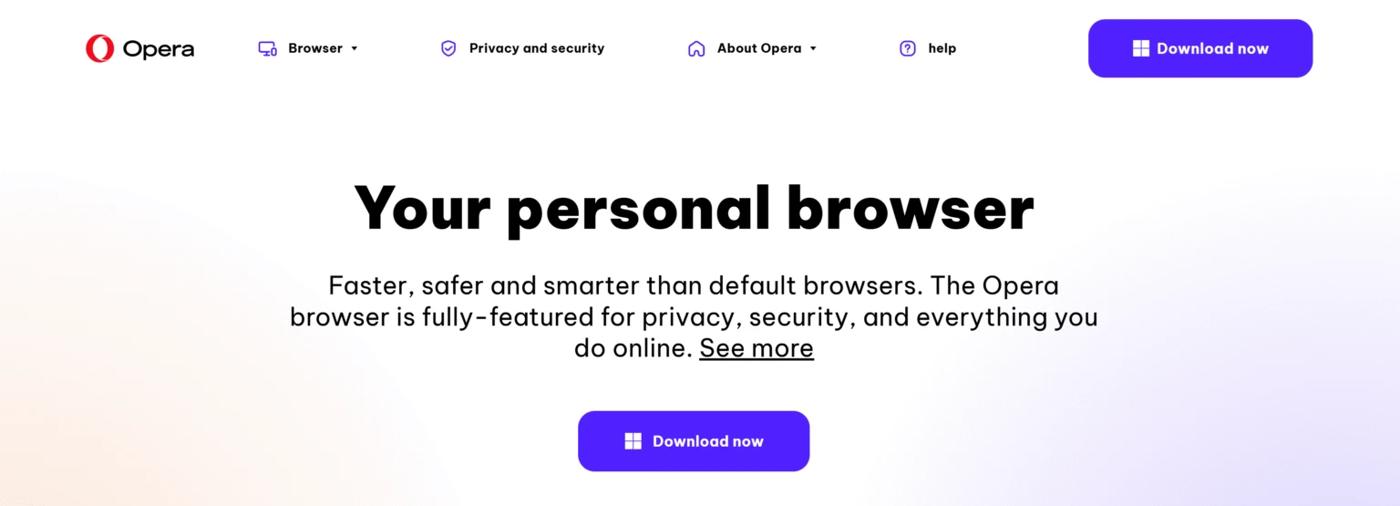
Opera
Opera combines everyday browsing tools with built-in ad and tracker blocking. Its tab organization features can also help users keep research pages, reference materials, and other browsing tasks together.
Features
- Built-in ad blocker and tracker blocker.
- Site-specific exceptions for blocking settings.
- Tab Islands for organizing related tabs into groups.
Pros
- Integrates browsing organization and tracking controls.
- Makes it easier to manage multiple groups of research tabs.
- Lets users adjust blocking settings for individual websites.
Cons
- Ad and tracker blocking alone do not change the exit IP.
- External proxy configuration depends on the operating system and setup.
- Users seeking direct browser-level proxy controls may prefer Firefox.
Best for: Users who want organized everyday browsing with integrated tracking controls and occasional external proxy use.
DuckDuckGo Browser
DuckDuckGo Browser emphasizes straightforward privacy controls. It combines tracking protections with a Fire Button that makes it easy to clear browsing data stored on the device.
Features
- Third-party tracker loading protection.
- Protections against certain cookie and link-based tracking methods.
- A Fire Button for clearing selected browsing data.
Pros
- Makes common privacy tasks easy to manage.
- Integrates tracking protection without requiring separate extensions.
- Offers a convenient way to clear local browsing data after a session.
Cons
- Tracking protection and data clearing do not change the exit IP.
- External proxy compatibility and configuration need checking for the chosen platform.
- Clearing session data can interrupt workflows that rely on persistent logins.
Best for: Users who want simple tracking protection and convenient browsing-data cleanup.
How to Choose the Right Unblocked Browser
The right unblocked browser should fit how you browse, the connection controls you need, and your budget. Use the following criteria to compare your options.
Connection Method
Start by checking how the browser connects to websites. A browser that routes traffic through a dedicated network offers a different experience from one that requires an external proxy. An integrated connection may simplify setup, while external proxy settings give you more control over the service and exit IP you use.
Proxy Compatibility
If you plan to use a proxy, check whether your browser supports the required protocol, such as HTTP or SOCKS5, and your provider’s authentication method. Also consider whether the proxy applies only to the browser or uses system settings that may affect other applications. This helps you choose a setup that fits your device and workflow.
Location Control
For regional browsing, look at how much control you have over the exit location. Country-level selection may be enough to view localized pages, while more specific research may require state or city targeting. Choose a browser and connection setup that lets you select locations at the level your task requires.
Session Consistency
Consider whether you need a temporary connection or the same exit IP across repeated visits. A static IP can support ongoing browsing and repeated testing, while a sticky session can keep a rotating proxy’s IP consistent for a limited period. If keeping logins matters, also check how the browser handles cookies and session data.
Privacy and Usability
Look for tracking protection, fingerprinting protection, and clear controls for stored browsing data. Site-specific settings are useful when privacy protections interfere with sign-in forms, embedded media, or interactive tools. They let you adjust one website’s settings while keeping your preferred protections elsewhere.
Total Cost
Compare the full cost of your setup, including proxy subscriptions, traffic allowances, and configuration time. For occasional browsing, a small traffic package may be sufficient. For frequent use, consider expected data consumption—especially for video and media—alongside the cost of maintaining a consistent exit IP.
Pair Unblocked Browsers With Emadar for Flexible, Consistent Browsing
Your browser handles page interactions and built-in privacy controls, while IPFLY provides the proxy connection and exit IP. Together, they give you more control over where your browsing traffic comes from and how consistently you connect.
Choose Regional IPs for Localized Browsing
IPFLY’s residential proxies let you select regional IPs for checking local search results, viewing regional content, and researching overseas markets. Use rotating IPs when checking across multiple connections, or sticky sessions when you need to keep the same exit IP during a browsing task.
Maintain a Consistent IP for Ongoing Sessions
For repeated visits and longer browsing workflows, IPFLY’s static ISP proxies provide a dedicated, non-rotating exit IP. Unlike a temporary sticky session, a static IP is designed for continued use across sessions, helping reduce connection inconsistencies caused by frequent IP changes.
Match Proxy Options to Performance and Budget
Choose your proxy type around the websites you use, your browsing frequency, and expected traffic consumption. For compatible websites, IPFLY’s datacenter proxies offer a cost-effective option with dedicated IPs and unlimited bandwidth—useful for frequent browsing and repeat testing. For occasional use, compare the traffic allowance and total cost of a residential plan.
Integrate Through Supported Proxy Settings
IPFLY supports HTTP(S) and SOCKS5 connections, giving you options for compatible browser configurations. Pairing a proxy connection with browser privacy controls addresses both exit IP management and tracking protection: the proxy reduces direct exposure of your original IP, while the browser manages cookies, trackers, and fingerprinting protections.
Choose an IPFLY proxy plan that fits your preferred locations, session needs, and browsing budget.
Conclusion
Choosing an unblocked browser comes down to privacy features, proxy compatibility, location control, and session needs. For more flexible exit IP options, pair a compatible browser with IPFLY’s residential proxies, static ISP proxies, or datacenter proxies to match your browsing workflow.
Click to get High-Quality IP Global ProxiesFAQs About Unblocked Browsers
What Is an Unblocked Browser?
An unblocked browser is a general term for a browser that uses a dedicated network or an external proxy to help access restricted websites.
Can an Unblocked Browser Access Every Website?
No. Access depends on the restriction, connection method, and website’s own access controls.
Does Incognito Mode Unblock Websites?
No. Incognito mode limits the browsing data saved on your device; it does not change your IP address or bypass network filters.
Do I Need a Proxy With an Unblocked Browser?
It depends on how the browser connects. A browser using a dedicated network such as Tor already routes traffic indirectly, while a conventional browser may need an external proxy to change its exit IP.
Which Browser Works Best With Proxy Settings?
Firefox is a practical option for desktop users because it offers built-in manual HTTP and SOCKS proxy settings, allowing you to configure a connection within the browser.