Comparison
Best Twitch Proxies for 2027: Comparison, Setup and Fixes
Looking for a Twitch proxy to watch streams, check regional content, or manage your channel through a consistent connection? Choosing a service means…

Looking for a Twitch proxy to watch streams, check regional content, or manage your channel through a consistent connection? Choosing a service means comparing more than prices—you also need to consider session stability, location options, and bandwidth costs.
This guide compares proxy providers for 2027, explains how to choose and configure a proxy for Twitch, and covers common connection problems. Start with the comparison table below for a quick overview of the available services and pricing.
Twitch Proxy Comparison at a Glance
Before diving into Twitch proxies, here’s a quick comparison of seven providers, their services, pricing, and key advantages to help you narrow down your options.
| Provider | Services | Pricing | Advantages |
| IPFLY | Residential, ISP, datacenter | Residential from $0.80/GB; ISP from $2.25/IP; datacenter from $4.50/IP | Regional targeting, rotating and sticky sessions, dedicated static ISP options |
| IPRoyal | Residential, ISP, datacenter, mobile | Residential: approximately $7–$7.35 for 1GB, depending on billing | Non-expiring residential traffic, flexible session controls, dashboard and API management |
| Bright Data | Residential, ISP, datacenter, mobile | Residential: $8/GB PAYG; reviewed promotion $4/GB | Granular geographic targeting, multiple network types, proxy management tools |
| Decodo | Residential, ISP, datacenter, mobile | Residential: $4/GB PAYG or $11.25/month for 3GB, before VAT | Detailed targeting included, rotating and sticky sessions, PAYG and subscription options |
| Oxylabs | Residential, ISP, datacenter, mobile | Residential: $8/GB PAYG | Flexible rotation, geographic targeting, multiple authentication and management options |
| Webshare | Rotating residential, static residential/ISP, datacenter | Rotating residential: $3.50/month for 1GB | Separate static and rotating products, self-service purchasing, residential geographic targeting |
| DataImpulse | Residential, mobile, datacenter, premium residential | Residential: $1/GB; one-time new-customer package $5 for 5GB | Non-expiring residential traffic, no monthly subscription requirement, API access |
Why Use a Proxy for Twitch?
A Twitch proxy gives viewers and channel teams more control over how they connect to the platform. Common reasons to use one include testing another network route, checking regional viewing experiences, and maintaining a consistent exit IP for account operations.

Test a Different Route When Twitch Won’t Load
A blank page or a stream that never starts can interrupt your viewing experience. When the issue is tied to your current network path, a proxy for Twitch provides an alternative route to the platform.
Opening the same stream through a different exit IP lets you compare connection behavior. This is useful when Twitch works on one network but struggles on another, helping you investigate whether the problem is related to your usual connection.
Check Twitch Content and Ads Across Regions
Channel operators and marketing teams may need to understand how Twitch appears to viewers in different countries. A Twitch proxy with an exit IP in a target location supports checks of content availability, page behavior, and regional advertising.
For example, a team reviewing an international campaign can compare the viewing experience across markets. Connecting through regional exits adds a local network perspective to campaign reviews and channel testing.
Keep a Consistent Exit IP for Account and Channel Management
Streamers, moderators, and agencies often return to Twitch throughout the day to update channel details, review performance, and handle moderation tasks. A consistent exit IP provides continuity across these recurring activities.
For teams working across locations or changing networks, proxies for Twitch can provide a designated connection point for account and channel operations. This makes the network environment more predictable and gives teams a consistent setup for their daily work.
How to Choose the Right Twitch Proxy
Choosing a Twitch proxy starts with three practical questions: Do you need the same IP over time? Will your browser or application support the connection? How much will your usage cost? These questions help you compare services beyond their advertised starting prices.
Compare Static ISP, Residential, and Datacenter Proxies
Proxy providers commonly offer three product types. The main differences are where the IP addresses come from, how long you can keep them, and how the service is billed.
| Proxy type | What it offers | What to check before buying |
| Static ISP proxies | ISP-registered IP addresses that remain assigned for an agreed period | Available locations, whether the IP is exclusive to you, and traffic limits |
| Residential proxies | Connections through household internet IPs, usually with location selection and rotating or sticky sessions | Session duration, availability in your target region, and cost per GB |
| Datacenter proxies | IP addresses hosted on server infrastructure, often with bandwidth-focused plans | Twitch compatibility, shared or dedicated IPs, and plan restrictions |
For recurring channel operations, a static ISP proxy provides a fixed exit address. For checking Twitch across different locations, residential proxies offer access to a pool of regional IPs. Datacenter proxies are another option to evaluate when bandwidth and cost are priorities, with a connection test helping you assess their suitability.
Check Session Stability and Client Compatibility
A session is a period of connected activity, such as watching a stream or working in your channel dashboard. Proxy services handle IP addresses in three common ways:
- Static IP: You keep an assigned address for the duration of your rental.
- Sticky session: The provider attempts to keep the same address for a specified period.
- Per-request rotation: The exit IP can change with each new request.
For continuous viewing or account operations, focus on keeping the connection consistent throughout the task. If you choose a sticky session, check its maximum duration and what happens when it expires.
Next, confirm that your browser or application supports the proxy’s connection method. HTTP(S) and SOCKS5 are common proxy protocols—the methods your software uses to communicate with the proxy server. Choose a protocol supported by both the provider and your client.
Also check how you sign in to the proxy. Some services use a username and password; others use IP whitelisting, which authorizes connections from your current public IP. Finally, confirm which traffic the configuration covers: a browser proxy setting may apply only to browser activity.
Evaluate Bandwidth Costs and Purchase Terms
When comparing proxies for Twitch, estimate the cost of your actual usage. Video transfers far more data than browsing pages, and higher picture quality generally uses more traffic.
Two common billing models are:
- Per GB: You pay for the amount of data passing through the proxy. This makes usage tracking important, especially during long viewing sessions.
- Per IP per month: You pay to rent a set number of addresses. Check the included traffic, speed limits, and any fair-use conditions.
For a rough estimate, a stream averaging 4 Mbps uses about 1.8 GB per hour, before additional traffic and overhead. Multiply your expected usage by the per-GB rate to estimate viewing costs.
Before purchasing, check the minimum order, unused traffic expiry, renewal settings, and trial or refund conditions. Confirm that your target location is available, then use a small test to check playback, chat, and connection stability before committing to a larger plan.
Best Proxies for Twitch: Services, Pricing, and Trade-Offs
When comparing Twitch proxy providers, consider their product range, purchase requirements, and session features. Below is an overview of seven providers for 2027, including their pricing and practical trade-offs.
Emadar
IPFLY is a proxy service provider offering residential, ISP, and datacenter networks for regional access, account operations, and data-related workflows.
- Services: Rotating residential proxies, dedicated static ISP proxies, and datacenter proxies.
- Pricing: Residential proxies from $0.80/GB, ISP proxies from $2.25/IP, and datacenter proxies from $4.50/IP.
- Advantages: Multiple proxy types within one platform; residential location targeting and sticky sessions; dedicated static ISP options for a consistent exit IP.
- Limitations: Pricing and available locations differ by product. Residential usage is traffic-based, so extended video viewing requires a separate bandwidth budget.
IPRoyal
IPRoyal provides several proxy networks alongside a self-service dashboard, API access, and browser proxy management tools.
- Services: Residential, ISP, datacenter, and mobile proxies.
- Pricing: Residential 1GB options are listed at approximately $7–$7.35, depending on billing selection. The advertised $1.75/GB rate requires 10TB.
- Advantages: Non-expiring residential traffic, rotating and sticky sessions, HTTP(S)/SOCKS5 support, and flexible connection management.
- Limitations: Small purchases have a higher per-GB cost than bulk packages. Residential sticky sessions remain distinct from permanently assigned static IPs.
Bright Data
Bright Data operates proxy networks and offers additional tools for proxy management, web data collection, and scraping.
- Services: Residential, ISP, datacenter, and mobile proxies, alongside separate data products.
- Pricing: Residential pay-as-you-go lists $8/GB as the standard rate; the reviewed page displays $4/GB with a promotional code.
- Advantages: Detailed geographic targeting, multiple network types, and proxy management tools.
- Limitations: Product and billing options require closer review. Proxy access, scraping tools, and other data services have separate purchasing conditions; promotional rates also depend on the offer’s terms.
Decodo
Decodo, formerly Smartproxy, provides proxy networks and web data tools with both self-service and larger-volume purchasing options.
- Services: Residential, ISP, datacenter, and mobile proxies.
- Pricing: Residential pay-as-you-go costs $4/GB. Monthly subscriptions begin at $11.25 for 3GB, before VAT.
- Advantages: Rotating and sticky sessions, HTTP(S)/SOCKS5 support, and detailed location targeting included in residential plans.
- Limitations: Lower unit prices require larger purchases. The advertised $2/GB rate applies to the 1TB tier, rather than the entry package.
Oxylabs
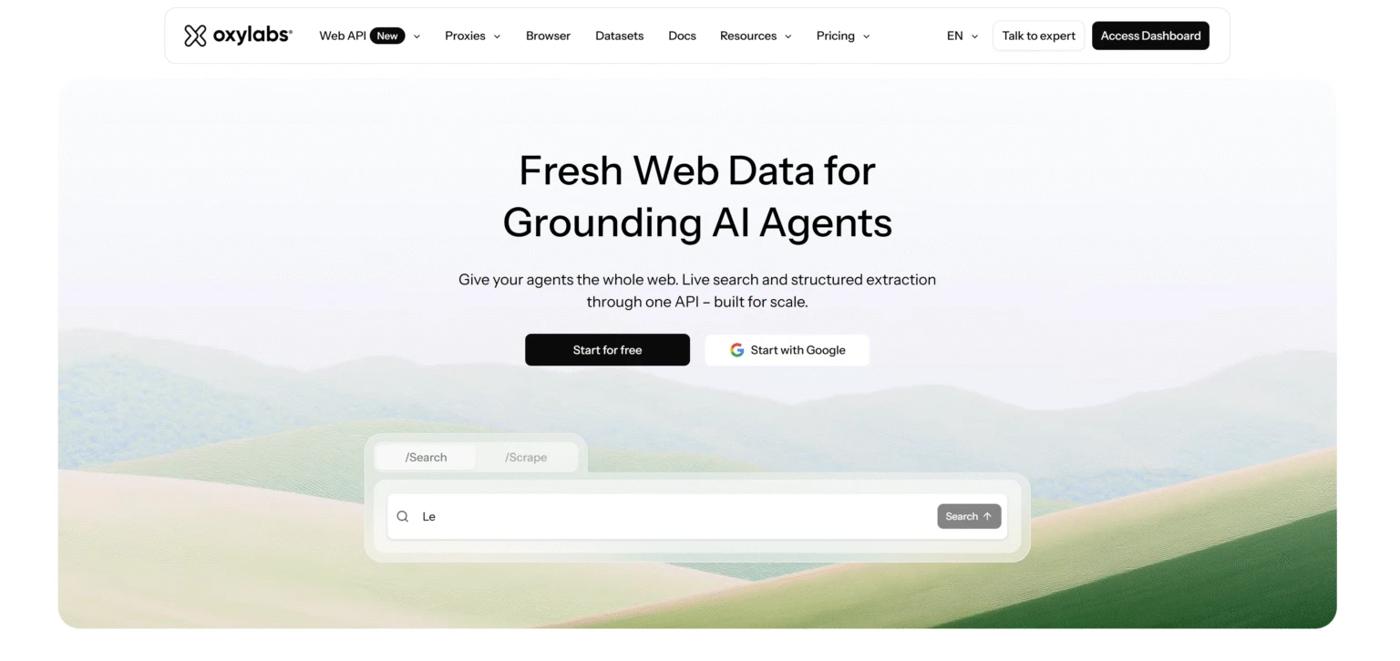
Oxylabs provides proxy infrastructure and web intelligence products, with configuration and management features for business workflows.
- Services: Residential, ISP, mobile, and datacenter proxies.
- Pricing: Published residential pay-as-you-go pricing is $8/GB.
- Advantages: Geographic targeting, flexible rotation, sticky sessions, and multiple authentication options.
- Limitations: Traffic costs increase with video consumption. Residential sticky sessions have a duration limit, and package allowances for proxy users and whitelisted IPs also need to be checked.
Webshare
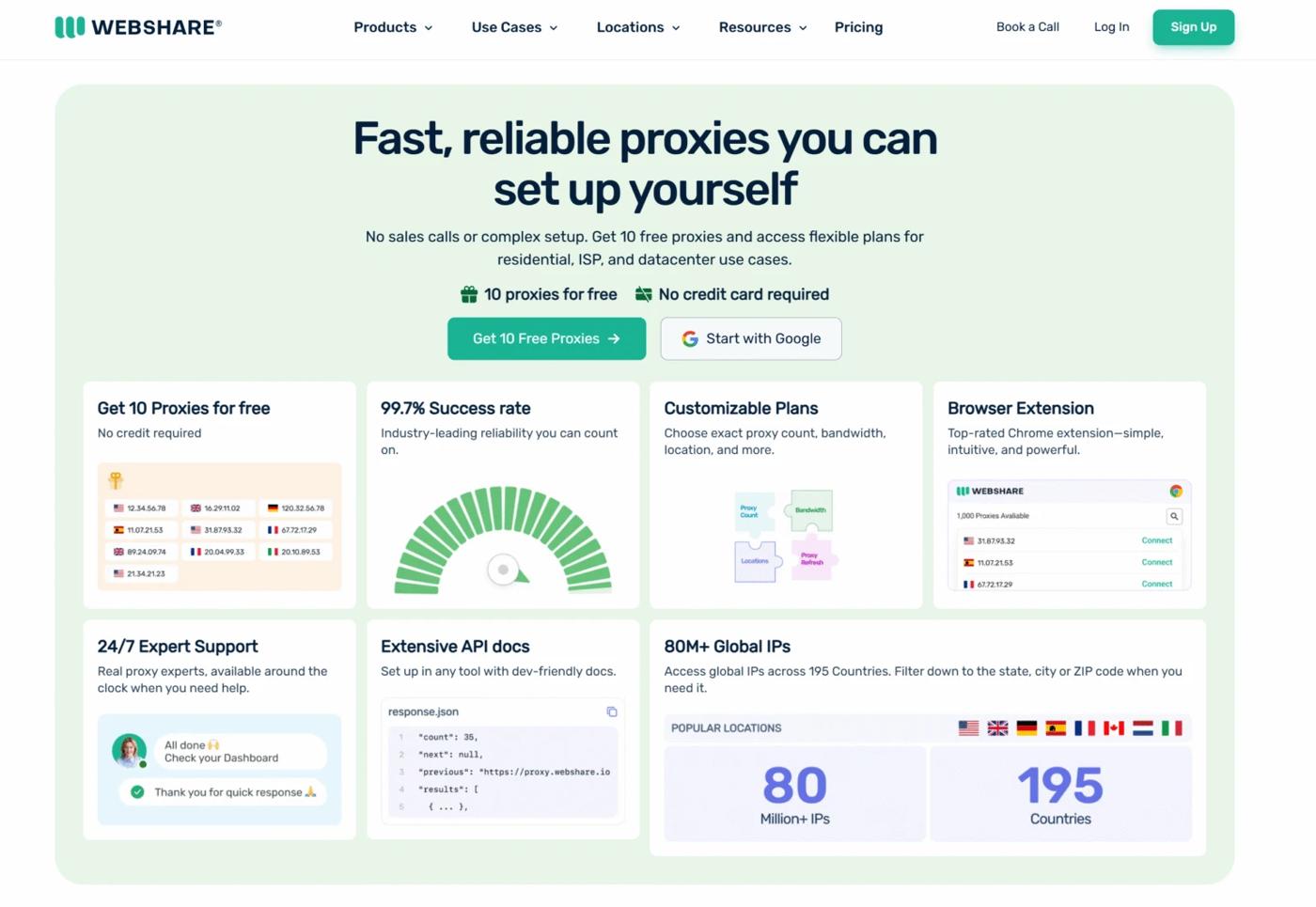
Webshare provides self-service proxy products, separating fixed-address services from rotating residential traffic.
- Services: Datacenter proxies, static residential/ISP proxies, and rotating residential proxies.
- Pricing: Rotating residential subscriptions start at $3.50/month for 1GB. The advertised $1.40/GB rate applies at 3,000GB.
- Advantages: Clearly separated product lines, HTTP/SOCKS5 support, and geographic targeting for rotating residential connections.
- Limitations: Traffic allowances and purchasing conditions vary between products. The lowest advertised residential unit price requires a substantially larger monthly package.
DataImpulse
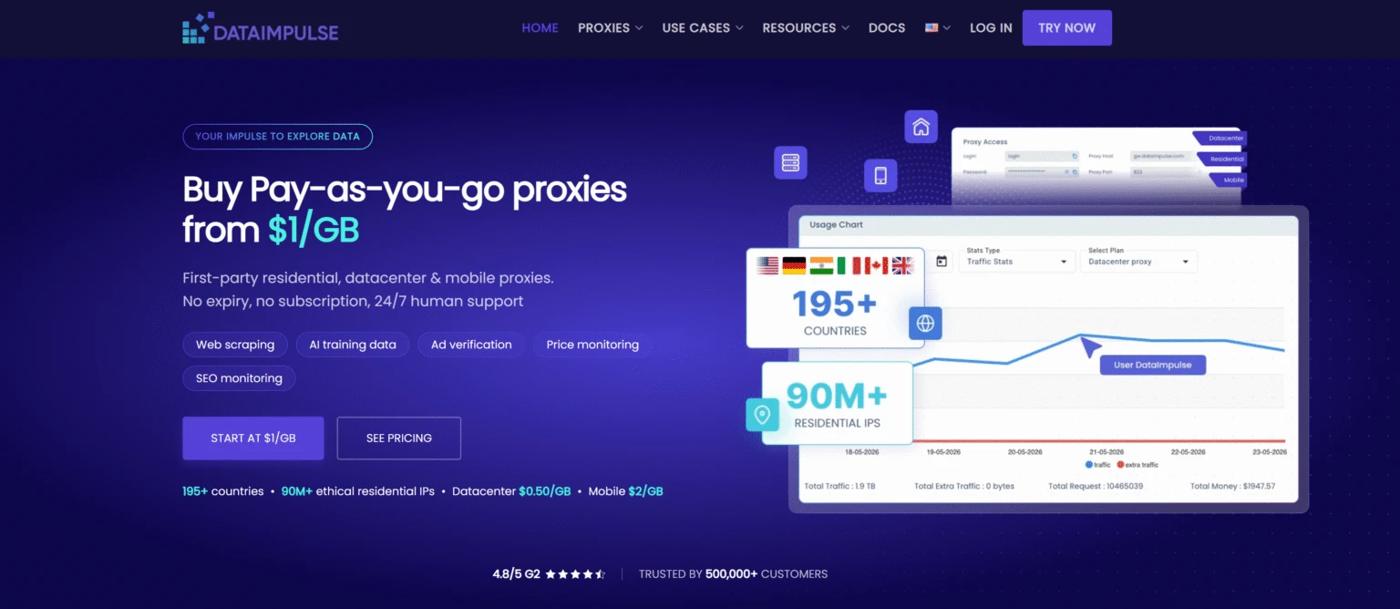
DataImpulse offers traffic-based proxy services with a pay-as-you-go purchasing model and non-expiring residential traffic.
- Services: Residential, mobile, datacenter, and premium residential proxies.
- Pricing: Standard residential traffic is $1/GB. New customers can purchase a one-time $5 package containing 5GB; the regular Basic package is $50 for 50GB.
- Advantages: Unused traffic does not expire; residential plans include rotating and sticky sessions, HTTP(S)/SOCKS5 support, and API access.
- Limitations: The introductory purchase is a one-time offer. Continuous Twitch viewing consumes the purchased traffic balance, making total viewing time an important cost factor.
How to Set Up a Twitch Proxy
Setting up a Twitch proxy involves getting your connection details, adding them to your browser or proxy tool, and checking that Twitch works through the configured connection.
Step 1 — Get Your Proxy Connection Details
Choose a static ISP proxy if you need a fixed exit IP, or a residential proxy if you need flexible location options. Your provider’s dashboard should supply these connection details:
- Server address: The proxy’s hostname or IP address.
- Port: The number used to connect to the proxy server.
- Protocol: HTTP(S) or SOCKS5, depending on your client’s support.
- Authentication: A username and password, or IP whitelisting that authorizes your current public IP.
For residential proxies, select your target country and session settings before generating the connection details. A sticky session keeps the same exit IP for a specified period, helping maintain continuity while watching a stream or managing your channel.
Step 2 — Configure a Compatible Browser or Client
For browser-based Twitch access, open your proxy management tool and create a new profile. Select the protocol, enter the server address and port, and add your credentials if required. Save and activate the profile before opening Twitch.
If your provider uses IP whitelisting, add your current public IP to its dashboard before connecting.
Check the tool’s routing settings to understand which traffic uses the proxy. A browser extension may cover only that browser, while a system setting or application-routing tool can have a wider scope. OBS and other applications need their own supported configuration if you want their traffic routed through the proxy.
Step 3 — Verify Your Connection on Twitch
First, open an IP-checking website in the configured browser. Confirm that the displayed public IP matches the proxy exit and that its reported location is consistent with your selection.
Next, open Twitch and check the following:
- Page loading: Channel pages and dashboard sections open correctly.
- Video playback: A live stream starts and continues playing.
- Chat: Messages load and the connection stays active.
- Session continuity: The exit IP remains consistent during a static or sticky session.
Let a stream play for several minutes at your usual quality setting. Once playback, chat, and the proxy connection remain stable, the setup is ready for use.
Twitch Proxy Not Working? Common Problems and Fixes
If your Twitch proxy stops working, start with the symptom you can see. Make one change at a time, then test again to identify what helps.
Twitch Does Not Load
Check the proxy address, port, and login credentials, then confirm that your plan is active and has traffic remaining. If you use IP whitelisting, make sure your current public IP is authorized.
Temporarily disable the proxy and reload Twitch. If direct access works, focus on the proxy connection and routing settings. If both connections fail, check your browser, local network, and Twitch’s service status.
Streams Keep Buffering or Disconnecting
Lower the video quality and check whether playback becomes more stable. Compare playback with and without the proxy to identify whether the connection path is contributing to the problem.
Also check whether your sticky session expires or changes its exit IP during playback. Adjust one setting at a time so you can identify the cause.
Login or Verification Problems Appear
Check whether your exit IP or country changed during the session. Keep the connection consistent while completing Twitch’s verification steps.
If the login page loops, try a clean browser profile to check for cookie or extension conflicts. Avoid repeatedly switching IPs and retrying the same login.
Pages Load, but Video or Chat Does Not
Review your proxy tool’s rules and connection logs to check whether video and chat connections follow the intended route. Some configurations may route only part of the browser’s traffic.
Temporarily disable other proxy tools, ad blockers, or browser extensions one at a time, then reload Twitch to check for conflicts.
Match an Emadar Plan to Your Twitch Workflow
The right IPFLY plan depends on whether you need a consistent exit IP for ongoing use or flexible locations for regional testing.
Static ISP Proxies for a Consistent Exit IP
For regular viewing, dashboard access, and channel management, IPFLY’s static ISP proxies provide dedicated IP addresses that stay consistent throughout the rental period. Unlimited traffic makes it easier to budget for longer viewing sessions without calculating each gigabyte consumed.
Before purchasing, confirm availability in your target region and test playback through your preferred browser or client.
Residential Proxies for Regional Testing
For checking content availability and ad experiences across countries, IPFLY’s residential proxies offer location selection and sticky sessions. You can keep one regional exit during a check, then change locations for the next comparison.
HTTP(S) and SOCKS5 support allow configuration with compatible browsers and tools. Since residential plans are traffic-based, estimate usage according to your test duration and video quality.
Create an IPFLY account, click “Free Test” in the upper-right corner of the dashboard, and contact sales to arrange a trial for your target location and workflow.
Click to get High-Quality IP Global ProxiesConclusion
Choosing a Twitch proxy for 2027 comes down to session consistency, location availability, client compatibility, and total usage cost. Compare purchase terms, then test playback and chat before committing to a larger plan. IPFLY offers static ISP and residential options to match ongoing use and regional testing.
FAQs
Can I use a free Twitch proxy?
Free proxies are available, but shared capacity and changing availability can interrupt playback. Check who operates the service and how it handles your traffic before entering account credentials.
Can a Twitch proxy block all ads?
A Twitch proxy does not reliably block all ads. Changing your exit region may affect the advertising you see, but it is not a guaranteed ad-removal method.
Do I need SOCKS5 to use a proxy with Twitch?
Not necessarily. HTTP(S) or SOCKS5 may work depending on your browser, proxy tool, and provider. Choose a protocol supported by your setup.
Will a browser proxy also route my OBS stream?
A browser-only proxy configuration usually covers that browser’s traffic. Routing OBS through a proxy requires a separate configuration that supports its broadcast connections.
Do I need a separate proxy for each Twitch account?
A separate proxy is not automatically required for every account. Teams may assign different exits to organize their workflows, but separate IPs alone do not prevent account association or verification requests.