Comparison
Best Instagram Proxy Providers for 2027: Features and Pricing Compared
Switching between client accounts on Instagram, working while traveling, or checking campaigns in overseas markets? Finding the right proxy starts with…

Switching between client accounts on Instagram, working while traveling, or checking campaigns in overseas markets? Finding the right proxy starts with knowing what your workflow needs—but different IP types, session settings, and prices can make the choice confusing.
This guide helps you evaluate the best Instagram proxies for 2027, compare six providers, and choose a suitable connection for your needs. It also walks you through setting up a proxy for Instagram using IPFLY as an example.
Why Use an Instagram Proxy?
Managing Instagram for clients, researching overseas markets, or working remotely creates different connection needs. An Instagram proxy gives social media teams control over the IP address and network location used for these tasks, making account connections easier to organize and reuse.
Manage Multiple Brand and Client Accounts
Social media managers and agencies often move between multiple Instagram accounts to publish content, answer messages, and review campaign results. Assigning a separate proxy connection to each account’s browser profile helps keep these workflows organized.
For an agency handling multiple clients, a proxy for Instagram makes it easier to maintain a defined connection for each client. Team members can reuse saved configurations instead of switching accounts through whichever network happens to be available.
Review Content and Campaigns Across Markets
International marketers need to check Instagram content from the markets they serve. A local connection can help them investigate regional access issues, review campaign landing pages, and compare what is accessible from different countries.
An Instagram proxy with location selection lets a team perform these checks without traveling to each market. For example, a marketer based in Asia can use a US connection to review an Instagram campaign’s linked shopping experience for that market.
Keep Account Connections Consistent While Working Remotely
Remote teams and traveling social media managers may work from home, coworking spaces, hotels, or mobile networks. Moving between these connections changes the IP address used for account access.
An Instagram proxy provides a reusable exit connection across these working environments. Keeping the same configured IP and location during ongoing account work makes the setup more consistent and gives teams a clear connection reference when troubleshooting access problems.
What Type of Proxy Is Best for Instagram?
Several proxy types can be used with Instagram, each serving different connection needs. Choosing the right Instagram proxy starts with your actual workflow, whether that involves daily account management, regional research, or network testing.
ISP Proxies for Consistent Account Connections
ISP proxies provide ISP-registered IP addresses, with static plans keeping the same exit IP throughout the service period. For social media managers and agencies handling Instagram accounts daily, this provides a reusable connection for publishing posts, answering messages, and reviewing account activity.
A static proxy for Instagram also suits remote teams. Members working from different networks can connect through the same configured exit IP, making it easier to maintain a consistent connection for a brand or client account.
Residential Proxies for Location-Based Research
Residential proxies route traffic through home internet connections. Their location options make them useful for marketers researching overseas markets, checking regional access, or reviewing the shopping pages linked from Instagram campaigns.
An Instagram residential proxy with a sticky session keeps the same exit IP during a multi-step review. Rotating sessions change IPs between requests or at set intervals, serving research tasks that require different network locations. This flexibility suits marketing analysts and teams working across several countries.
Mobile Proxies for Carrier-Network Testing
Mobile proxies use IP addresses from mobile carriers, such as those operating 4G and 5G networks. They suit developers, QA teams, and marketers who need to check Instagram connectivity through a mobile-network exit.
For example, a team investigating loading problems can compare access through residential and carrier-network connections. A mobile Instagram proxy helps reproduce the network side of that test and identify differences associated with the connection route.
Datacenter Proxies for Integration and Connectivity Tests
Datacenter proxies use IP addresses from hosting infrastructure. Their typically lower costs and high throughput make them useful for developers testing proxy connections in browsers or tools used for Instagram work.
An Instagram proxyfrom a datacenter provider can support initial checks of authentication, connection settings, and tool compatibility. This suits technical teams that need to validate a setup before investing in a larger proxy deployment.
ISP vs. Residential vs. Mobile vs. Datacenter Proxies
| Proxy Type | IP Source | Main Instagram Use | Suitable Users |
| ISP | ISP-registered IPs, typically hosted on server infrastructure | Consistent connections for ongoing account work | Social media managers, agencies, remote teams |
| Residential | Home internet networks | Regional research and campaign checks | Marketers, analysts, international teams |
| Mobile | Mobile carrier networks | Carrier-network connectivity testing | Developers, QA teams, marketers |
| Datacenter | Hosting infrastructure | Proxy configuration and integration tests | Developers and technical teams |
6 Instagram Proxy Providers at a Glance
Before exploring each provider in detail, use the table below to compare proxy types, session options, location targeting, and pricing side by side. This gives you a clearer starting point for evaluating an Instagram proxy against your workflow and budget.
| Provider | Proxy Types | Session and IP Options | Location Targeting | Published Pricing | Key Details |
| IPFLY | Residential, ISP, datacenter | Dedicated fixed ISP IPs; rotating and sticky residential sessions | Residential coverage across 190+ countries; country, state, and city selection | Residential from $1/GB; ISP from $2.50/IP | Unlimited bandwidth on ISP plans; HTTP(S) and SOCKS5 support on residential proxies |
| DataImpulse | Residential, mobile, datacenter, premium residential | Rotating sessions; residential sticky sessions advertised up to 120 minutes | Free country targeting; additional charges for state, city, ZIP, and ASN targeting on standard plans | Residential $1/GB; mobile $2/GB; introductory packages from $5 | Non-expiring traffic; API access and sub-user management |
| Proxy-Cheap | Static ISP, rotating residential, static and rotating mobile, datacenter | Dedicated static ISP IPs; separate rotating product lines | Country and ISP targeting on the displayed static ISP plan | Displayed static ISP option: $2.71/month; seven-day trial: $1.99 | Unlimited bandwidth on the displayed ISP plan; browser extensions and usage analytics |
| IPRoyal | Residential, ISP, mobile, datacenter | Static ISP connections; rotating and sticky residential sessions with configurable durations up to seven days | Country, state, and city residential targeting | Residential from $1.75/GB; ISP from $1.80/proxy; mobile from $10.11/day | Browser extensions, proxy testing tools, API access, and team permissions |
| Decodo | Residential, ISP, mobile, datacenter | Static ISP products; rotating and sticky residential sessions | Residential coverage across 195+ locations; advanced targeting included in published plans | Residential PAYG: $4/GB; monthly entry plan: $11.25/3GB before VAT; $2/GB at the listed 1TB tier | Browser extensions, proxy checker, and integration guides |
| Bright Data | Residential, ISP, datacenter | Residential network and separate static ISP products | Country, city, state, ZIP, carrier, and ASN options, depending on the network | Advertised promotional residential rate from $2.50/GB; ISP from $1.30/IP | Residential access requires company verification and KYC; APIs and datasets are separate products |
Prices reflect the published information used in this comparison. Starting rates may depend on purchase volume, service duration, or promotions; per-IP prices do not necessarily cover the same rental period.
6 Best Instagram Proxy Providers Analyzed
The following comparison covers each provider’s published product features, session options, and pricing structure, with a focus on Instagram-related workflows.
Emadar
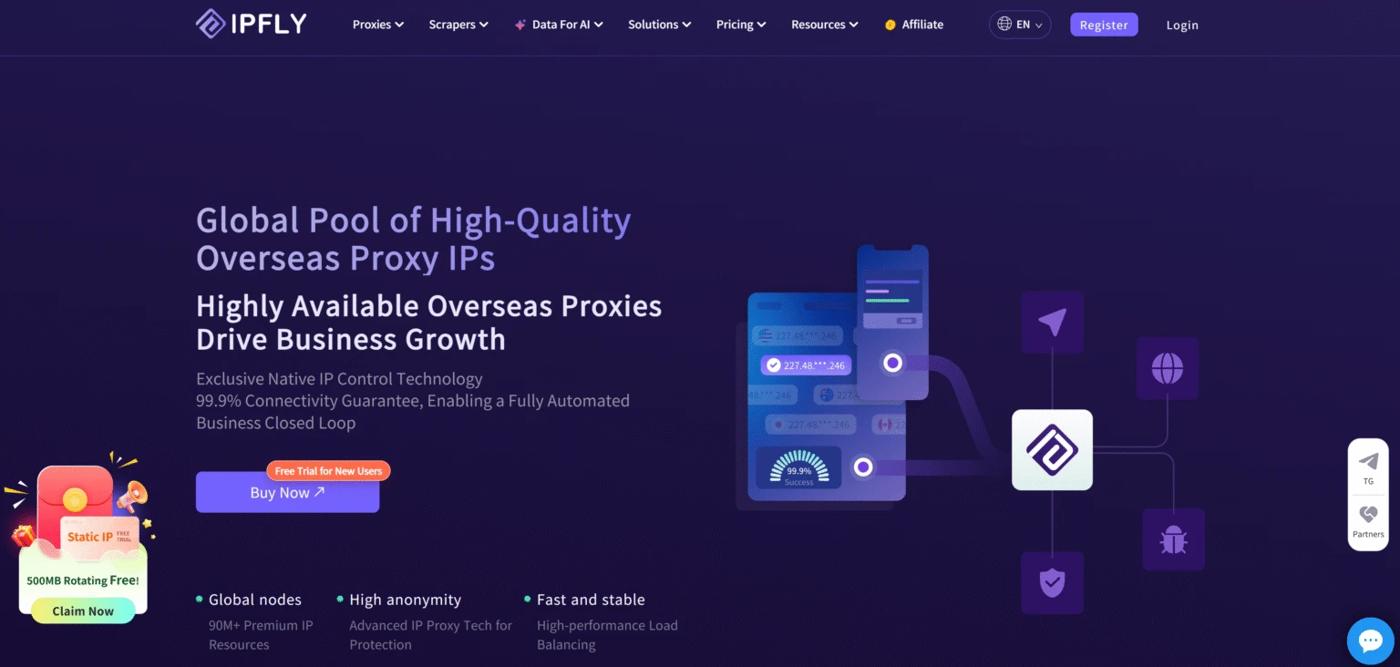
IPFLY offers residential, ISP, and datacenter proxies. For Instagram workflows, the ISP proxies provide dedicated fixed IPs for recurring account tasks, while residential proxies offer location selection and rotating or sticky sessions for regional research.
Key features:
- Dedicated ISPIPs: A fixed address for repeated account connections, with unlimited bandwidth listed on the ISP pricing page.
- Residential session control: Rotating IPs and sticky sessions for different browsing and research tasks.
- Location targeting: Residential coverage across 190+ countries, with country, state, and city selection advertised.
- Protocol compatibility: Residential proxies support HTTP(S) and SOCKS5 for integration with compatible browsers and tools.
Pricing: Published starting rates are $1/GB for residential proxies and $2.50/IP for ISP proxies. The selected package determines the purchase amount and service period.
Product scope: IPFLY’s product range covers residential, ISP, and datacenter connections. ISP location availability and residential session settings should be checked separately.
DataImpulse
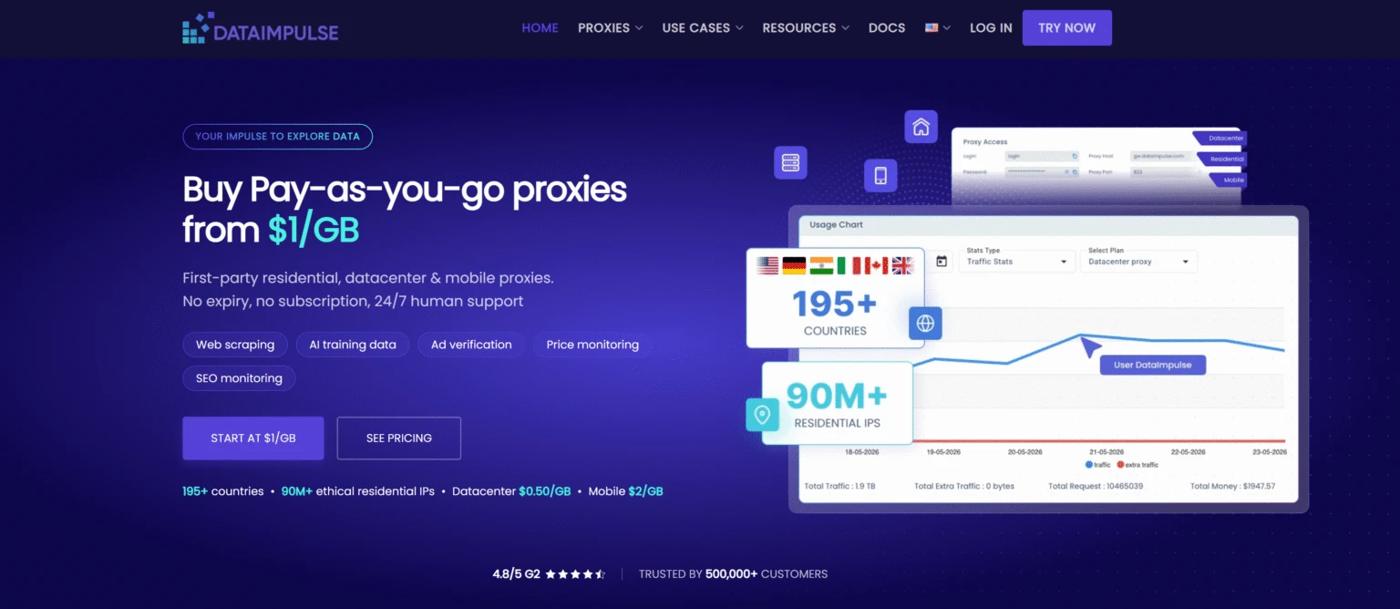
DataImpulse provides residential, mobile, datacenter, and premium residential proxies. Its residential and mobile products use traffic-based billing, with rotating and sticky connections available for browsing and location-based checks.
Key features:
- Session options: Per-request rotation and sticky sessions, with residential sessions advertised up to 120 minutes.
- Geographic targeting: Free country selection; state, city, ZIP code, and ASN targeting carry additional charges on standard plans.
- Connection support: HTTP(S), SOCKS5, API access, and IP-based authorization.
- Usage management: Non-expiring purchased traffic, sub-user management, and integration documentation.
Pricing: Standard residential traffic is listed at $1/GB, with a $5 introductory package containing 5GB. Mobile traffic is listed at $2/GB, with a $5 introductory package containing 2.5GB.
Product scope: Traffic usage determines spending. Advanced targeting costs and sticky-session settings vary by product and configuration.
Proxy-Cheap
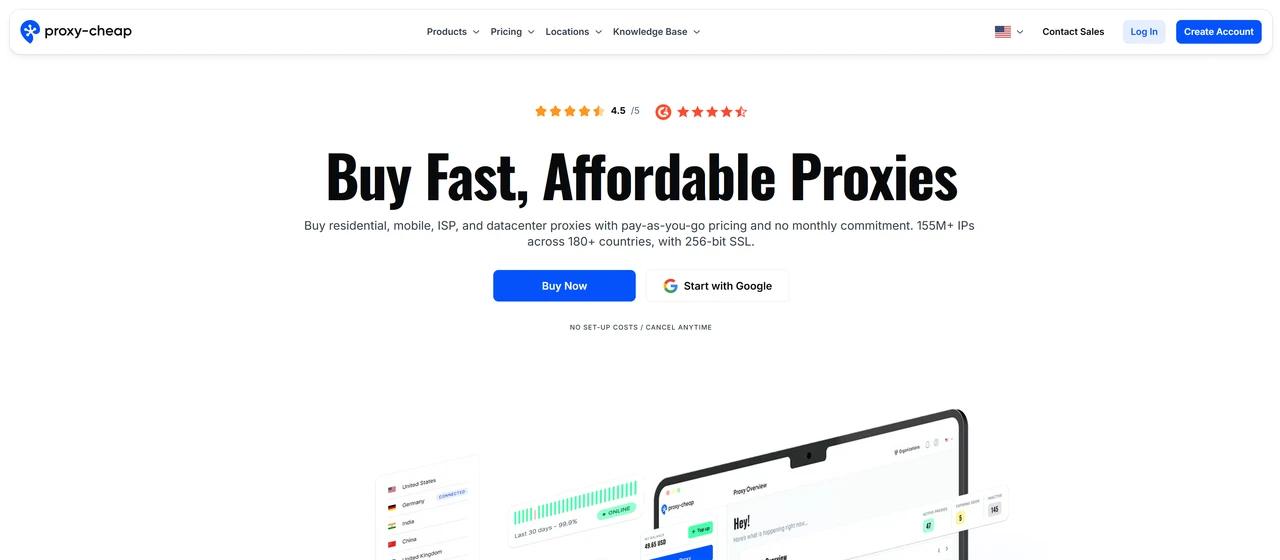
Proxy-Cheap lists static residential ISP, rotating residential, static mobile, rotating mobile, and datacenter products. This separates fixed-address connections from products that change their exit IPs.
Key features:
- Static ISP connections: Dedicated IP addresses, unlimited bandwidth, and country- and ISP-level targeting on the displayed plan.
- Multiple product lines: Separate static and rotating residential or mobile offerings.
- Browser controls: Chrome and Firefox tools for configuring and switching proxy connections.
- Usage analytics: A dashboard for monitoring data consumption, plus cURL examples for connection testing.
Pricing: The homepage displays a $2.71 monthly static residential ISP option and a $1.99 seven-day trial. Other product lines have separate purchase conditions.
Product scope: Bandwidth allowances, location availability, and IP behavior depend on the selected product. The displayed static ISP terms should not be applied to rotating residential or mobile plans.
IPRoyal
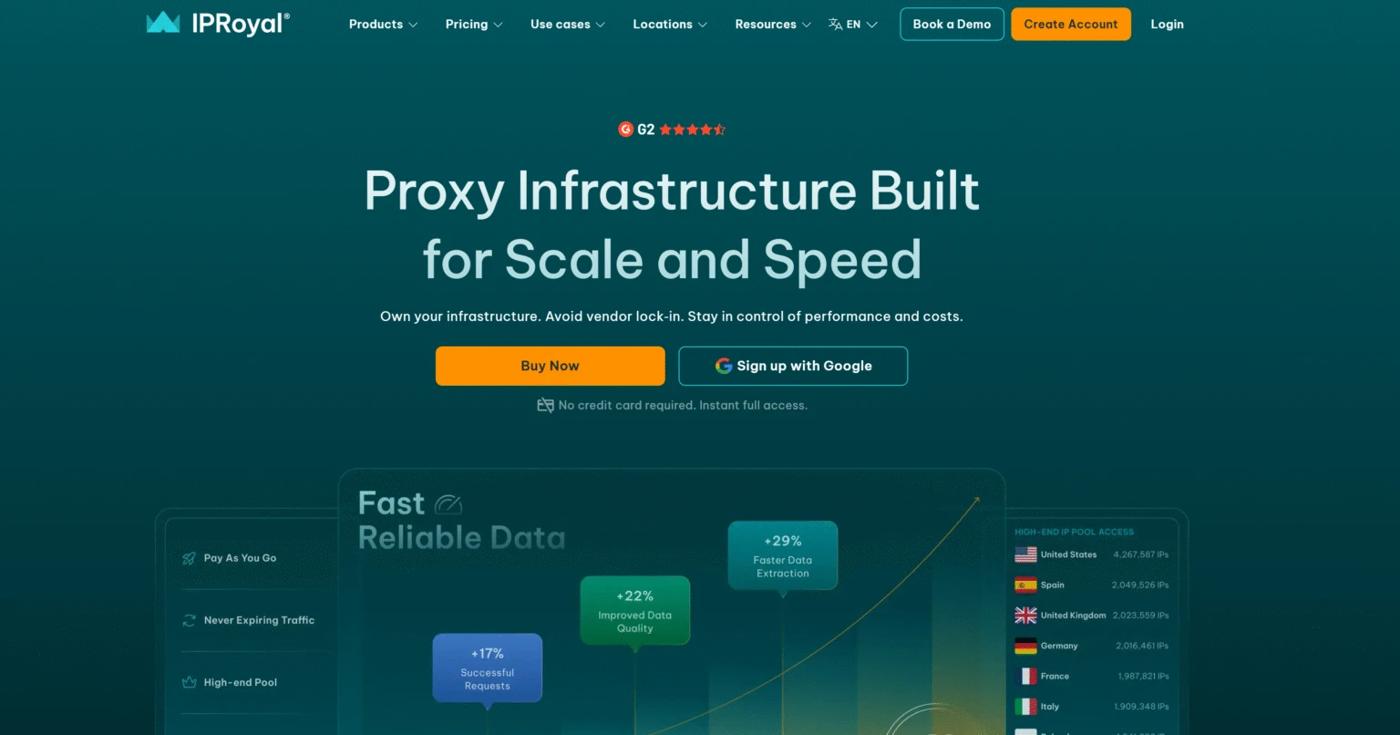
IPRoyal offers residential, ISP, mobile, and datacenter proxies. Its residential product combines location targeting with configurable rotation, while ISP products provide static connections.
Key features:
- Residential session control: Rotating and sticky sessions, with configurable sticky durations documented from one second to seven days.
- Location selection: Country-, state-, and city-level residential targeting.
- Protocol support: HTTP(S) and SOCKS5 on residential proxies.
- Management tools: Browser extensions, proxy testing tools, API access, and team permissions.
Pricing: The homepage advertises residential rates from $1.75/GB, ISP rates from $1.80/proxy, and mobile rates from $10.11/day. These are advertised starting rates; quantity and service duration determine the applicable order price.
Product scope: Residential traffic and duration-based proxy products follow different billing structures. Minimum orders and renewal periods need to be compared alongside the headline rates.
Decodo
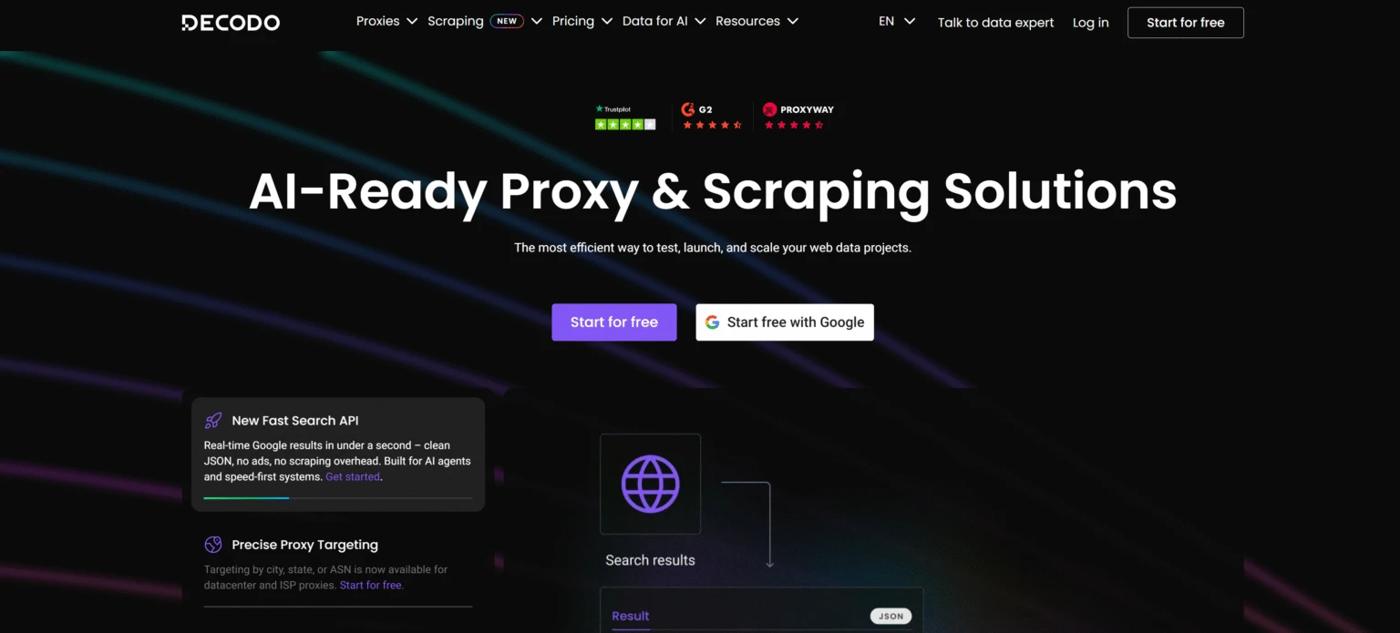
Decodo offers residential, ISP, mobile, and datacenter proxies, alongside separate scraping products. Its proxy platform includes setup documentation and browser tools for managing connections.
Key features:
- Residential session options: Per-request rotation or sticky sessions for multi-step tasks.
- Geographic targeting: Residential coverage across 195+ locations, with advanced targeting included in the published plans.
- Browser tools: Chrome and Firefox extensions for proxy configuration.
- Setup resources: A proxy checker, quick-start guides, and integration documentation.
Pricing: Residential pay-as-you-go traffic is listed at $4/GB. Monthly plans start at $11.25 for 3GB, equivalent to $3.75/GB, before VAT. The advertised $2/GB rate applies to the listed 1TB enterprise tier.
Product scope: Residential pricing differs between pay-as-you-go and monthly subscriptions. ISP, mobile, and datacenter products have separate allocation and billing terms.
Bright Data
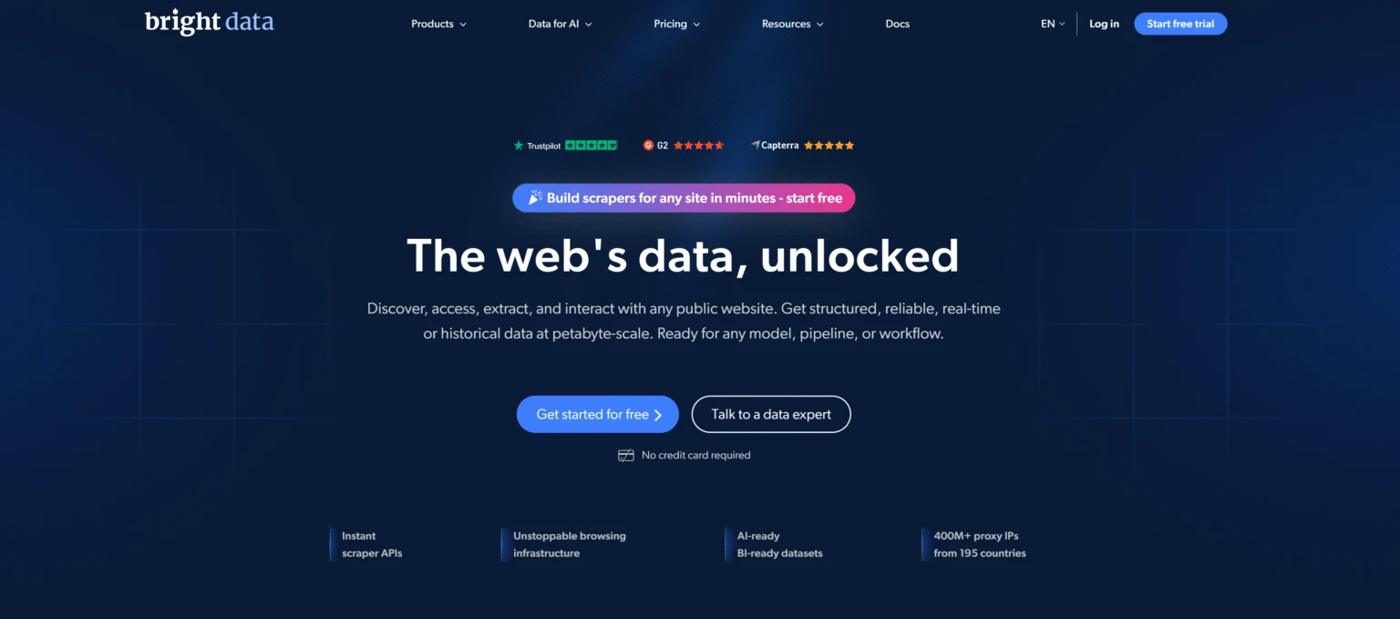
Bright Data combines proxy infrastructure with separate browser, scraping, and dataset products. Its residential and ISP networks provide different connection options, while its data products serve workflows that require collected information rather than a configured Instagram proxy connection.
Key features:
- Location controls: Country, city, state, ZIP code, carrier, and ASN targeting advertised across its network.
- Residential connections: Traffic routed through participating residential devices.
- Static ISP products: A separate product line for static IP requirements.
- Integration resources: Developer documentation, browser extensions, and network-status tools.
Pricing: At the time of review, the homepage displays promotional residential pricing from $2.50/GB and ISP pricing from $1.30/IP. Package size, allocation, and promotion conditions determine the order price.
Product scope: Residential access requires company verification and a human-reviewed KYC process, according to its documentation. Proxy services, scraper APIs, and datasets are distinct products with separate access and billing arrangements.
How to Set Up an Instagram Proxy with Emadar
Once you have chosen a proxy type, the next step is to configure and test the connection. Using IPFLY as an example, here is how to set up an Instagram proxy in a browser or tool that supports proxy connections.
Step 1: Choose Your Proxy Type
Sign in to the IPFLY dashboard and select a product based on your workflow. Choose ISP proxies for a fixed IP connection or residential proxies for flexible location selection and session settings. Purchase the required plan and select an available location.
Step 2: Get Your Proxy Connection Details
Open the relevant proxy management section and retrieve your connection details:
- Host: The proxy server address.
- Port: The connection port.
- Username and password: Your proxy authentication credentials.
For residential proxies, configure the location and rotation or sticky-session options before generating the connection details.
Step 3: Add the Proxy to Your Browser or Tool
Open the proxy settings in your supported browser profile or proxy management tool. Select the protocol provided for your connection, then enter the host, port, username, and password.
Save the configuration and activate it for the browser profile you will use to access Instagram. The proxy is configured in the browser or tool, rather than inside Instagram.
Step 4: Verify the Exit IP and Location
Run the tool’s connection test, if available. Then open an IP-checking website through the configured browser to confirm that the exit IP and country match your selected connection.
If the test fails, check the credentials, protocol, subscription status, and any authentication settings.
Step 5: Open Instagram and Test the Setup
Visit Instagram in the configured browser. Check that pages load, then sign in and test the functions you need, such as opening your profile or reviewing messages.
Save the working configuration with a clear account or client label so you can reuse it for future sessions.
Conclusion
Choosing an Instagram proxy starts with understanding your workflow. This guide compared four proxy types, examined six providers’ features and pricing, and explained how to configure a connection. For ongoing account management, focus on IP consistency; for regional research, consider location targeting and session flexibility.
Looking for an Instagram proxy for your workflow? Explore IPFLY’s dedicated ISP proxies for consistent account connections or residential proxies for flexible location targeting. Create your IPFLY account to compare plans and set up your connection.
Click to get High-Quality IP Global ProxiesFAQs About Instagram Proxies
Which proxy is recommended for Instagram?
IPFLY’s ISP proxies are a practical choice for ongoing account management with a fixed IP. For regional research and flexible location targeting, consider IPFLY’s residential proxies.
Are ISP or residential proxies better for Instagram?
ISP proxies suit ongoing account work that needs a fixed IP. Residential proxies offer flexible locations and session options for research and regional checks.
Should I use a static or rotating proxy for Instagram?
Use a static proxy for consistent account connections. Rotating proxies suit separate research requests, while sticky sessions keep one IP during a shorter task.
Do I need a separate proxy for each Instagram account?
Not necessarily. Separate connections can help agencies organize client accounts and simplify troubleshooting.
Can an Instagram proxy prevent account bans?
No. A proxy manages your connection, but account activity, security issues, and platform rules also affect restrictions.