

Troubleshooting Cloudflare Verification Loops in 2026: A Comprehensive Guide
As of December 2026, Cloudflare remains a leading content delivery network (CDN) and security provider, protecting millions of websites with advanced anti-bot measures. These measures include JavaScript challenges, Turnstile CAPTCHAs, and “I’m Under Attack” mode. However, users often encounter verification failures, resulting in frustrating experiences such as infinite loops on the “Checking your browser before accessing” screen, persistent “Verify you are human” prompts, or unsolvable Turnstile challenges.
These issues typically stem from a combination of factors, including browser configurations, network conditions, IP reputation, and sophisticated automated detection mechanisms. This comprehensive guide delves into the root causes of Cloudflare verification failures, provides essential troubleshooting steps, and explores advanced strategies, including proxy integration for persistent cases. We will emphasize the importance of adhering to website terms of service and legal standards throughout the process.

Common Types of Cloudflare Verification Challenges
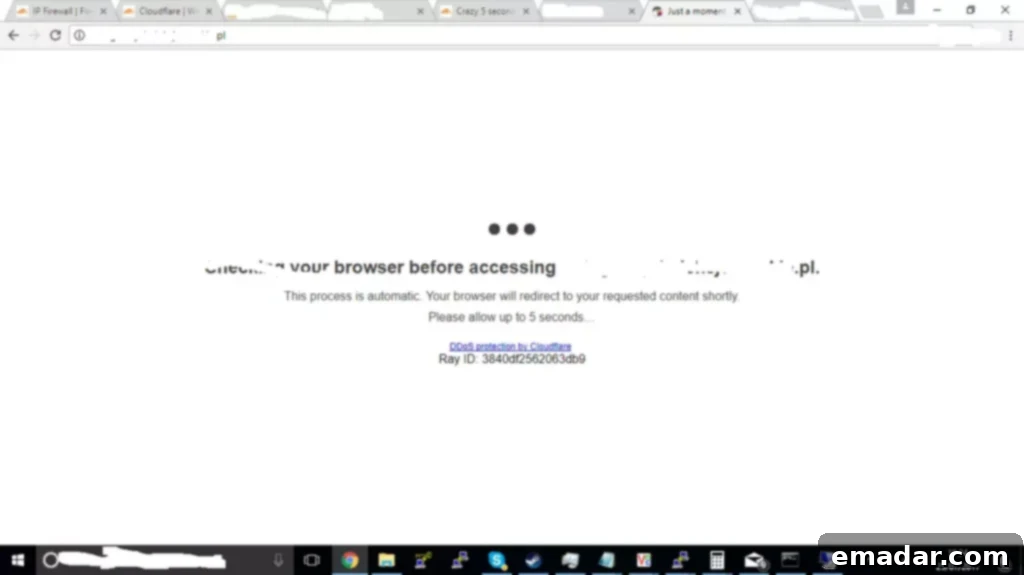
JavaScript “Checking Your Browser” Screen
This initial redirect performs client-side tests to detect potential bots. Legitimate users typically pass this challenge within seconds. However, loops can occur due to disabled JavaScript, outdated browsers, or browser extensions interfering with the execution of the challenge script. This is a common hurdle, and understanding its mechanics is crucial for effective troubleshooting.
Turnstile CAPTCHA
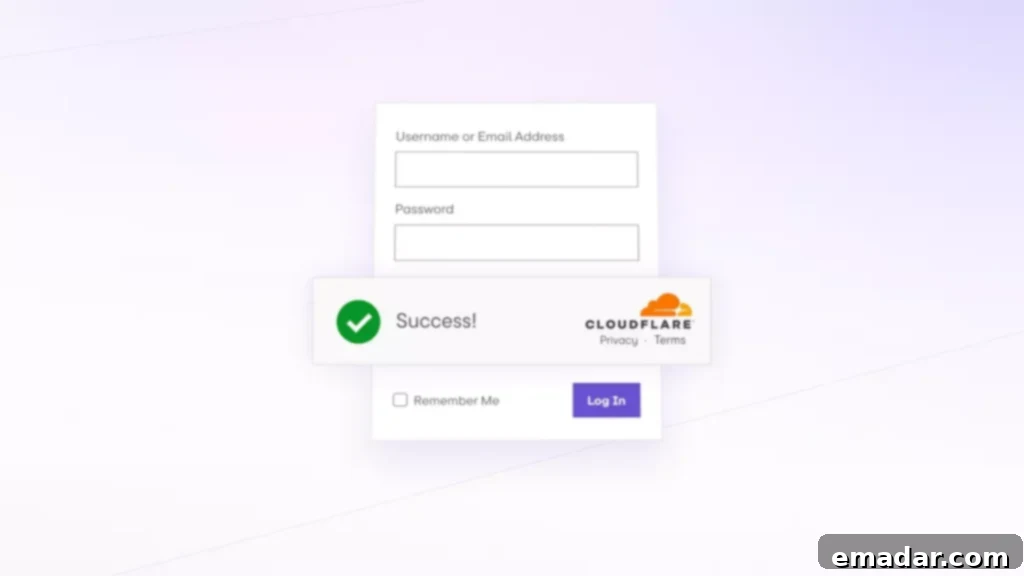
Cloudflare’s privacy-focused alternative to traditional CAPTCHAs, Turnstile, utilizes non-interactive challenges or widget interactions. Failures can involve triggering visible prompts or detecting automated fingerprinting through non-interactive patterns. The system aims to differentiate between human users and bots without relying on intrusive methods, but sometimes legitimate users get caught in the crossfire.
“I’m Under Attack” Mode and Traditional CAPTCHAs
Activated during periods of perceived threat, this mode presents an explicit verification screen with a delay or image selection task. It’s a more aggressive approach to security and is often implemented when a website experiences a surge in malicious traffic. Users may be asked to solve a traditional CAPTCHA, such as identifying specific objects in images, to prove their humanity.
Essential Troubleshooting Steps for Cloudflare Verification Failures
If you’re consistently encountering Cloudflare verification challenges, follow these basic troubleshooting steps to resolve the issue:
1. Update Your Browser and Clear Cache
Ensure you have the latest version of Chrome, Firefox, or Edge installed. Clear domain-specific cookies, cached images and files, and site data. Outdated browsers can lack the necessary security features and JavaScript engine updates to properly handle Cloudflare’s challenges. Clearing your cache and cookies ensures you’re starting with a clean slate and eliminating any potentially corrupted data that might be interfering with the verification process.
2. Disable Extensions and Ad Blockers
Temporarily disable privacy tools, VPNs, or script blockers, as these can alter your browser fingerprint or block required resources. Extensions can sometimes inject code that conflicts with Cloudflare’s security measures, leading to verification failures. Ad blockers, in particular, can interfere with the loading of necessary scripts and resources. Try disabling them one by one to identify if a specific extension is causing the problem.
3. Enable JavaScript and Cookies
Verify that your browser settings allow full JavaScript execution and the acceptance of cookies. Third-party cookie restrictions can trigger loops. JavaScript is essential for Cloudflare’s challenges to function correctly. Make sure it’s enabled in your browser settings. Similarly, cookies are used to track your progress through the verification process. Blocking them can prevent you from successfully completing the challenge.
4. Try Incognito Mode or an Alternative Browser
This isolates profile-specific issues. Incognito mode disables all extensions and uses a fresh browsing profile, allowing you to determine if a specific setting or extension is causing the problem. Trying a different browser can also help identify if the issue is specific to your primary browser configuration.
5. Switch Networks
Test using mobile data or another Wi-Fi network, as ISP-level blocking or malware can affect your IP reputation. Your IP address might be flagged as suspicious due to previous malicious activity originating from your network. Switching to a different network can provide a clean IP address and allow you to bypass the verification challenge.
6. Scan for Malware
Run an antivirus scan, as infected devices often trigger suspicion. Malware can compromise your browser’s security and inject malicious code that triggers Cloudflare’s anti-bot measures. Running a thorough antivirus scan can help identify and remove any potential threats.
These steps should resolve the majority of issues encountered by legitimate users without requiring advanced intervention.

Advanced Reasons and Scenarios for Cloudflare Verification Issues
Persistent failures in automated environments (e.g., scripts, web scraping) often stem from Cloudflare’s machine learning algorithms detecting non-human patterns. These patterns may include mismatched TLS fingerprints, rapid request rates, data center IP addresses, or headless browser leaks. In 2026, enhanced residential proxy detection and session consistency checks have further complicated circumvention efforts. VPNs with shared IP addresses frequently exacerbate loops due to previous abuse associated with those IPs.
Integrating Proxies to Solve Persistent Verification Problems
For scenarios involving IP-based flagging or geographic restrictions, proxies reroute traffic through an intermediary server, providing a cleaner reputation. Residential proxies excel by mimicking real user devices, supporting protocols like HTTP/HTTPS/SOCKS5 for seamless browser or tool integration. Using a proxy can mask your actual IP address and make your traffic appear more legitimate, allowing you to bypass Cloudflare’s security measures.
Advanced Proxy Network Services: Focus on Reliability and Availability
High-availability providers effectively mitigate Cloudflare challenges. IPFLY, for instance, offers an extensive pool of over 90 million IPs across 190+ countries, supporting full HTTP/HTTPS/SOCKS5 compatibility. Types include static residential for stable sessions, dynamic residential for automated rotation, and data center proxies for low-latency tasks. Key features include 99.9% uptime, unlimited concurrency and traffic, millisecond response times, and 24/7 technical support, ensuring consistent passage through verification layers.
Comparative Analysis of Proxy Providers for Cloudflare Challenges
IPFLY’s genuine, ISP-assigned residential IPs provide exclusive access and superior stability, minimizing loops and disconnections – unlike free or low-quality proxies relying on shared, easily flagged abused resources. Unlimited concurrency handles high-volume interactions without throttling, contrasting capped alternatives that limit scalability. Robust encryption prevents fingerprint leaks, surpassing vulnerable services that risk exposure. Global low-latency distribution optimizes real-time verification, where competitors exhibit inconsistent speed and support. IPFLY’s comprehensive infrastructure delivers greater efficiency, positioning it as a preferred solution for demanding environments.
Whether you’re seeking a reliable proxy service or aiming to master the latest proxy operational strategies, IPFLY has you covered! Hurry and visit IPFLY.net and join the IPFLY Telegram Community – equipped with firsthand information and expert support, let proxies become a booster for your business, not a problem!

Real-World Applications and Solution Insights
Daily Browsing: Users reported resolutions through cache clearing: “Switching networks and disabling extensions ended the endless checks.”
Development and Testing: Automation tools benefited from proxies: “Residential integration allowed uninterrupted API access despite Turnstile prompts.”
Content Access: Geo-blocked scenarios improved with rotation: “Stable proxies enabled seamless streaming without verification interruptions.”
These examples illustrate effective strategies when basic fixes suffice or when proxies enhance reliability.
Effectively Addressing Cloudflare Verification Challenges: A Summary
In December 2026, the scope of “Unable to pass Cloudflare verification” issues ranges from transient browser glitches to complex anti-bot detection. Prioritize standard troubleshooting for immediate relief; for recurring or automated scenarios, high-availability proxies like IPFLY’s offerings provide a reliable solution while maintaining performance. Always adhere to ethical guidelines and site policies to ensure sustainable access. By understanding the underlying causes of these challenges and implementing the appropriate solutions, you can minimize disruptions and ensure a smooth browsing experience.
Remember to always respect website terms of service and avoid using proxies or other methods to circumvent security measures for malicious purposes. This guide is intended for legitimate users who are experiencing genuine difficulties accessing websites protected by Cloudflare.