
AI Agent Automation: Building a Stable IP Environment with Dynamic Proxies
The rise of AI Agent automation, particularly with task systems like OpenClaw, is undeniable. However, many teams discover a critical challenge after initial implementation: while writing scripts isn’t overly complex, ensuring the long-term stability of automated tasks is significantly more difficult.
Projects often function flawlessly during local testing but encounter various unexplained issues once deployed on servers. These “mysterious problems” can severely hinder automation efforts:
- Requests are suddenly throttled or limited.
- Account logins trigger frequent verification checks.
- Data scraping success rates plummet.
- Automation scripts are blocked after a period of operation.
The initial reaction often involves modifying script logic. However, the primary factor affecting stability is usually the operating environment of the automation system.
In an AI Agent automation architecture, the browser environment is crucial, and so is the network environment, serving as a fundamental layer of infrastructure.
To validate a more complete automation solution, we conducted a simple yet representative test:
We configured an AI Agent (OpenClaw) to automatically launch a browser on a Linux server, log into an account, and access a website through a dynamic proxy network.
Here’s a breakdown of the feedback process from this test.
The Three-Layer Structure of AI Agent Automation Systems
When first introduced to AI Agents, many believe that a well-written script guarantees stable automation. However, projects operating internationally soon reveal that automation systems consist of at least three interconnected layers:
1: AI Agent / Automation Script
2: Browser Operating Environment
3: Network Access Environment
The first layer is responsible for executing tasks. The second layer simulates a real device. The third layer determines how the access appears on the internet.
Whenever a task involves account manipulation, such as:
- Logging into Google services.
- Interacting with platform accounts.
- Managing multiple accounts.
Problems arise if all requests originate from the server’s IP address. This can lead to scenarios like:
- Continuous high-frequency access from the same IP.
- Multiple accounts sharing the same network environment.
- The IP address being flagged as an automated access point.
Once a platform detects these characteristics, it may trigger additional verification measures or even restrict access altogether.
Therefore, in many automation projects, a proxy network serves as a separate infrastructure layer alongside the browser environment.
The key feature of a dynamic proxy is its ability to:
Rotate or switch IP addresses regularly, even with each request.
This distributes automated requests across multiple sources, reducing the load on any single IP address.
OpenClaw Automation Test Environment Setup
The goal of this experiment was straightforward:
To have an AI Agent automatically run a browser on a Linux server, complete an account login, and utilize a proxy network to maintain a stable access environment.
The test environment consisted of:
Server System: Ubuntu 24.04
Browser Environment: AdsPower
Automation Control: Puppeteer
AI Agent: OpenClaw
Network Environment: Dynamic Proxy IPs
The overall process was designed as follows:
The AI Agent launches the browser environment → Puppeteer connects to the browser → The browser accesses websites through a proxy → The login process is automatically completed.
This process was designed to minimize human intervention.
Step 1: Launching the Browser Environment on the Server
A common initial question is: How can a browser run without a desktop environment on the server?
The solution is to use a virtual display environment.
A standard practice in Linux involves using Xvfb (X Virtual Framebuffer).
First, install it:
sudo apt update
sudo apt install -y xvfb
Once installed, you can launch the browser or browser management tools within the virtual display environment.
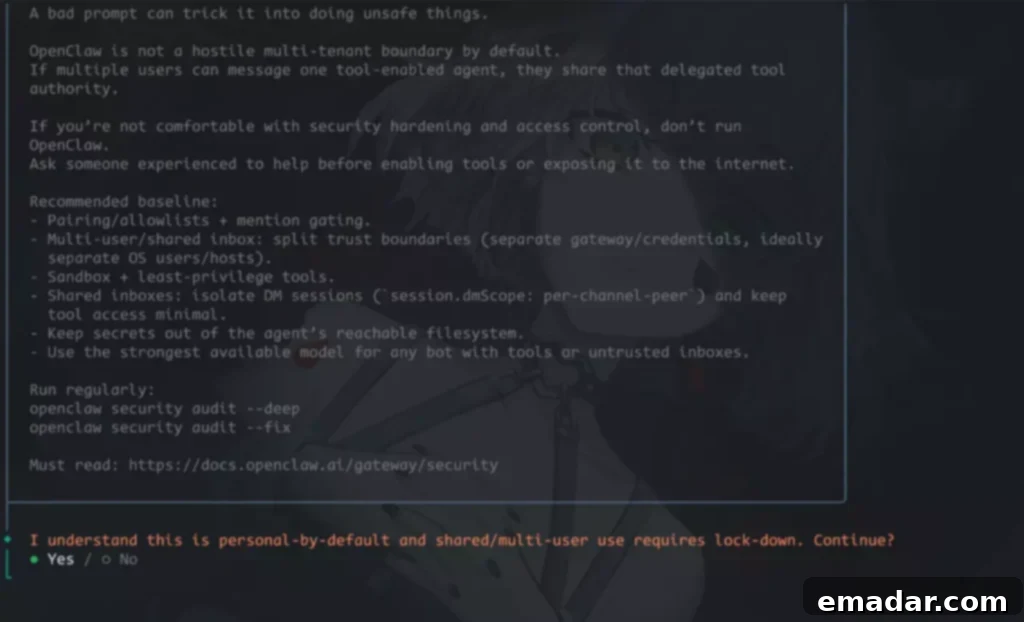
This allows the server to run browser instances even without a graphical interface.
Step 2: Configuring Proxies for the Browser Environment
A significant issue arises in automation systems when browsers access websites directly using the server’s IP address:
All requests appear to originate from the same server.
This may not be a major issue in small-scale testing, but platforms can easily detect this unusual access pattern as tasks run continuously or the number of accounts increases.
Therefore, in this test, we bound a dynamic proxy IP address to the browser environment, directing the browser to make requests through the proxy server.
For example, in Puppeteer, you can specify proxy parameters when launching the browser:
const browser = await puppeteer.launch({
  args: [
    '--proxy-server=http://username:password@proxy-ip:port'
  ]
});
This means that when the browser accesses a webpage, the website will see the proxy IP address instead of the server’s IP.
In real-world projects, some automation teams use dynamic proxy networks to provide stable residential IP resources. This makes the automation system’s access behavior more like genuine user access, mitigating the risks associated with high-intensity access from a single IP.
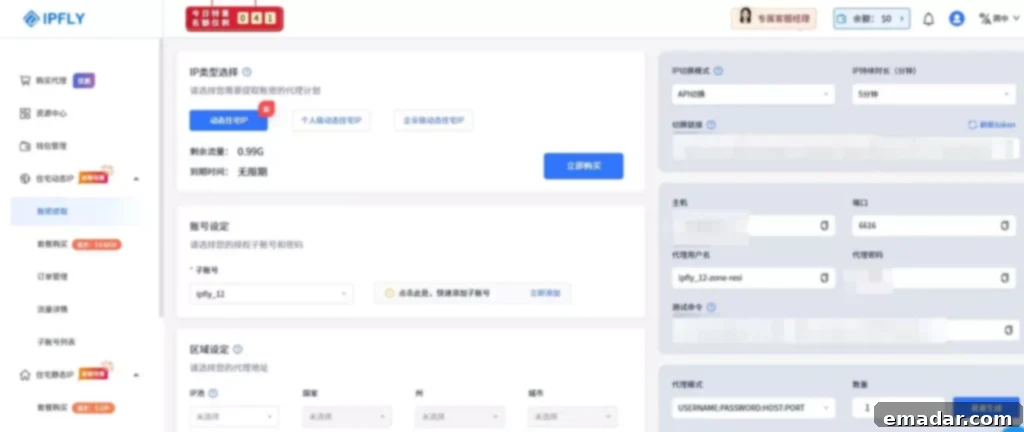
Proxy API Switching
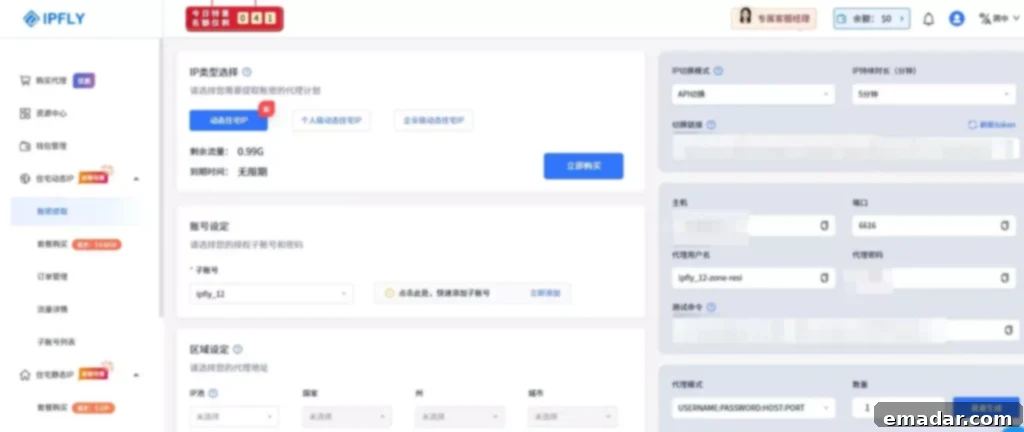
Based on the specific needs of the task, you can set the proxy parameters, select a sub-account, and click “Refresh Token” to generate a switching link.
Step 3: Automating the Login Process with an AI Agent
After the browser launches and connects to the proxy, the AI Agent can start executing automated tasks.
In this test, OpenClaw was responsible for generating the script and executing the operational flow.
For example:
Opening the login page:
await page.goto('https://accounts.google.com/signin');If an account selection page appears, the AI agent can automatically click on the appropriate account.

Next, enter the password and submit:
await page.type('input[type="password"]', credentials.password);
await page.keyboard.press('Enter');
If additional verification is triggered, the script can continue to complete it.
After successful execution, the browser will proceed to the account management page, completing the login process.
Throughout the automated process, IPFLY provides a stable and secure network access environment, while the AI Agent and browser environment handle the specific automation tasks. This allows users to complete web access, account operations, and data acquisition tasks in an isolated and stable environment, thereby ensuring the long-term stability of the automation system.

Why AI Agent + Dynamic Proxy = Enhanced Stability
In this test, the AI Agent executed the tasks, the browser environment emulated the device, and the proxy network provided a stable access source.
Each component’s function was clear.
If using a standard browser and server IP directly, each script run would appear as a new device logging into the account, easily triggering the platform’s security checks.
However, within this structured environment:
The browser environment remains consistent.
The network access source maintains a distributed footprint.
This is crucial for automation tasks requiring long-term operation. Dynamic proxies not only shield your real IP address but also ensure your automation processes aren’t easily flagged as bots.
Conclusion: AI Agent Automation Requires a Stable Dynamic Proxy Network
With the advancement of AI Agent technology, an increasing number of internet tasks are becoming automated.
Tools like OpenClaw can automatically execute webpage actions, manage accounts, and even complete complex workflows.
However, in practical projects, the stability of an automation system depends not only on the script itself but also on the operating environment.
A mature automation system typically includes three layers:
AI Agent
Browser Environment
Dynamic Proxy Network
The browser environment addresses device-related issues, while the dynamic proxy IPs solve access environment problems.
When these three layers are combined, automation tasks can truly operate stably over the long term. A reliable dynamic proxy ensures that your automation efforts aren’t hampered by IP bans or restrictions, providing a seamless and consistent experience.
IPFLY Proxy Features:
- Stable full-node network, supporting 190+ countries and regions worldwide.
- Instantaneous connection for uninterrupted operation, simulating real home broadband scenarios.