In today’s highly interconnected global business environment, cross-border e-commerce has emerged as a vital avenue for numerous enterprises seeking to expand their market reach. Within this dynamic landscape, the strategic combination of an advanced anti-detect fingerprint browser and dedicated, pure proxy IPs provides an unparalleled advantage for online merchants and marketers.
An anti-detect fingerprint browser, an innovative and essential tool, offers a multitude of benefits. It intelligently modifies and spoofs browser fingerprint information, effectively preventing account association and detection by sophisticated online platforms. This ensures each of your digital identities remains unique and untraceable, a critical factor for successful multi-account operations.
Complementing this, high-quality, pure proxy IPs are an indispensable component of any robust cross-border e-commerce strategy. By routing internet traffic through servers located in other countries or regions, these proxy IPs empower users to bypass geographical restrictions, overcome access limitations, and significantly enhance network anonymity and security. They provide a genuine online presence in target markets, crucial for authentic engagement and data collection.
For instance, in the booming world of platforms like TikTok, where effective multi-account management, bulk account nurturing, and mass video publishing are key to success, the synergy between IPFLY’s static native IPs and the free ixBrowser anti-detect fingerprint browser offers an incredibly efficient and stable operational solution. This powerful duo enables users to manage diverse online activities with confidence, ensuring high success rates and minimizing the risk of account flags or bans.

Understanding ixBrowser: Your Free Anti-Detect Fingerprint Browser
ixBrowser stands out as a permanently free anti-detect fingerprint browser, designed to empower individuals and teams engaged in cross-border e-commerce and online marketing. Its core strength lies in its exceptional fingerprint isolation technology, which is meticulously engineered to create truly independent browsing environments.
A browser’s “fingerprint” is a unique identifier composed of various data points, including your User-Agent string, operating system, installed fonts, canvas rendering, WebGL capabilities, screen resolution, language settings, and more. When platforms detect consistent fingerprints across multiple accounts, they often flag them as suspicious or related, leading to account suspension or limitations. ixBrowser actively masks and modifies these parameters, presenting a distinct digital identity for each profile you manage.
The efficacy of ixBrowser’s fingerprint isolation is consistently demonstrated through its remarkably high pass rates on advanced third-party detection websites like Pixelscan and Iphey. This robust performance ensures that your accounts remain undetected, allowing you to operate multiple independent accounts simultaneously without triggering platform security protocols. This capability is invaluable for cross-border e-commerce professionals managing numerous online stores, affiliate marketers running diverse campaigns, and online marketing agencies handling client accounts.
Beyond its advanced technology, ixBrowser enhances operational efficiency by allowing users to create an unlimited number of independent browsing windows at no cost. This feature alone represents significant savings, eliminating the recurring subscription fees often associated with premium anti-detect browsers. Furthermore, the platform facilitates seamless team collaboration, enabling users to invite team members to manage accounts within shared, secure environments. This collaborative functionality, combined with the absence of ongoing costs, drastically reduces both operational expenses and management time, making ixBrowser an incredibly cost-effective solution for scalable online operations.
Configuring IPFLY Static Native IP within ixBrowser: A Step-by-Step Guide
Integrating IPFLY’s reliable static native IPs with ixBrowser is a straightforward process that unlocks a world of possibilities for secure and efficient multi-account management. Here’s how to set up your environment:
1. Acquire Your IPFLY Static Native IP: The first step is to secure your dedicated IP address. Navigate to the official IPFLY website. Once there, register for an account and log into your user dashboard. From the main menu, select Residential Static IP, then proceed to Package Purchase, and finally choose Static Native IP. Browse the available countries to find the specific location that best suits your business needs and complete your purchase. Static native IPs are highly valued for their stability, exclusivity, and authentic geo-location, providing a reliable and untraceable digital footprint.
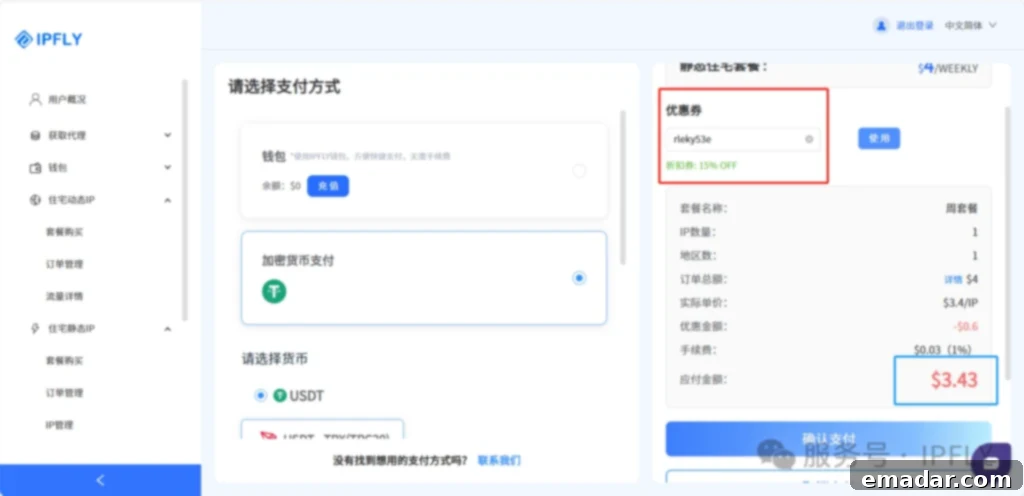
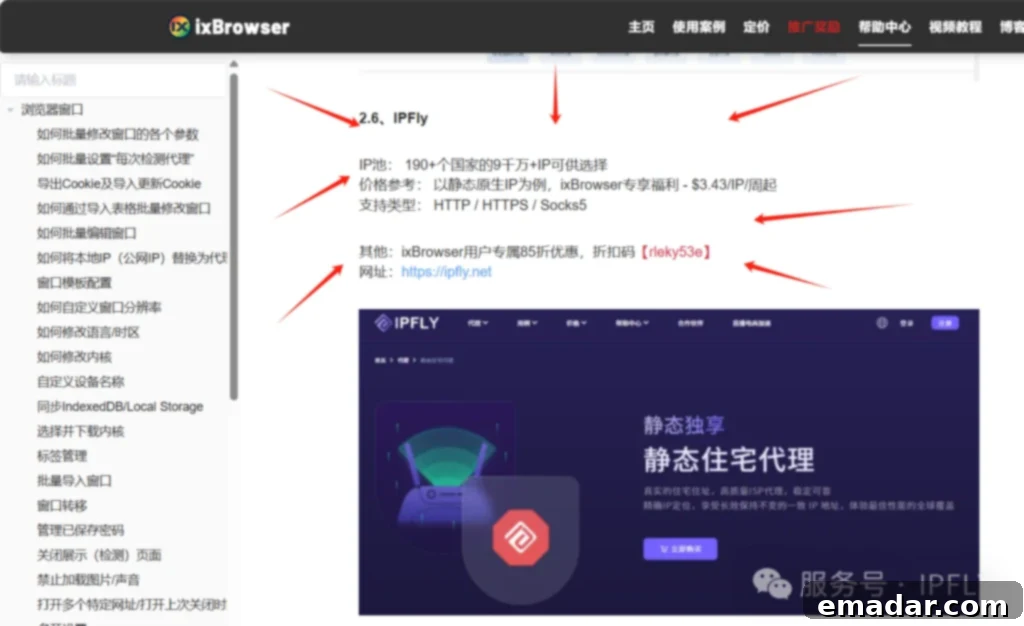
(Note: ixBrowser users can currently enjoy an exclusive 15% discount on their IPFLY package purchases. Use discount code 【rleky53e】 at checkout to redeem your savings!)
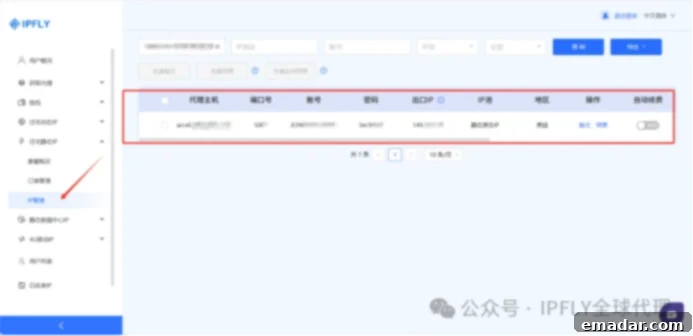
2. Locate Your Purchased IP: After successfully completing your payment, your newly acquired IP address will be available in your IPFLY dashboard. Navigate to the Residential Static IP section, then click on IP Management. Here, you will find all the details of the IP address you just purchased, including its host, port, username, and password, which are essential for the next configuration steps.
3. Initialize ixBrowser and Create a New Window: Download and install the ixBrowser application, then complete the registration process and log into its backend. From the main interface, click on Create Window. This action initiates the creation of a new, isolated browsing environment, ready to be configured with a unique digital fingerprint and proxy settings.
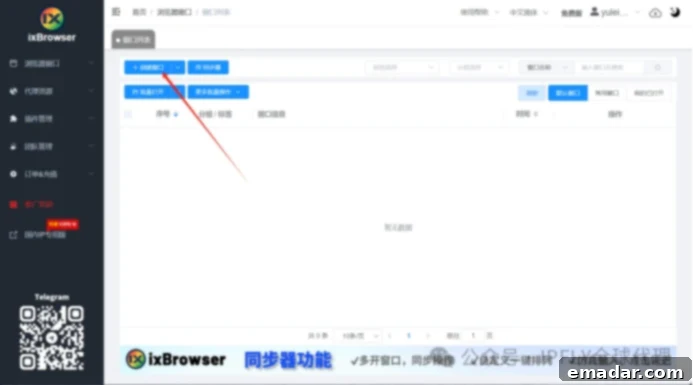
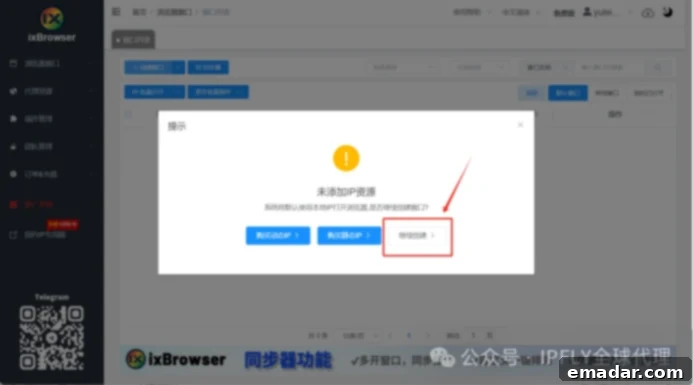
4. Proceed with Window Creation: A prompt will appear, confirming your intention to create a new browsing profile. Select Continue Creation to proceed. This ensures you are guided through the necessary steps to fully customize your new digital identity.
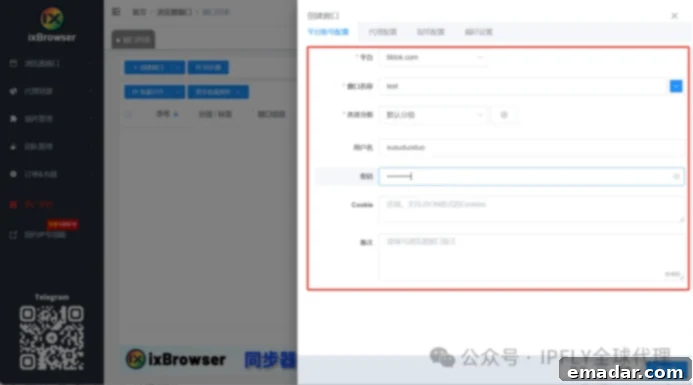
5. Configure Platform Account Details: In the subsequent configuration window, you will need to fill in the specific details related to the platform account you intend to manage. For example, if you are managing a TikTok account, input your TikTok account information, including a descriptive name for the profile, any associated notes, and relevant platform tags. This organization is vital for keeping track of multiple accounts and their corresponding purposes.
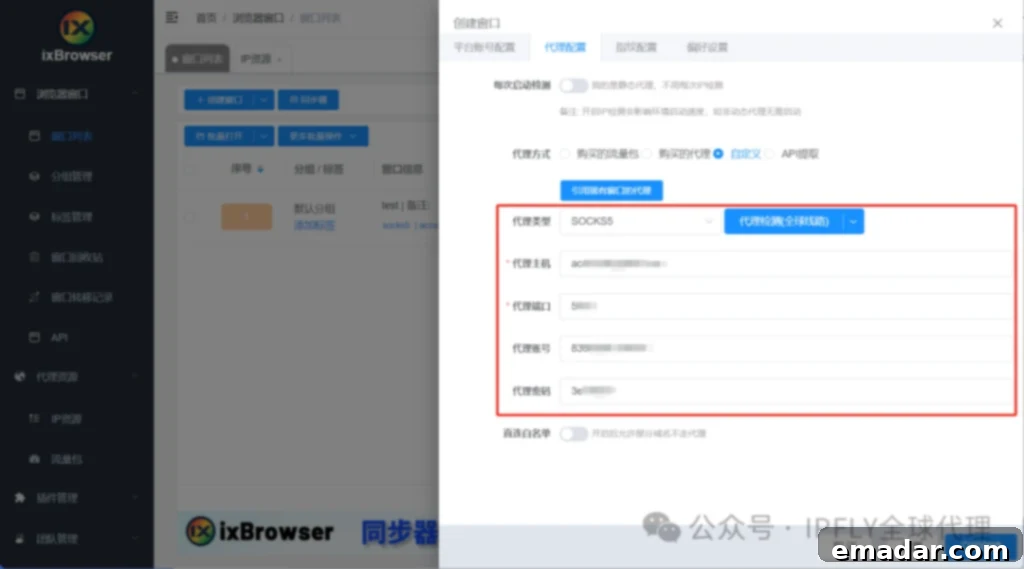
6. Set Up Proxy Configuration: This is a critical step for linking your digital identity to a specific geographical location. Click on Proxy Configuration and carefully enter the static native IP information you obtained from IPFLY. This includes the proxy type (e.g., HTTP, SOCKS5), IP address (host), port number, username, and password. Accurate entry here ensures your browsing traffic is correctly routed through your chosen IPFLY proxy, providing the desired location and anonymity.
7. Customize Fingerprint and Preference Settings: Tailor the digital fingerprint and other browsing preferences according to your specific requirements. ixBrowser allows you to adjust parameters such as User-Agent, screen resolution, time zone, language, and other hardware/software characteristics. Configure these settings to create a highly unique and natural-looking fingerprint that aligns with your target region and platform. Once satisfied, click Create Now to finalize your new, isolated browsing profile.
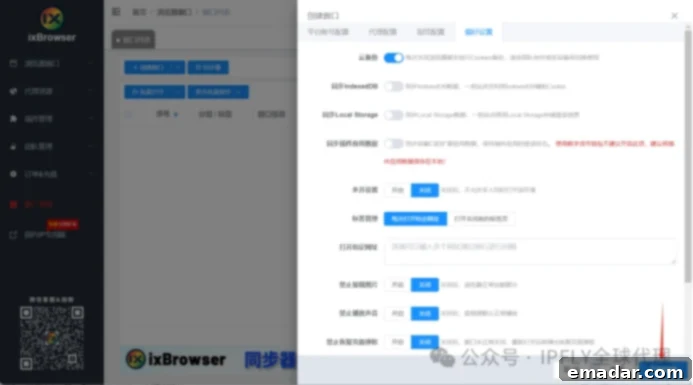
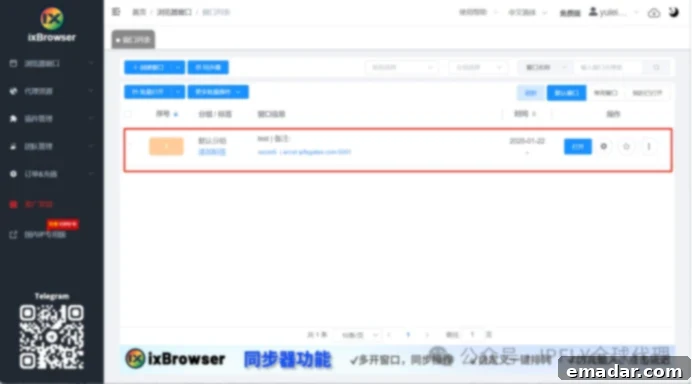
8. Verify Your Configured Environment: Upon successful creation, the ixBrowser dashboard will display your newly configured browsing environment. This provides a clear overview of your profile, including the assigned IP, platform details, and fingerprint settings, ensuring everything is set up correctly and ready for use.
9. Initiate Operations: Click on the “Open” button next to your new profile. This will launch a fresh, isolated browser window, complete with your unique fingerprint and dedicated IP address. You will be directed to an independent TikTok account page (or any other platform you configured). From here, you can confidently proceed with various operations such as account nurturing, engaging with content, publishing videos, and managing your social media presence without fear of cross-account detection.
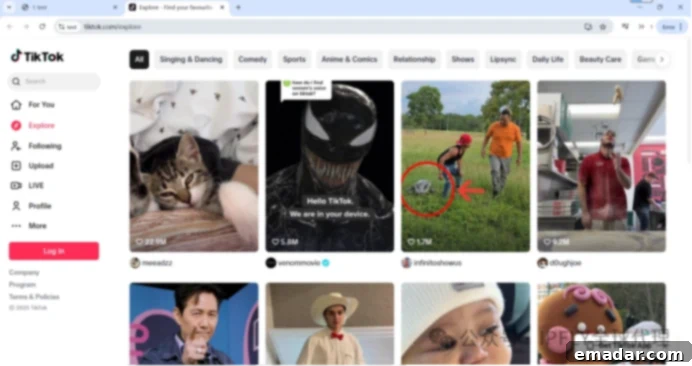
- Note: All the above operations require the user to be operating within an overseas network environment for optimal performance and access.
If you manage multiple TikTok accounts, simply repeat the above steps for each account after purchasing the necessary IP addresses, or leverage ixBrowser’s convenient batch import functionality to efficiently set up numerous profiles simultaneously. This scalability is a cornerstone of effective multi-account strategies, saving considerable time and effort.
The powerful combination of the ixBrowser anti-detect fingerprint browser and IPFLY proxy IPs extends far beyond providing robust support for TikTok operations. This versatile pairing offers unparalleled advantages across a myriad of online activities and platforms.
ixBrowser is engineered to support virtually all overseas websites and platforms, including major e-commerce marketplaces like Amazon, eBay, and Shopify, social media giants such as Facebook, Instagram, and YouTube, as well as platforms for affiliate marketing, ad verification, web scraping, and market research. Concurrently, IPFLY provides a diverse array of IP types, meticulously tailored to suit different business scenarios and operational requirements. Whether you need static residential, dynamic residential, or even mobile IPs, IPFLY has solutions designed to enhance your digital strategies.
By harnessing these sophisticated tools, businesses can effectively navigate the complexities of the global digital marketplace. This combination empowers merchants to bypass regional restrictions, secure multiple accounts with genuine local presence, conduct extensive market analysis, and scale their operations globally with unprecedented ease and security. Ultimately, this strategic partnership helps businesses to not only stand out in competitive international markets but also to achieve sustained commercial growth and unlock new opportunities worldwide.