

Unlock Global Markets: The Ultimate Guide to Cross-Border E-commerce with Fingerprint Browsers and Static Native IPs
In today’s interconnected global economy, cross-border e-commerce stands as a pivotal pathway for businesses aiming to expand their reach and tap into international markets. However, navigating the complexities of this digital landscape often presents significant challenges, from geo-restrictions and platform limitations to the intricate management of multiple online accounts. Fortunately, a powerful combination of advanced tools—fingerprint browsers and independent static native IP proxies—offers a robust solution, empowering e-commerce businesses to operate with unprecedented efficiency, security, and anonymity.
The Foundation of Secure Cross-Border E-commerce: Fingerprint Browsers and Proxy IPs
Understanding the core functionalities and benefits of fingerprint browsers and high-quality proxy IPs is crucial for anyone serious about excelling in the global digital marketplace. These tools are not merely optional extras; they are fundamental components of a resilient and scalable cross-border e-commerce strategy.
What is a Fingerprint Browser and Why is it Essential?
Every time you access a website, your browser transmits a unique set of identifiable data points, collectively known as a “browser fingerprint.” This fingerprint includes details such as your operating system, browser type and version, installed fonts, screen resolution, time zone, language settings, and even hardware specifics like graphics card information. Online platforms and websites utilize these fingerprints to track user activity, identify unique visitors, and, critically, detect connections between multiple accounts that might otherwise appear unrelated.
A fingerprint browser, also known as an anti-detect browser, is an innovative tool designed to counter this tracking. It works by creating distinct, isolated browser environments, each with its own unique and customizable digital fingerprint. This means that for every account you manage, the browser presents a different, authentic-looking identity to websites. By modifying and masking your actual browser fingerprint, these browsers effectively prevent platforms from linking multiple accounts to a single user or device. This capability is invaluable for tasks such as managing multiple seller accounts on e-commerce platforms, running diverse marketing campaigns, or operating various social media profiles without triggering automated security flags or account suspensions due to perceived “association” or suspicious activity. It provides a crucial layer of anonymity and operational independence, allowing businesses to scale their operations confidently.
The Indispensable Role of Proxy IPs in Global E-commerce
While a fingerprint browser handles your digital identity, a proxy IP addresses your geographical presence. A proxy server acts as an intermediary between your device and the internet, routing your connection through a different server located in another region or country. This simple yet powerful mechanism allows you to effectively change your perceived location online.
For cross-border e-commerce, proxy IPs are indispensable. They enable users to bypass geographical restrictions, access localized content, and interact with online platforms as if they were physically present in a different country. For example, a business based in one country can use a proxy IP from another country to manage a local marketplace account, conduct market research, or upload content that is geo-restricted. Beyond circumventing access limitations, proxy IPs significantly enhance online anonymity and security. By masking your true IP address, they protect your original location and identity from being exposed to websites, safeguarding your operations against potential surveillance or cyber threats.
The quality of a proxy IP is paramount. “Pure” or “native” IPs, especially static residential ones, are highly coveted. These IPs are sourced directly from Internet Service Providers (ISPs) and are assigned to real residential users, making them virtually indistinguishable from regular internet users. Unlike data center IPs, which are often flagged by sophisticated anti-fraud systems, static native IPs offer unparalleled reliability and a significantly lower risk of detection, ensuring smooth and uninterrupted operation across various online platforms.
Elevating Your E-commerce Game: The Synergy of ixBrowser and IPFLY
When combined, a cutting-edge fingerprint browser and a reliable proxy service create a formidable toolkit for cross-border e-commerce. This synergy ensures that both your digital identity (fingerprint) and your geographical identity (IP address) are consistently managed and protected, paving the way for seamless global operations. The combination of IPFLY’s static native IPs and the free ixBrowser exemplifies this powerful partnership, offering an accessible yet robust solution for businesses worldwide.
Introducing ixBrowser: Your Free Anti-Detect Browser Solution
ixBrowser stands out as a perpetually free fingerprint browser that delivers professional-grade anti-detection capabilities. Its core strength lies in its advanced fingerprint isolation technology, which ensures that each browser profile operates in a truly distinct environment. This exceptional isolation is consistently validated by leading third-party detection websites like Pixelscan and Iphey, where ixBrowser profiles achieve remarkably high pass rates, indicating their ability to effectively mimic genuine user profiles and evade sophisticated detection systems.
For cross-border e-commerce merchants and digital marketers, ixBrowser provides the ultimate platform for managing an unlimited number of independent accounts. Whether you’re juggling multiple e-commerce stores, managing various social media marketing campaigns, or handling affiliate accounts, ixBrowser allows you to do so without the constant fear of platform detection and subsequent account bans. Furthermore, ixBrowser offers the invaluable advantage of unlimited free window creation and the ability to invite team members to collaborate on profiles. This not only dramatically reduces operational costs associated with paid anti-detect browser services but also streamlines workflows, making it an exceptionally cost-effective and efficient solution for teams of any size.
The Unmatched Advantage of IPFLY Static Native IPs
Complementing ixBrowser’s capabilities are the high-quality static native IPs offered by IPFLY. While various types of proxies exist, IPFLY’s static native IPs are specifically designed for demanding scenarios like cross-border e-commerce and multi-account management. These IPs are static, meaning they remain constant over time, providing a stable and consistent online presence. More importantly, they are “native,” originating from real ISPs and residential connections, giving them an authentic digital footprint that is difficult for platforms to detect as a proxy.
The reliability and stability of IPFLY’s static native IPs are crucial for maintaining the integrity of your online accounts. They ensure that your connections appear legitimate, reducing the likelihood of CAPTCHAs, verification requests, or outright account suspensions. By leveraging IPFLY’s pristine IP addresses, businesses can confidently engage in high-volume activities such as bulk account nurturing, mass video publishing, or extensive market research without raising suspicion, thus guaranteeing higher success rates and operational longevity.
Mastering TikTok Multi-Account Management with ixBrowser and IPFLY
The meteoric rise of platforms like TikTok has opened new frontiers for digital marketing and e-commerce. However, managing multiple TikTok accounts—whether for content diversification, influencer marketing, or regional targeting—poses significant hurdles. Platforms are vigilant about detecting multi-account activity, often leading to shadow bans or permanent account closures.
This is where the combined power of IPFLY’s static native IPs and the free ixBrowser shines. For TikTok, this combination provides a seamless solution for:
- Efficient Multi-Account Management: Create distinct browser environments for each TikTok account, ensuring each profile appears to originate from a unique device and location.
- Bulk Account Nurturing: Safely warm up new accounts, build engagement, and increase follower count across multiple profiles without fear of association.
- Mass Video Publishing: Upload and schedule content for various accounts from different virtual locations, expanding your reach and minimizing the risk of content duplication flags.
This powerful duo ensures that your TikTok operations remain stable, secure, and highly effective, allowing you to scale your presence and maximize your impact on one of the world’s fastest-growing social media platforms.
Step-by-Step Guide: Configuring IPFLY Static Native IP in ixBrowser
Setting up your IPFLY static native IP within ixBrowser is a straightforward process designed for efficiency. Follow these detailed steps to integrate your proxy and begin managing your cross-border e-commerce activities with enhanced security and anonymity.
Step 1: Acquiring Your IPFLY Static Native IP
First, you need to purchase an IPFLY static native IP. Begin by visiting the official IPFLY website. Register for an account if you haven’t already, then log into your user dashboard. Navigate to the “Residential Static IP” section, select “Package Purchase,” and then choose “Static Native IP.” Browse the available countries and select the one that best suits your operational needs, then proceed with the purchase.
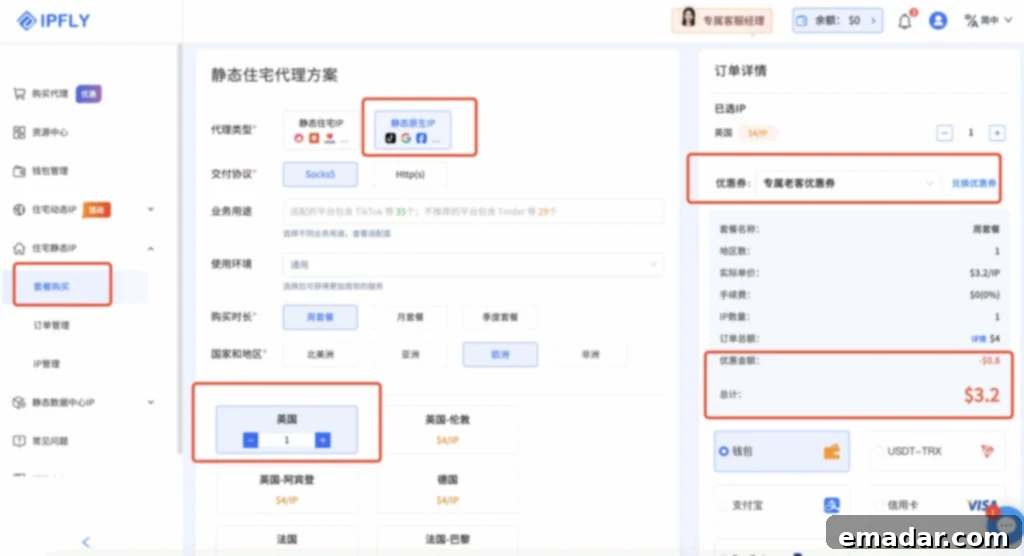
(Note: ixBrowser users can currently enjoy an exclusive 20% discount on packages by using the discount code 【IP6688】 during checkout.)
Step 2: Accessing Your Purchased IP
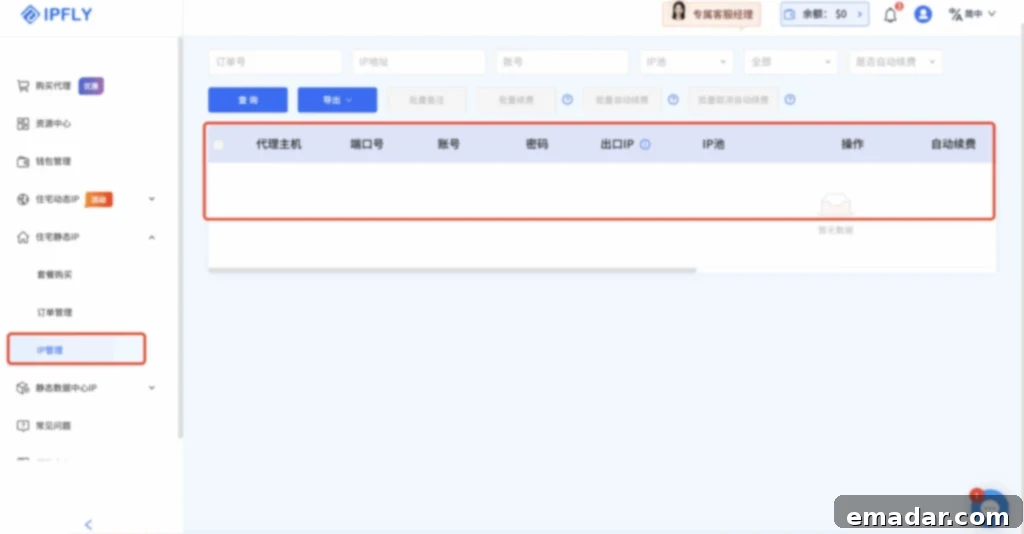
Once your payment is successfully processed, return to your IPFLY dashboard. Go to “Residential Static IP” and then “IP Management.” Here, you will find a list of all the IPs you have purchased, along with their details, ready for configuration.
Step 3: Setting Up ixBrowser
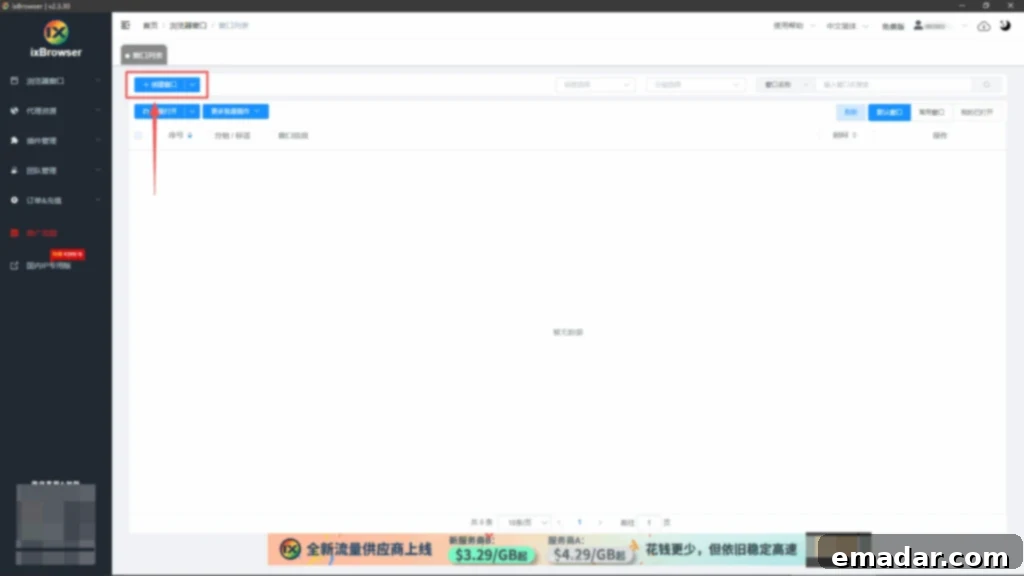
Download and register for the ixBrowser fingerprint browser. Log into its backend interface. To create a new, isolated browsing environment, click on the “Create Window” button. This action initiates the setup process for a new browser profile, where you will integrate your IPFLY proxy and define specific fingerprint settings.
Step 4: Initiating Window Creation
When prompted, select “Continue Creating.” This action confirms your intention to proceed with setting up a new browsing window, leading you to the detailed configuration page where you will customize the profile’s settings.
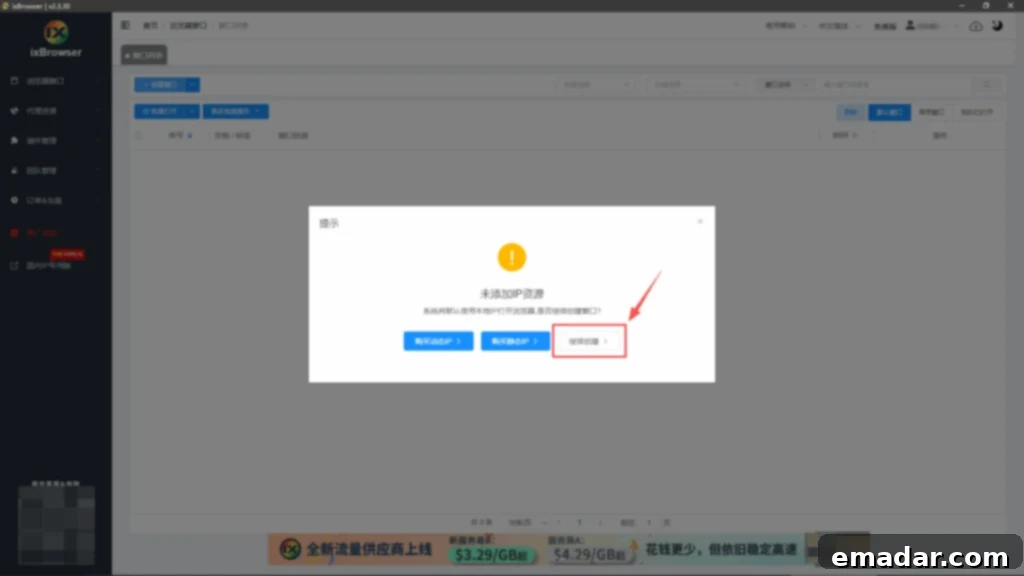
Step 5: Configuring Account Details
On the “Platform Account Configuration” page, accurately fill in the details pertinent to the online platform you intend to use. For example, if you are managing a TikTok account, input your TikTok account information here. Providing these details helps organize your profiles within ixBrowser and ensures that each window is clearly labeled for efficient management.
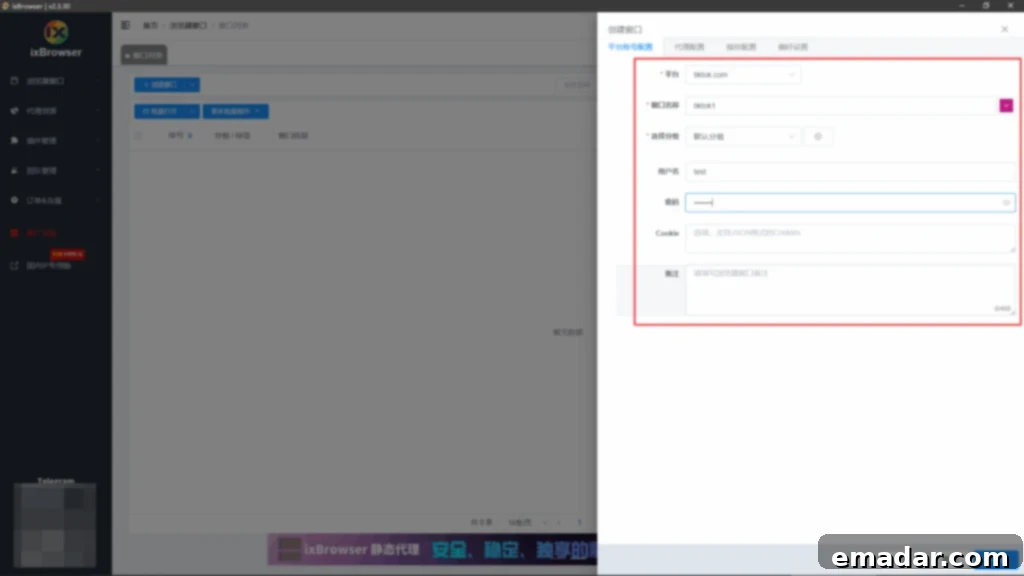
Step 6: Integrating Your IPFLY Proxy
Proceed to the “Proxy Configuration” section. Here, you will input the static native IP details you obtained from IPFLY. This typically includes the IP address, port, username, and password if authentication is required. Ensure all information is entered correctly to establish a stable and secure connection through your chosen proxy server.
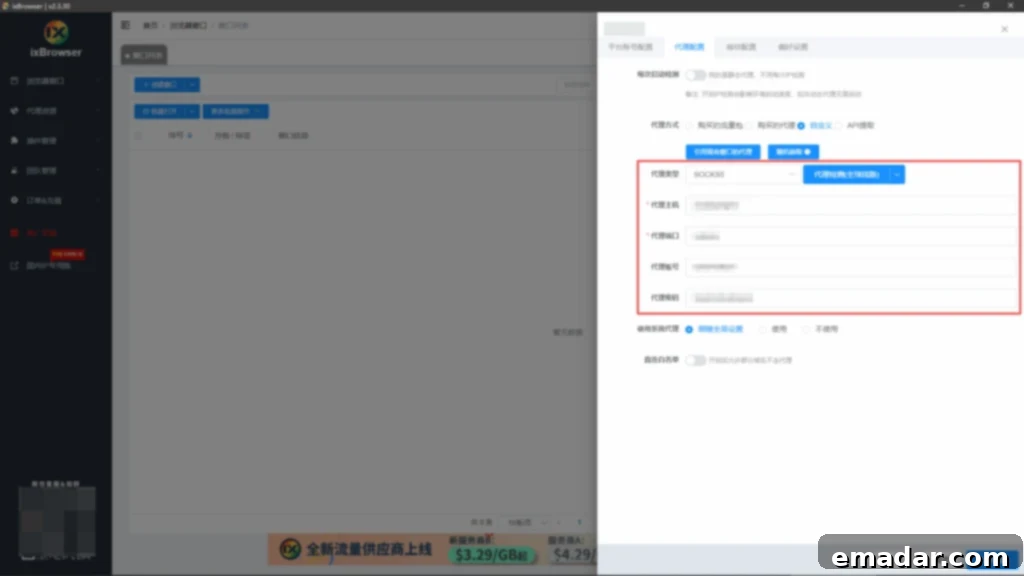
Step 7: Finalizing Fingerprint and Preference Settings
Next, configure the “Fingerprint Settings” and “Preference Settings” according to your specific needs. This allows you to customize various browser parameters, further enhancing the uniqueness of your profile. Once all settings are adjusted to your satisfaction, click “Create Now” to finalize the setup of your new, isolated browsing environment.
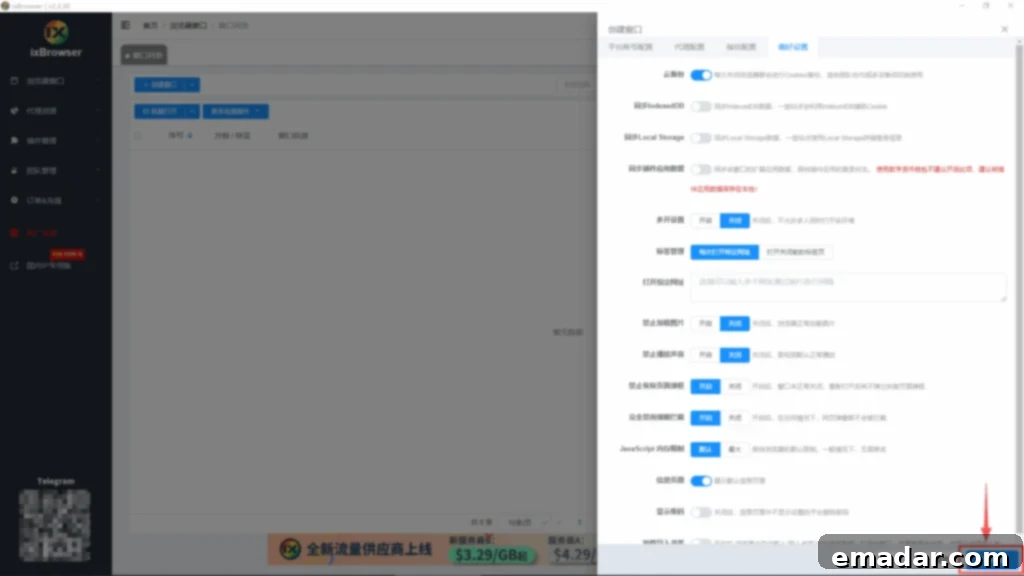
Step 8: Confirming Environment Setup
Upon successful creation, the ixBrowser interface will display your newly configured environment. This visual confirmation indicates that your browser profile, complete with its unique fingerprint and integrated IPFLY proxy, is ready for use.
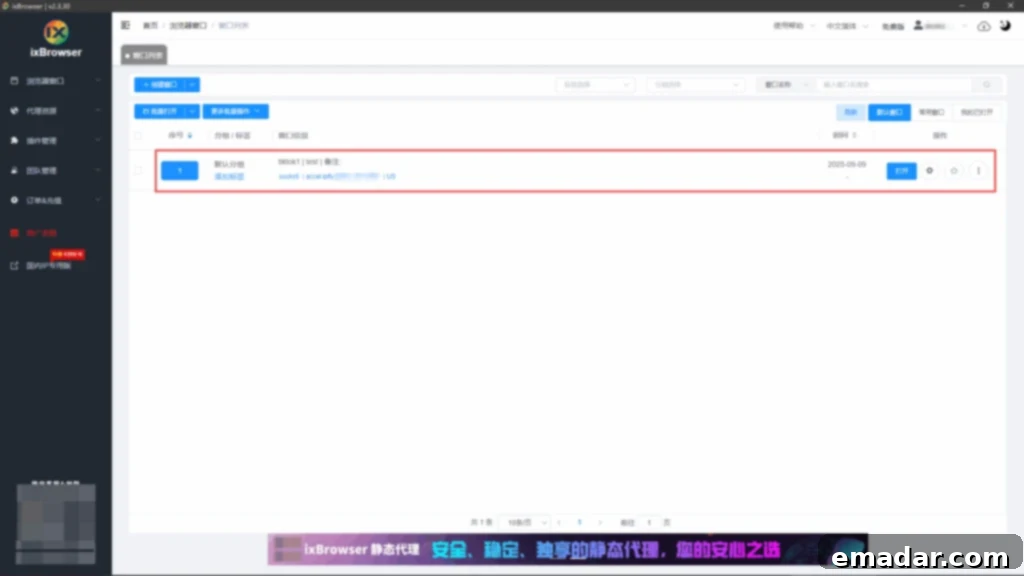
Step 9: Launching Your Independent TikTok Session
With your environment successfully configured, simply click “Open.” This action will launch an independent browser window, automatically connected to your chosen IPFLY static native IP and presenting its unique digital fingerprint. You will then be directed to an isolated TikTok account page, where you can safely perform a variety of operations, including account nurturing, content publishing, and engagement activities, all while maintaining perfect anonymity and avoiding platform detection.
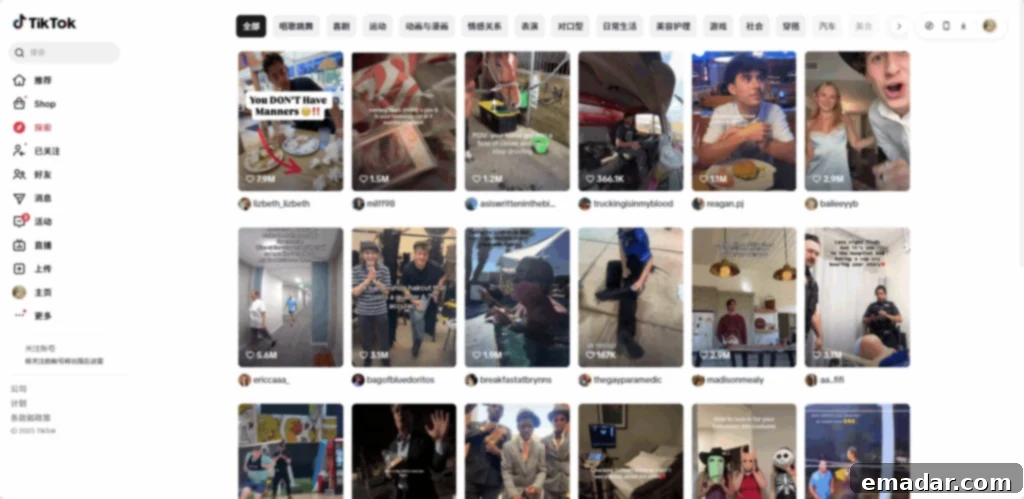
Note: All these operations typically require an overseas network environment for optimal performance and to fully leverage the proxy’s capabilities. If you have multiple TikTok accounts, you can either repeat these steps for each account or utilize ixBrowser’s batch import function for even greater efficiency.
Beyond TikTok: Unleashing Global Potential Across All Platforms
While the combination of ixBrowser and IPFLY offers unparalleled advantages for platforms like TikTok, its utility extends far beyond. The robust capabilities of a free fingerprint browser paired with reliable static native IPs provide comprehensive support for a vast array of online activities and platforms across the globe. This versatile toolkit empowers businesses to thrive in diverse digital ecosystems, including:
- E-commerce Marketplaces: Manage multiple seller accounts on platforms like Amazon, eBay, Shopify, Etsy, or regional marketplaces without cross-account detection.
- Social Media Marketing: Administer numerous profiles on Facebook, Instagram, X (formerly Twitter), YouTube, and other social networks for varied campaigns, influencer collaborations, or regional audience targeting.
- Affiliate Marketing: Operate multiple affiliate accounts, manage landing pages, and track campaign performance without being flagged for suspicious activity.
- Web Scraping and Data Collection: Gather critical market intelligence, competitor analysis, and product data from geo-restricted websites without IP bans or CAPTCHAs.
- Ad Verification: Ensure that your digital advertisements are being displayed correctly to the intended audiences in specific geographical regions.
- Software Testing and Quality Assurance: Test websites and applications from different geographical locations and browser configurations to ensure global compatibility.
IPFLY’s diverse range of IP types is meticulously designed to cater to various business scenarios, ensuring that you always have the most suitable proxy for your specific needs. This adaptability, combined with ixBrowser’s robust anti-detection features, empowers businesses to confidently expand their global footprint, explore new markets, and achieve significant commercial growth by seamlessly navigating the complex landscape of international online operations.
Conclusion: Your Gateway to Seamless Global E-commerce
In the dynamic world of cross-border e-commerce, the ability to operate securely, efficiently, and anonymously is no longer a luxury but a necessity. The strategic integration of a powerful fingerprint browser like ixBrowser and high-quality static native IPs from IPFLY offers an unbeatable combination. This synergy provides a robust defense against platform detection, geo-restrictions, and account association, enabling businesses and marketers to manage multiple accounts, scale operations, and access global markets with unprecedented ease and confidence. By embracing these essential tools, you equip your business with the competitive edge needed to unlock its full potential in the international digital arena, paving the way for sustainable growth and success.
Ready to Get Started? Registration and Download Links
Begin your journey towards seamless global e-commerce and empowered online operations today:
IPFLY: https://console.ipfly.net/register
ixBrowser: https://ixbrowser.com/