
Stable Claude Code Access: A Developer’s Guide to Static Residential Proxies
During development, users of Claude Code might encounter several issues:
- Additional verification during login.
- Request limitations or interruptions.
- Decreased API call stability.
- Access anomalies in multi-account environments.
These problems are often related to the stability of the network environment, not just call frequency or code logic.
This article will guide you through building a stable access environment using Static Residential Proxies, providing specific configuration methods from a development perspective.
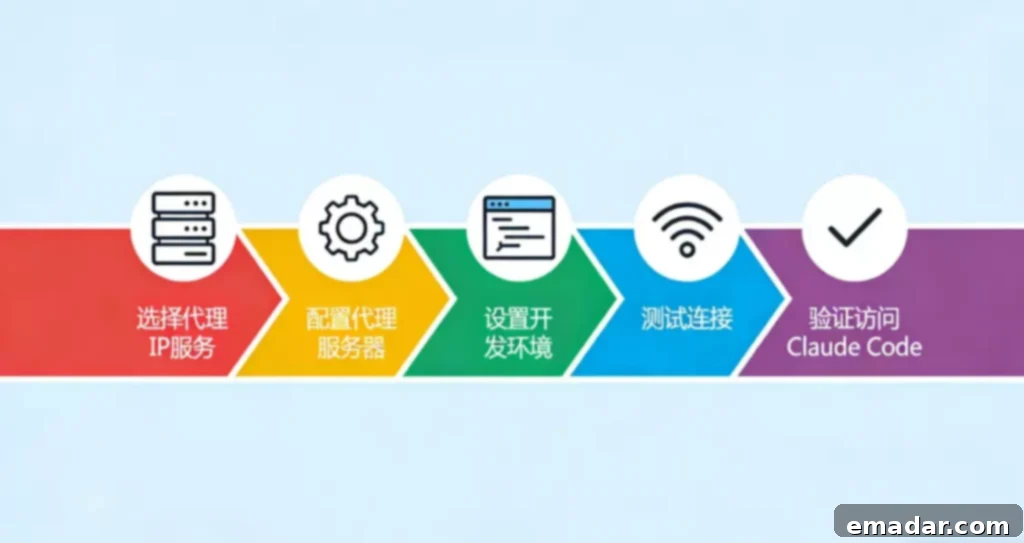
Why You Need a Stable Proxy IP
Developers typically access Claude Code through these environments:
- Local Network
- Virtual Private Server (VPS)
- Container or Automated Task Environment
Common server environment problems include:
- Using Data Center IPs
- Sharing the same exit IP for multiple tasks
- Uncontrollable IP reputation
This can lead to:
- Frequent triggering of risk control policies
- Inconsistent login environments
- Account associations
Therefore, in scenarios requiring long-term stable access or multi-account management, a proxy network is usually introduced to isolate access sources.
Why Choose Static Residential Proxies?
Static Residential Proxies are more suitable for “account-based services” like Claude Code than dynamic proxies.
Key features include:
- Fixed IPs for long-term use
- Sourced from real residential networks
- Support for long-term session maintenance
In development, they:
- Maintain a consistent login environment
- Reduce anomalies caused by IP changes
- Provide independent access points for different accounts
Some development teams assign independent residential IPs to different accounts and build stable access environments through proxy networks. For example, using Static Residential Proxies from IPFLY can provide a stable network exit configuration.
Obtaining a Static Residential Proxy (IPFLY)
Follow these steps in the IPFLY control panel to obtain proxy information:
- Log in to the IPFLY official website.
- Enter the “Static Residential Proxy” module.
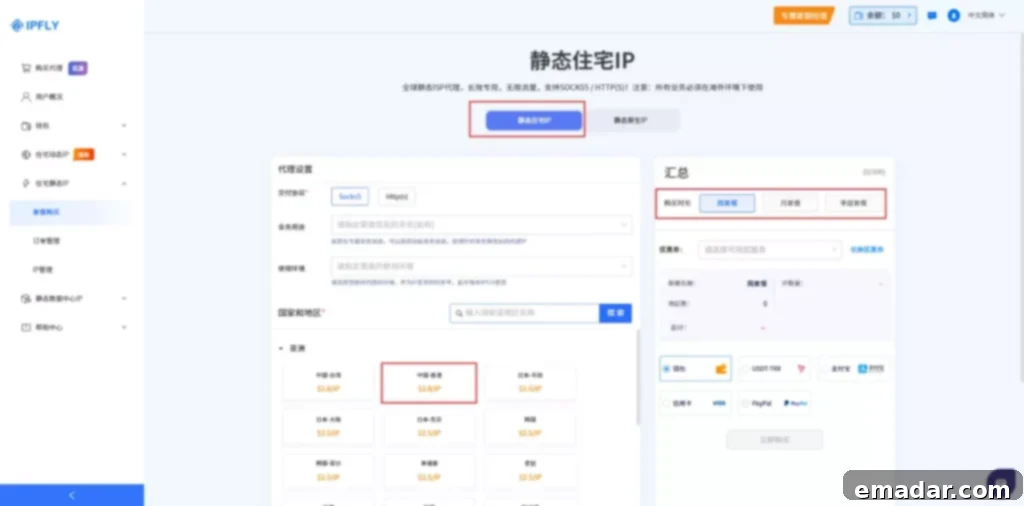
- Select the country/region (matching the account’s region is recommended).
- Obtain the proxy information, including:
- IP Address
- Port
- Username
- Password
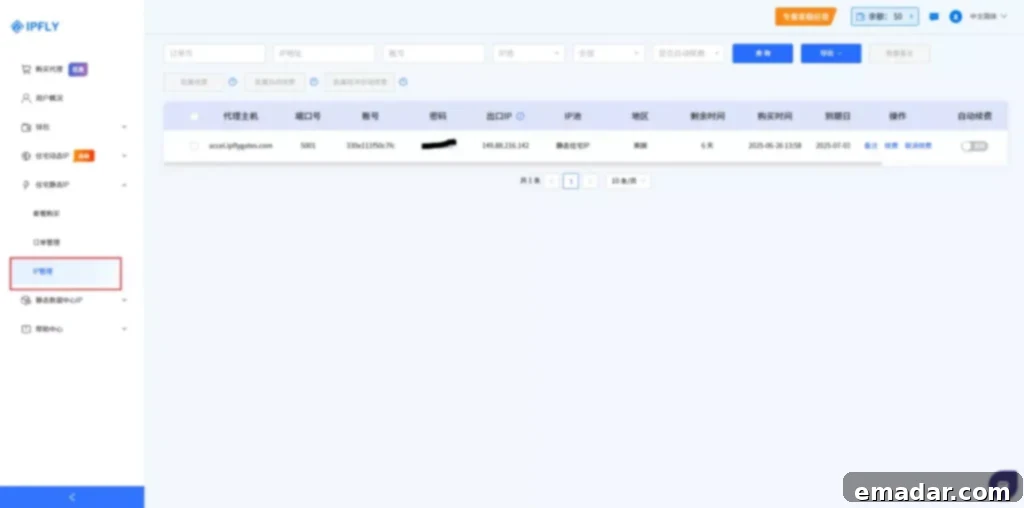
This information will be used to configure your development environment.
Configuring a Proxy in Your Development Environment
Choose a suitable access method based on your usage.
Method 1: Configuring via Environment Variables (Recommended)
Suitable for CLI tools or most development environments.
In Linux / macOS:
export HTTP_PROXY="http://username:password@ip:port"
export HTTPS_PROXY="http://http://username:password@ip:port"
In Windows (PowerShell):
$env:HTTP_PROXY = "http://username:password@ip:port"
$env:HTTPS_PROXY = "http://username:password@ip:port"
After configuration, system-level requests will be automatically sent through the proxy.
Method 2: Configuring a Proxy in Node.js
If you’re calling the Claude Code API in a Node.js environment, configure the proxy at the request layer.
Install dependencies:
npm install axios https-proxy-agentExample code:
const axios = require('axios');
const HttpsProxyAgent = require('https-proxy-agent');

const proxyAgent = new HttpsProxyAgent({
  host: 'ip',
  port: 'port',
  auth: {
    username: 'username',
    password: 'password'
  }
});

axios.get('https://api.anthropic.com', { httpsAgent: proxyAgent })
  .then(response => {
    console.log(response.data);
  })
  .catch(error => {
    console.error('Error:', error);
  });
This method is suitable for:
- API Requests
- Automated Scripts
- AI Agent Call Flows
Method 3: Configuring a Proxy in Python
If using Python:
import requests

proxies = {
    "http": "http://username:password@ip:port",
    "https": "http://http://username:password@ip:port"
}

response = requests.get("https://api.anthropic.com", proxies=proxies)
print(response.text)
Method 4: System-Level Proxy (Browser / Local Tools)
If Claude Code runs in a browser or desktop environment:
- Use system proxy tools.
- Or configure proxy plugins in the browser.
Ensure traffic passes through the Static Residential IP.
Multi-Account Environment Configuration Recommendations
In multi-account scenarios, the following structure is recommended:
Account A → Static Residential IP 1
Account B → Static Residential IP 2
Account C → Static Residential IP 3
Avoid:
- Sharing the same IP for multiple accounts
- Frequent IP switching
This can achieve:
- Network environment isolation
- Reduced account association risks
- Increased long-term stability
Stability Optimization Recommendations
Consider these points during actual use:
- Keep IP Consistent with Account
Always use the same IP for each account.
- Avoid Frequent Region Switching
Significant IP region changes might trigger anomaly detection.
- Control Request Frequency
Even with a proxy, high-frequency requests are not recommended.
- Regularly Test Proxy Connectivity
Use curl to test:
curl -x http://username:password@ip:port https://api.ipify.orgEnsure the returned IP is correct.
Overall Architecture Explanation
After introducing a proxy, the complete access structure is:
Development Tool (Claude Code)
↓
Running Environment (Local / Server)
↓
Proxy Network (Static Residential IP)
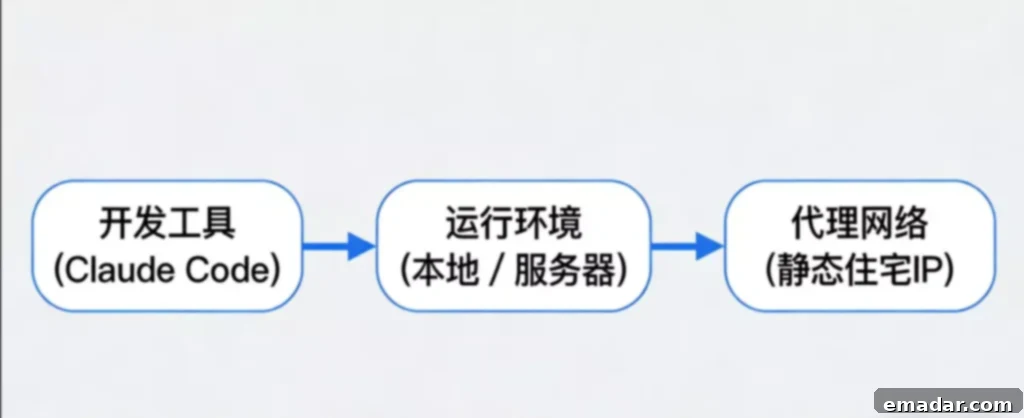
Compared to directly using a server IP, this structure provides:
- A more stable access source
- A more consistent network environment
- Development conditions more suitable for long-term operation
Conclusion
In the actual use of Claude Code, access stability depends not only on the code itself but also on the network environment design.
Introducing Static Residential Proxies can improve access consistency and reduce anomalies caused by network environment changes.
Throughout the process:
IPFLY provides a stable network access infrastructure, while the development process and call logic remain under user control.
This approach offers a relatively stable and practical path for scenarios requiring long-term operation or multi-account management. Using a static residential proxy ensures that your Claude Code development remains consistent and reliable, reducing the risk of disruptions due to IP-related issues. By implementing these strategies, developers can focus on creating innovative solutions with Claude Code without the added stress of managing unstable network connections.
Remember, the key to successful Claude Code development lies in understanding the nuances of network stability and proactively addressing potential issues. This guide provides a comprehensive overview of how static residential proxies can be leveraged to create a seamless and robust development experience. From setting up the proxy to optimizing its performance, every step is crucial for ensuring the longevity and stability of your Claude Code projects.
By adopting these best practices, developers can not only improve their own workflow but also contribute to a more reliable and efficient Claude Code ecosystem. So, take the time to implement these strategies and watch your Claude Code development thrive.
New users can claim 500M of dynamic traffic for a free native residential IP test, register now to claim immediately!