
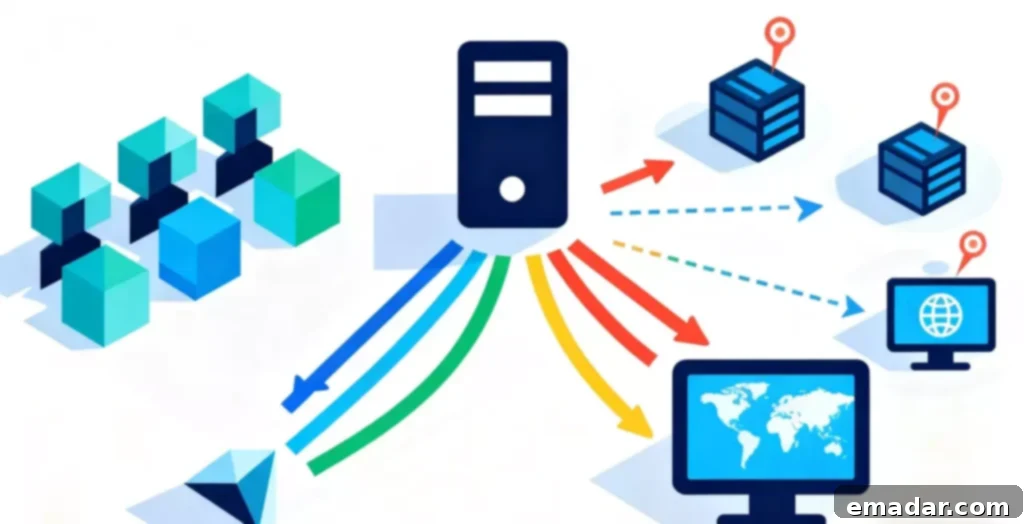
In the realm of cross-border e-commerce, data scraping, and TikTok live streaming, you’ve undoubtedly encountered a string of characters like 123.45.67.89:8080.
This is a typical format for an “HTTP Proxy IP.”
For newcomers, it’s both mysterious and essential. You’re told you “must use it” to prevent Amazon account association or to scrape competitor data. But what exactly is it? And how does it differ from HTTPS proxies and SOCKS5 proxies?
Understanding HTTP Proxy IPs: A Detailed Exploration
Let’s begin with a simple analogy:
IP Address = Your “home address” on the internet.
HTTP Proxy IP = A “messenger” or “transfer station” you hire.
Without a Proxy (Direct Connection):
Your computer (Point A) directly sends a request to the target website (Point B).
- Result: Point B can clearly see your real “home address” (your real IP).
Using an HTTP Proxy:
Your computer (Point A) first sends the request (“I want to see this webpage”) to the HTTP proxy server (Point C). Then, Point C “replaces” you and sends the request to the target website (Point B). Point B returns the data to Point C, and Point C forwards it to you.
In this process, the target website (Point B) only sees the IP address of the “messenger” (Point C), and your real IP (Point A) is perfectly hidden.
What does “HTTP” mean?
HTTP (HyperText Transfer Protocol) is the most basic “language” on the internet. You use it to browse web pages.
The “professionalism” of an HTTP proxy lies in the fact that it’s a “knowledgeable” messenger. It operates in the “application layer” (Layer 7) of the OSI model, and it can “understand” the HTTP request content you send. Because it “understands,” it can perform advanced operations, such as:
- Caching Content: If 100 people access the same webpage through it, it only accesses it once and then “copies” the result to 100 people, increasing speed.
- Filtering Content: It can check your request, and if it’s an “unsafe” website, it can “refuse” to forward it for you.
The Three Types of HTTP Proxies: Anonymity Levels Explained
Like messengers, some are “big-mouthed,” while others are “tight-lipped.” This is the “anonymity level” of the HTTP proxy, which directly determines your level of security.
- Transparent Proxy
- “Big-mouthed” messenger.
- How it works: It will forward your request, but at the same time, it will “honestly” tell the target website in the HTTP header information (
X-Forwarded-For): “Hey, I’m a proxy, and the real owner behind me is[your real IP].” - Platform Judgment: “Oh, a newbie who used a proxy and exposed their real IP.”
- Use: No privacy at all! Mainly used for internal firewalls in companies and schools to “audit” and “filter” employees’/students’ internet behavior. Strictly prohibited for cross-border operations!
- Anonymous Proxy
- “Half-hidden” messenger.
- How it works: It will hide your real IP, but it will still “announce itself” and tell the target website in the HTTP header information (
Via): “Hey, I’m a proxy server.” - Platform Judgment: “I don’t know who you are, but I know you used a proxy. You are a ‘suspicious’ visitor.”
- Use: It can barely bypass some basic “geographical restrictions” (such as watching videos), but it’s still very dangerous for high-risk control platforms like Amazon and TikTok.
- High-Anonymity Proxy / Elite Proxy
- “Perfectly disguised” messenger.
- How it works: This is the only professional choice! It will completely hide your real IP and will not add any markers in the HTTP header information that expose its “proxy identity.”
- Platform Judgment: “Hmm, a real visitor from XX state XX community (it thinks the proxy IP is you).”
- Use: The “golden standard” for cross-border e-commerce anti-association, data scraping, and social media account nurturing.
HTTP vs. HTTPS Proxy: Understanding the Key Differences
This is a very easily confused concept.
HTTP proxy refers to the protocol the proxy server uses.
HTTPS (HTTP Secure) refers to the protocol the website you visit uses (with a lock, encrypted).
Question: Can an HTTP proxy access HTTPS websites?
Answer: Yes, and it must be able to!
They work differently:
When an HTTP proxy accesses an HTTP website (unencrypted):
The proxy server can understand all your communication content (including the username and password you submit).
When an HTTP proxy accesses an HTTPS website (encrypted):
Your browser will send a CONNECT request to the HTTP proxy (“Hey, help me connect to Amazon”).
After receiving the request, the proxy server will establish an “encrypted tunnel” between your browser and Amazon.
Key point: The proxy server cannot decrypt the content in this tunnel. It only knows that you connected to Amazon, but doesn’t know what you did on it, nor does it know your password.
Conclusion: For security reasons, all modern professional HTTP proxies must support the CONNECT method to handle HTTPS traffic.
Advice for cross-border sellers:
- If you only operate your store on a browser (or fingerprint browser), a high-anonymity HTTP proxy is sufficient.
- If you’re unsure what protocol your application (such as an ERP software or game client) is using, or if you have the highest requirements for preventing “DNS leaks,” SOCKS5 is a safer and more versatile “panacea,” such as IPFLY’s SOCKS5 proxy.
- For TikTok live streaming (using UDP streams) or multi-account operations, SOCKS5 is usually a more recommended choice.
Why “Residential HTTP Proxies” Are Crucial: Understanding the Importance of IP Source
This is the most critical piece of knowledge.
Do you think that the “high-anonymity HTTP proxy” you bought is safe?
Wrong!
In cross-border e-commerce, 90% of the risk control battle is focused on the “bloodline” of the IP, not the “protocol.”
All HTTP proxy IPs are divided into two types according to their “bloodline” (source):
- Data Center HTTP Proxy
- “Bloodline”: Data center bloodline.
- Source: From data centers (machine rooms) such as AWS, Azure, and Google Cloud.
- Features: Cheap, fast, fixed.
- Fatal Weakness: “Origin” is not clean!
- Platform Judgment: Amazon and TikTok’s risk control systems 100% know that these IPs are “data center IPs.”
- Conclusion: “Would a ‘real’ seller live in an AWS machine room to operate a store? – Robot! Ban!“
- Residential HTTP Proxy
- “Bloodline”: Real person bloodline.
- Source: From real, local home ISPs (such as Comcast and Verizon in the US, and BT in the UK).
- Features: Pure, high trust.
- Platform Judgment: “Hmm, this IP is from a Comcast home broadband user in the XX state XX community in the United States, a real, high-reputation local resident.”
- Conclusion: Safe, regarded as a “real user.”
The conclusion is already clear:
The “version answer” for cross-border e-commerce and TikTok operation is not to dwell on HTTP or SOCKS5, but to use “residential proxy IPs” (Residential Proxy).
Whether it’s the HTTP protocol or the SOCKS5 protocol, as long as it’s a “residential bloodline,” it’s safe. Professional cross-border e-commerce teams know that to achieve strict IP isolation, they must use highly pure proxy IPs, and IPFLY’s static residential proxies are designed to meet this high security standard.
Conclusion: Choosing the Right HTTP Proxy for Your Needs
What does “HTTP Proxy IP” mean?
It’s both the most basic “messenger” protocol on the internet and the sharp “spear” and “shield” in the hands of cross-border operators.
- Choose Protocol: HTTP(S) focuses on the web, SOCKS5 is a “panacea.”
- Choose Anonymity: “High-anonymity” is the bottom line.
- Choose “Bloodline”: “Residential” is the king!
In the current landscape, don’t gamble the “survival rate” of a cheap data center IP with your invaluable store account.
Use IPFLY Residential Proxy IPs
IPFLY has a self-built server + big data screening system and only provides:
- Real ISP-assigned residential IPs
- Pure, unpolluted IP segments, non-shared, no historical abuse records
- Support IP detection, location filtering, and multi-country switching
Prevent risk control, control risk, use IPFLY to achieve IP isolation!