
AI agents are taking over more and more automated tasks, yet many users find that
stronger models don’t always mean more stable tasks.
In real-world operation, AI automation often encounters network-related problems such as:
- API request failures;
- interrupted data retrieval;
- region-based access anomalies;
- long-running tasks disconnecting.
These issues usually stem not from the AI model itself but from the network environment behind it.
Stable proxy IPs are becoming a critical foundation for reliable AI workflows.
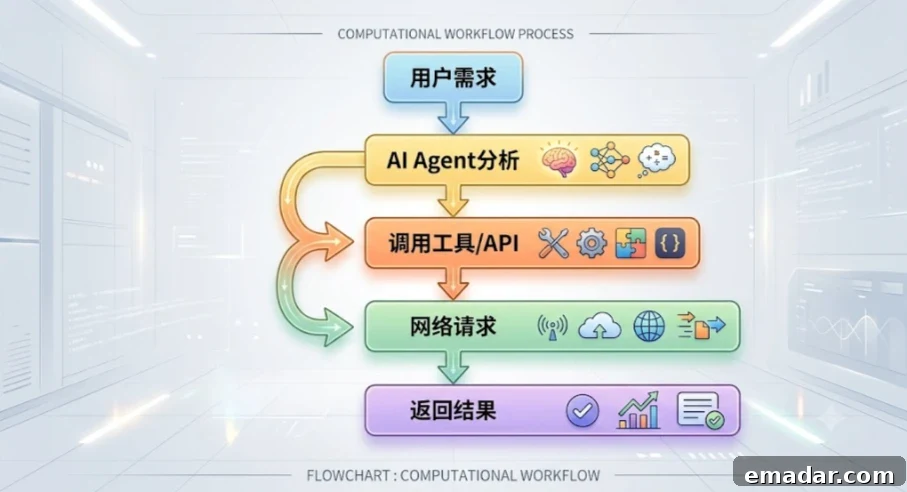
Why AI Agents Need Proxy IPs
An AI agent is essentially a software system that performs tasks autonomously.
Typical requirements include:
- accessing internet resources;
- calling third-party APIs;
- retrieving real-time data;
- making multiple consecutive requests.
As a result, the network environment directly impacts how well tasks execute.
Common Network Issues for AI Automation Tasks
- Unstable network connection
AI agents may need to run continuously for minutes or even hours. If the network experiences high latency, dropped connections, or failed requests, task completion will be affected.
- Regional differences in access results
Many AI applications are region-sensitive, for example:
- market-specific content analysis;
- user experience testing for overseas audiences;
- global product research.
These use cases require network access from different geographic regions for accurate tests.
- Increased volume of automated requests
Where manual access may generate a few dozen requests per day, AI agents can produce continuous, high-volume network traffic. That makes stable and reliable IP infrastructure essential.

Which Type of Proxy IP Should AI Automation Use?
Different AI scenarios have different proxy IP requirements.
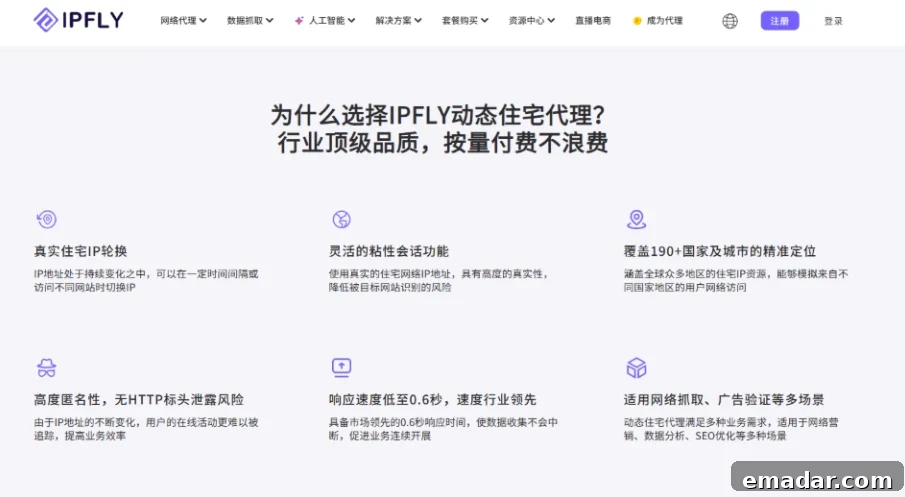
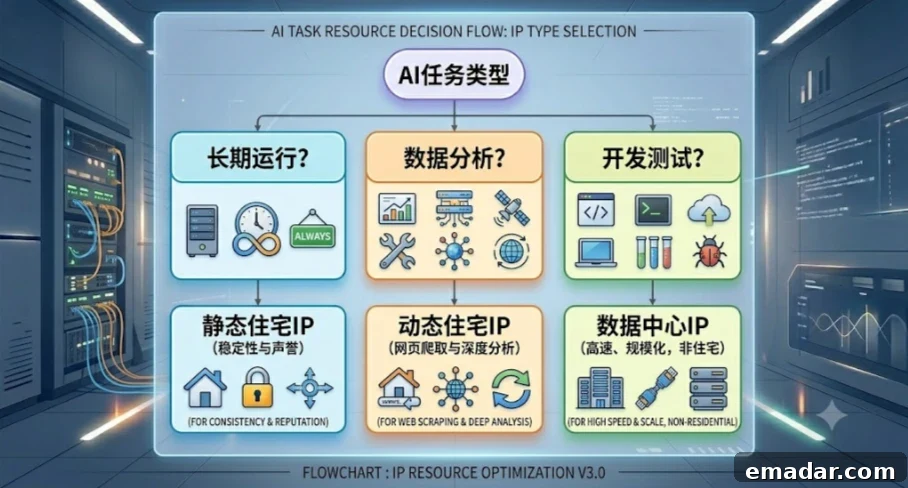
Dynamic Residential Proxies: Suitable for AI data processing and multi-region tasks
Dynamic residential proxies typically use real residential network exits.
Key features:
- IPs resemble real user networks;
- support for multiple region selections;
- well suited for variable tasks.
Recommended for:
AI data analysis — market trend research, user behavior analysis, information aggregation.
AI automation research — search result comparisons across regions, localized content testing.
IPFLY’s dynamic residential proxies cover many global regions and can give AI automation tasks more flexible network access.
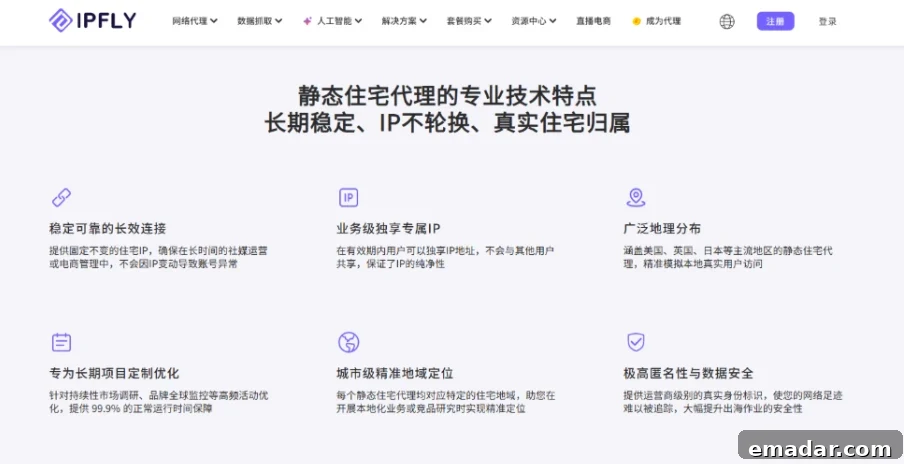
Static Residential Proxies: Best for long-running AI Agents
If an AI agent must run continuously—for example:
- enterprise automation workflows;
- fixed task execution;
- long-cycle data processing;
a stable, fixed network exit is usually preferable.
Advantages of static residential proxies:
- IP addresses remain consistent over time;
- network environment is more stable;
- well suited for continuous or scheduled tasks.
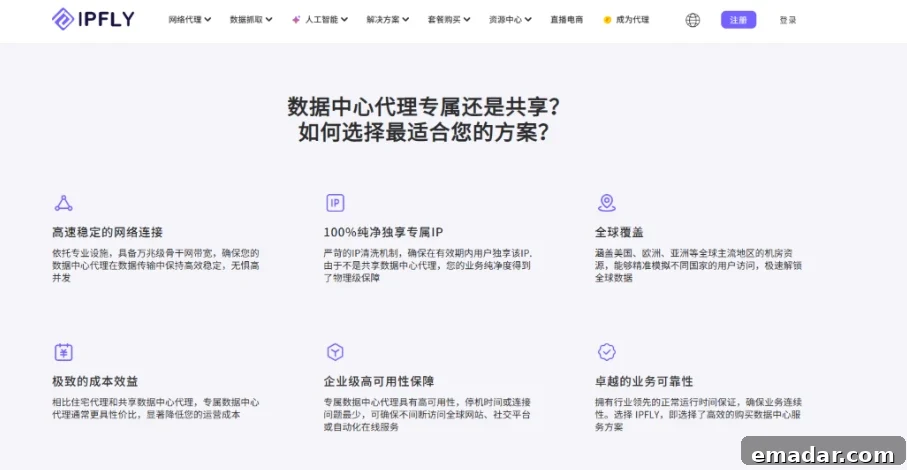
Datacenter Proxies: Good for AI development and testing
Datacenter proxies typically offer:
- fast response times;
- easy deployment;
- lower cost.
They are suitable for:
- AI program development and testing;
- API environment validation;
- automated workflow debugging.
Complete Guide: How to Configure Proxy IPs for AI Agents
What information do you need before configuring a proxy IP?
After purchasing IPFLY proxy service, you should obtain:
proxy host (Host), for example: accel.ipflygates.com; port (Port), for example: 5001;
proxy username for authentication; proxy password, for example: 12345.
Method 1: Configure a proxy for browser-based AI tools
Suitable for browser-based AI tools, automated browsers, and web agents.
The core approach is to set a system-wide proxy or inject proxy information into the AI tool’s configuration or environment variables to overcome network restrictions. The exact steps depend on the AI tool you are using.
If you use code-based browser automation tools (for example, a BrowserConfig class), you can usually specify the proxy directly in the configuration. Add a proxy entry or startup parameter like: proxy: "http://127.0.0.1:7890" (replace the port with your actual proxy software port).
Method 2: Configure proxies in Python for AI automation
Developers can set proxies directly in code. Example:
import requests


proxy = {
    "http": "http://username:password@host:port",
    "https": "http://username:password@host:port"
}


response = requests.get(
    "https://example.com",
    proxies=proxy
)

print(response.text)
This approach is ideal for:
- AI data tasks;
- automation scripts;
- API requests.
Method 3: Configure proxies in the AI agent server environment
For enterprise deployments, configuring proxy settings via environment variables is recommended.
Linux example:
export HTTP_PROXY=http://proxyhost:port

export HTTPS_PROXY=http://proxyhost:port
After setting these variables, all network requests that respect these standard environment variables will route through the proxy server.
How to Verify Your AI Proxy Configuration
After configuration, don’t immediately run complex tasks. Perform three simple tests first.
Step 1: Check the outbound IP
Compare the IP address before applying the proxy (IP A) and after (IP B) to confirm that the network exit has changed.
Step 2: Verify geographic information
Check the reported:
- Country;
- Region;
- ISP.
Confirm these match the target region for your task.
Step 3: Test stability
Run a continuous request test and monitor:
- success rate;
- response times;
- overall network stability.
Best Practices for AI Agents Using Proxy IPs
Focus on IP quality, not just quantity
For AI automation, prioritize:
- IP quality;
- stability;
- regional coverage.
Choose the proxy type based on task requirements
Combine proxy IPs with environment management
A stable AI automation environment typically includes:
- network configuration;
- browser environment;
- cookie management;
- login/session state management.
Proxy configuration is an important part of this stack but not the only component.
How IPFLY Can Help Build a Reliable AI Automation Network
As AI agent adoption grows, enterprises increasingly demand stable and global network environments.
IPFLY offers multiple proxy solutions:
- dynamic residential proxies;
- static residential proxies;
- datacenter proxies;
These solutions support access across many global regions and help organizations:
- optimize AI automation workflows;
- improve connection stability;
- support global AI use cases.