
Troubleshooting Google Account Registration with QR Code Verification in 2026: A Comprehensive Guide
As we move into 2026, an increasing number of users are encountering a new hurdle when attempting Google account registration: the mandatory step of scanning a QR code with a mobile phone to proceed.
This change has become a significant obstacle for many, particularly those requiring new accounts, testing accounts, multiple accounts for various purposes, or simply seeking to use Google services like Gmail, Google Drive, and Gemini. Understanding why this is happening and finding viable solutions is crucial.
In essence, this QR code verification is a result of Google’s upgraded risk management mechanisms. This article will delve into the principles behind this mechanism and provide a systematic overview of currently feasible solutions.
Understanding QR Code Verification in Google Account Registration
During 2025 and 2026, Google has progressively tightened its account registration process. For certain regions and network environments, QR code verification has become mandatory. The primary objective is to determine whether the registration attempt originates from a genuine user.
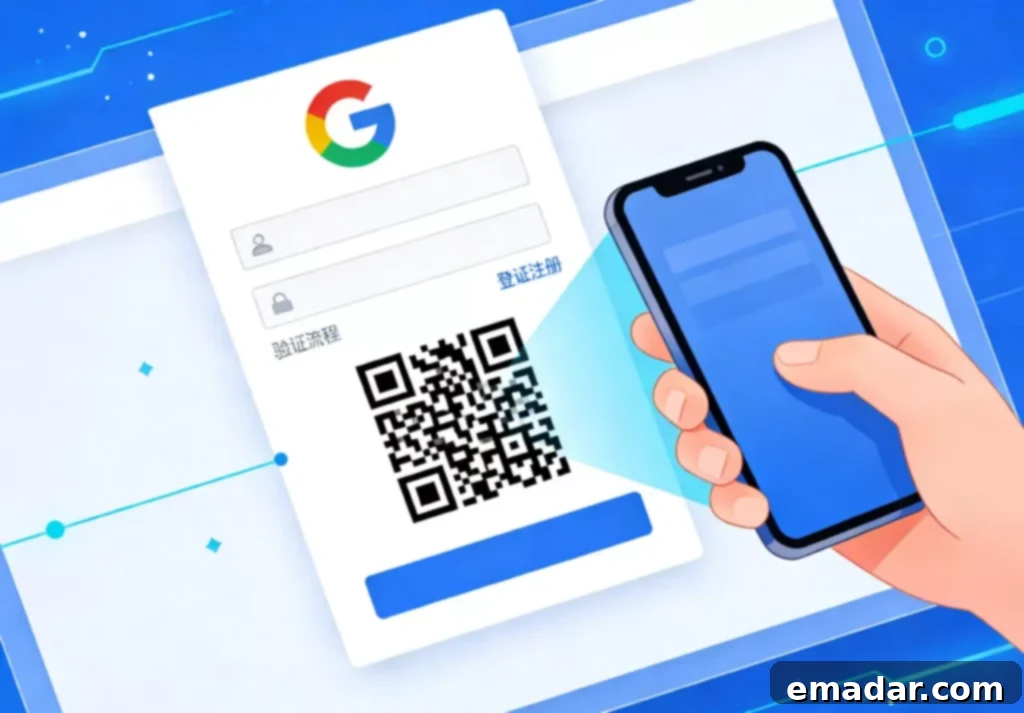
This manifests in the following ways:
- A prompt during registration stating “Use your phone to scan the QR code to continue.”
- The requirement to use a real mobile phone and complete the verification through an official Google App (Gmail, Google App, etc.).
- The inability to skip the verification or automate it through scripts.
This step isn’t merely about confirming phone ownership. It’s a comprehensive assessment that considers:
- Whether there are signs of automated registration.
- The trustworthiness of the device, IP address, and region.
- Whether the registration path aligns with typical user behavior.
Therefore, in the Google account registration process, if the environment is deemed “high-risk,” QR code verification is automatically triggered.
Why Some Users Register Successfully While Others Face Constant Challenges
Based on practical testing, triggering QR code verification is closely linked to the following factors:
- Inconsistency between the registration region and the IP address’s country.
- Use of public networks or data center IPs.
- Frequent changes in IP address, browser, or device.
- Multiple accounts sharing the same network environment.
- Clear characteristics of emulators or virtual environments.
In other words, it’s not necessarily about “doing something wrong” but rather that your registration environment is considered untrustworthy.
Practical Solutions for Google Account Registration
It’s important to acknowledge that Google’s risk management strategies are constantly evolving, meaning there isn’t a permanently effective workaround. The following methods are based on practical experience in “reducing the probability of risk.”
Solution 1: Utilizing Pre-Verified Accounts
This is a highly efficient and low-technical-barrier approach, ideal for users who prefer to avoid repeated testing of the registration process.
After acquiring a pre-verified account, the most crucial aspect is subsequent nurturing and environment association:
- Use in a dedicated browser or fingerprint browser (to avoid Cookie/IP mixing).
- Immediately fill in security information upon login.
- Gradually bind a recovery email and phone number.
- Change the password, recovery email, and account region.
Completing these steps will significantly enhance the “ownership” and stability of the account.
Solution 2: Android Environment + Google Play Registration
Compared to web-based registration, device-based registration is more akin to real user behavior, making it less likely to trigger QR code verification in some cases.
The key lies in two things:
- A clean device environment.
- A trustworthy network environment.
When using an emulator or Android environment, it’s recommended to use dedicated, high-purity residential IPs, avoiding public or high-risk lines. Some cross-border users have reported success using dedicated residential IPs to maintain consistency between the registration region and network environment, thereby reducing the probability of forced verification during Google account registration.
After successful registration, it’s crucial to complete the email, phone number, and address information to gradually increase the account’s credibility.
Solution 3: New Device + Gmail App Registration
This is currently one of the most reliably successful methods:
- Use a new mobile phone or a device that has been factory reset.
- Employ a stable and long-term network environment.
- Register through the Gmail App rather than the web browser.
The risk management intensity varies across different registration entry points. The App tends to be more aligned with real user usage scenarios.
In this type of operation, the consistency and continuity of the network environment remains paramount. Some teams consistently use residential IPs from the same region for the initial days of account creation, logging in daily to avoid triggering secondary verification due to frequent environmental changes.
QR Code Verification: Not a Sign of Failure
Many people, when faced with QR code verification during Google account registration, immediately assume “this path is not viable.” However, in reality: QR code verification is merely a risk control prompt, not a ban.
Google now employs a “long-term credibility assessment” mechanism:
- Registration is only the first step.
- Subsequent login and usage behavior are equally important.
- A stable environment is more crucial than a one-time bypass.
Instead of constantly trying to take shortcuts, it’s more effective to build a user model that closely resembles real user behavior in terms of device, network, and usage habits.
Conclusion: Mastering Google Account Creation in 2026
Google account registration in 2026 is no longer a simple process of “filling out information and finishing.” It’s a system that continuously assesses the account’s credibility.
The appearance of QR code verification doesn’t mean you can’t register; it’s a reminder that the current environment doesn’t resemble a real user closely enough.
Only when the device, network, region, and behavioral logic align will the verification frequency genuinely decrease, and the account’s lifespan will extend.
From this perspective, the key to solving the problem is never about “bypassing verification” but about making Google believe you are a legitimate user.
Prioritize account stability for cross-border operations. Focus on providing reliable proxy IP solutions, offering:
- ✅ Global access to over 90 million residential IPs, covering 190+ countries.
- ✅ Support for dedicated static residential IPs and dynamic residential IP rotation.
- ✅ High-purity, ISP-native options, alongside data center IPs.
- ✅ Multi-protocol support: HTTP/SOCKS5/HTTPS, ensuring broad platform compatibility.
- ✅ API integration, fingerprint browser compatibility, and quick onboarding for seamless business operations.
By understanding Google’s verification process and implementing these solutions, you can significantly improve your chances of creating and maintaining a stable Google account in 2026 and beyond.