
WhatsApp Verification Code Not Received? Common Causes and Effective Solutions
One of the most frustrating problems encountered when registering or logging into WhatsApp is not receiving the verification code. Repeatedly clicking “Resend,” waiting for the countdown, and still receiving no SMS or voice call is not only inconvenient but can also lead to temporary account restrictions.
This article provides a systematic overview of common causes, based on technical logic and real-world usage scenarios. It offers practical solutions to help you successfully complete registration or verification.
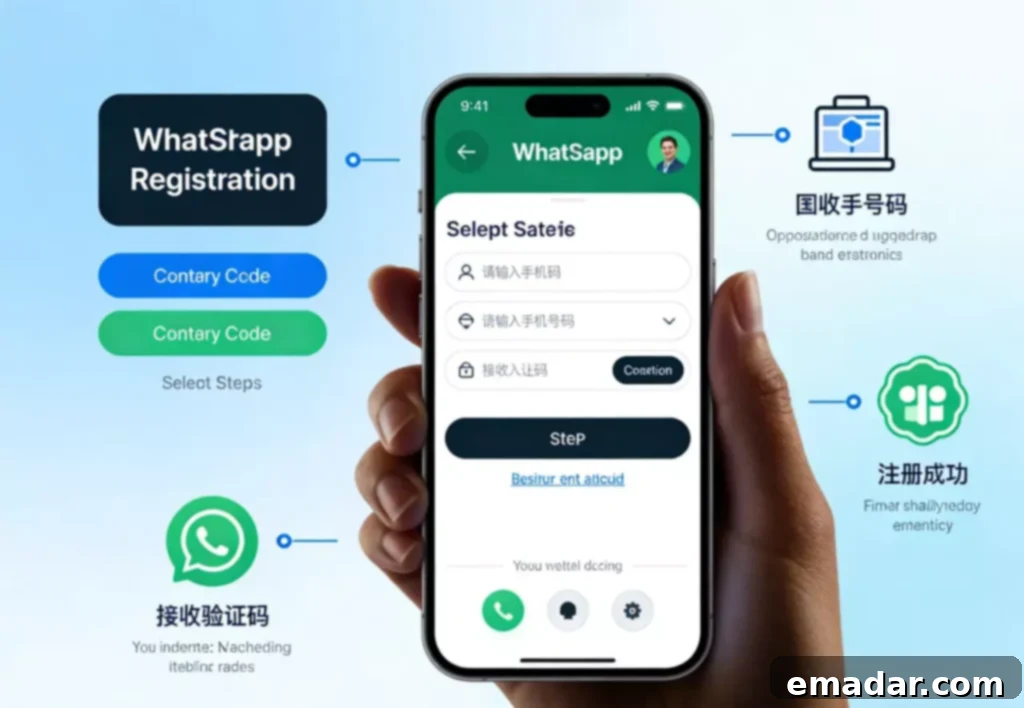
How WhatsApp Verification Codes Are Sent
Under normal circumstances, WhatsApp sends verification codes in the following two ways:
- SMS Verification Code (SMS)
- Voice Verification Code (Automated Voice Call)
The system first attempts to send an SMS. If this fails multiple times, the voice verification option is enabled.
If the verification process is deemed “abnormal,” the verification code may be delayed or not sent at all.
6 Common Reasons Why You Might Not Receive a WhatsApp Verification Code
1. Abnormal or Reused Phone Number
The success rate of receiving a verification code decreases significantly if the phone number meets any of the following conditions:
- Recently registered or unlinked from WhatsApp frequently
- Previously used for bulk registration or abnormal operations
- Unused for an extended period or in an abnormal state
WhatsApp assesses the risk associated with phone numbers. If a number is flagged, the verification code may be blocked.
2. Unstable or Frequently Changing Network Environment
This is a crucial reason often overlooked.
During registration or verification, the system might fail if the network exhibits these issues:
- High network latency or unstable connection
- Multiple network switches within a short time
- Significant differences in access environments
The system may be unable to deliver the verification code normally or might initiate a cooling-off period.
In practical use, maintaining a stable, consistent network environment helps improve the success rate of receiving WhatsApp verification codes.
3. Carrier or SMS Channel Interception
Some carriers may intercept or delay international SMS messages, especially during:
- Night or peak hours
- Multiple verification code requests in a short time
- SMS messages flagged as suspected marketing messages
In this case, the SMS is not undelivered; it’s blocked in the channel.
4. Frequent Clicking of “Resend Verification Code”
Many users repeatedly click “Resend” while waiting, which can trigger risk controls:
- Excessive verification requests
- Behavior considered abnormal
- The system entering a cooling-off period of one hour or more
Once in a cooling-off period, further attempts are usually unsuccessful.
5. Abnormal Device or Application Environment
This includes, but isn’t limited to:
- Frequent account switching on the same device
- Outdated application version
- Incomplete system permissions (SMS/Call permissions)
These factors affect the normal reception of verification codes.
6. Mismatched Region and Usage Behavior
WhatsApp comprehensively assesses:
- Registration region
- Network access area
- Usage time and behavioral patterns
If there are significant discrepancies, the verification process may be suspended for further review.
Practical Solutions for Not Receiving a WhatsApp Verification Code
Solution 1: Pause Operations and Wait for the Cooling-Off Period to End
If you have tried repeatedly without success, it’s recommended to:
- Stop operations for 12–24 hours
- Avoid clicking “Resend”
- Wait for the system to automatically lift the restriction
This is a fundamental prerequisite for restoring the success rate.
Solution 2: Switch to Voice Verification Code
After multiple SMS failures, try:
- Waiting for the voice verification option to appear
- Ensuring the phone can receive calls normally
- Watching for automated voice calls from unknown numbers
In some cases, voice verification codes have a higher success rate.
Solution 3: Check and Stabilize the Network Environment
During registration or verification, try to:
- Use a stable network environment
- Avoid frequent connection switching
- Maintain consistency in access
In cross-border business or multi-device usage scenarios, some users use stable proxy IP solutions, such as those provided by IPFLY, to provide continuous network access conditions for registration and verification processes, reducing verification code failures due to environmental fluctuations.
Solution 4: Confirm the Phone Number and Device Status Are Normal
- Ensure SMS and call permissions are enabled
- Update WhatsApp to the latest version
- Restart the device and try again
These basic checks often solve some seemingly complex problems.
What If You Still Don’t Receive the Verification Code?
If all the above methods are ineffective, the phone number or verification environment may have been flagged by the system. It’s recommended to:
- Re-register with a different phone number
- Use a new device and a clean usage environment
- Slow down the pace of operations in the early stages to avoid concentrated behavior
In practical business, the stability of the registration environment is often more important than “multiple attempts.”
Conclusion: WhatsApp Not Receiving Verification Codes Is Essentially a System Risk Control Issue
Many people think that not receiving a WhatsApp verification code is just a “missing SMS,” but from a system perspective, it’s more like a comprehensive assessment of the account, phone number, and environment.
Verification code failure is often not an isolated problem but the result of mismatched preconditions.
By stabilizing the network, adopting a reasonable operating rhythm, and using a cleaner environment, you can fundamentally improve the success rate of WhatsApp registration and verification.
IPFLY provides static/dynamic residential IP and data center proxies to protect your cross-border operations. No disconnection, no association, no account banning, giving your account a clean start.