
How to Bypass a Roblox IP Ban: The Ultimate Guide
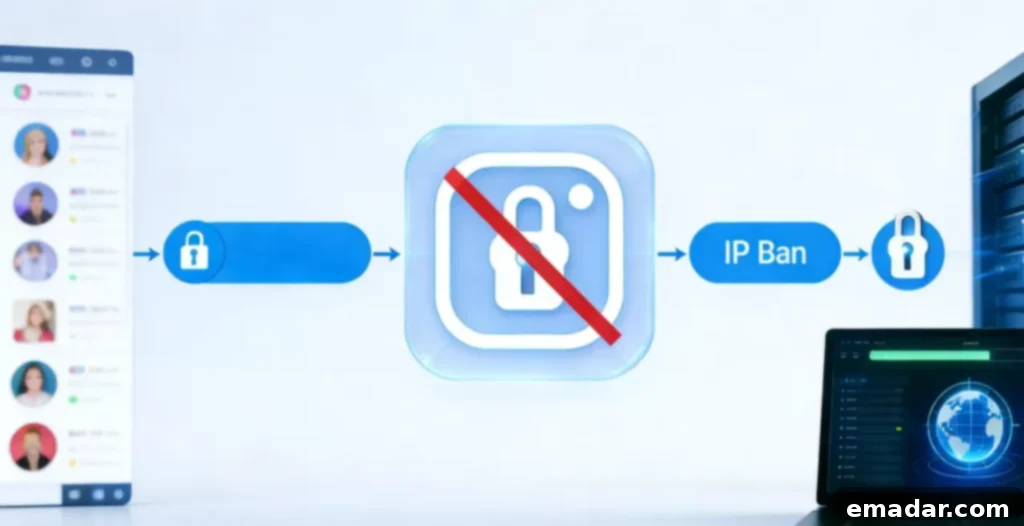
Being blocked from your favorite game can be incredibly frustrating. If you’re encountering an error message, even when your password is correct, you might be facing a Roblox IP ban. This means Roblox has blocked your entire internet connection, not just your specific account. An IP ban prevents anyone using your internet connection from accessing Roblox.
This comprehensive guide will provide you with three effective methods to regain access to the game by changing your IP address, allowing you to bypass the Roblox IP ban and get back to playing.
Understanding a Roblox IP Ban
Why an IP Ban is Different from an Account Ban
An account ban prevents a single username from accessing Roblox. In contrast, a Roblox IP ban essentially blocks the “door” your entire network uses to connect to the Roblox game servers. Consequently, simply creating a new account will typically not resolve the issue, as the underlying internet connection remains blocked.
The Technology Behind the Ban
Roblox identifies your network using your public IP address. If someone on your Wi-Fi network violates Roblox’s terms of service, the entire network can be subjected to an IP ban. Therefore, to successfully bypass the ban and play again, you need to present the Roblox servers with a new, unblocked IP address.
Why Roblox Bans Your IP Address
Common Triggers for a Network Block
Roblox may implement an IP ban upon detecting a significant violation of its rules and terms of service. This measure is often employed to prevent individuals from creating numerous malicious or rule-breaking accounts simultaneously, protecting the Roblox community from harmful activities.
Real-Life Scenarios
For instance, if a player utilizes a script or exploit that is prohibited by the game, Roblox may block the network’s IP address to maintain a safe and fair gaming environment. However, it’s also possible for technical errors or false positives to trigger an IP ban, even if you haven’t engaged in any wrongdoing. These false positives can be frustrating, further highlighting the need for effective bypass methods.
Method 1: Restarting Your Internet Router
How to Use Dynamic IP Addresses to Your Advantage
Many internet service providers (ISPs) assign “dynamic” IP addresses to their customers. This means your IP address can change periodically. By simply turning your internet router off and on, you may be able to obtain a new IP address, effectively bypassing the Roblox IP ban without requiring any specialized tools or services.
Step-by-Step Instructions
- Close the Game: Completely exit Roblox, including any running launchers or background processes.
- Unplug Power: Disconnect the power cords from both your modem and your router. This is crucial for resetting the connection.
- Wait: Leave the modem and router unplugged for a minimum of 5 to 10 minutes. This ensures that the connection is fully reset and that your ISP assigns a new IP address. In some cases, waiting longer, like 30 minutes, might be more effective.
- Restart: Plug the modem back into the power outlet first. Wait for it to fully power on and establish a connection before plugging in the router. This ensures the modem establishes the internet connection before the router starts broadcasting Wi-Fi.
- Check: Once both devices are fully powered on and connected, use a search engine like Google to search for “what is my IP address.” Compare the displayed IP address with your previous IP address to confirm that it has changed. If the IP address has changed, attempt to launch Roblox again.
Method 2: Connecting to a Mobile Hotspot
Using Cellular Data as a Quick Fix
If restarting your router doesn’t resolve the issue, you can try using your mobile phone’s data connection as a temporary workaround. Your phone’s cellular data connection operates on a completely different IP address than your home Wi-Fi network, which can allow you to bypass the Roblox IP ban.
Pros and Cons of This Method
- Success: This method is highly likely to work, as it utilizes a completely different internet connection with a separate IP address.
- Drawbacks: Gaming over a mobile hotspot can be slow and prone to lag, especially if you have a weak cellular signal. Additionally, it can consume a significant amount of your phone’s data plan, potentially leading to overage charges. Therefore, this method is best suited for short gaming sessions or as a temporary solution until you can implement a more permanent fix. It’s crucial to monitor your data usage carefully while using a mobile hotspot for gaming.
Method 3: Using IPFLY Residential Proxies
Why IPFLY is the Best Choice for Gaming
For a stable, fast, and reliable connection that effectively bypasses Roblox IP bans, a high-quality residential proxy service like IPFLY is the ideal solution. Unlike free or cheap proxies, which are often easily detected and blocked by Roblox, IPFLY utilizes real residential IP addresses. This makes your connection appear as a legitimate user to Roblox, significantly reducing the risk of detection and ensuring a smooth gaming experience.
Key Benefits of IPFLY
- Huge IP Pool: IPFLY offers access to a vast pool of over 90 million real residential IP addresses, providing a wide range of options to choose from and ensuring that you can always find a working IP address.
- Fast Speed: IPFLY utilizes the SOCKS5 protocol, which is specifically optimized for gaming and minimizes lag. SOCKS5 provides a faster and more stable connection compared to other proxy protocols, resulting in a smoother and more responsive gaming experience.
- Global Access: You can select IP addresses from over 190 regions worldwide, allowing you to connect to servers closer to your location and optimize your connection speed. This is particularly beneficial if you’re experiencing lag or latency issues due to geographical distance.
- Affordable: IPFLY offers competitive pricing, with static ISP proxies starting as low as $2 per IP. This makes it a cost-effective solution for bypassing Roblox IP bans, especially for serious players who value reliability and performance.
Step-by-Step Guide for IPFLY Configuration
Getting Your Proxy Ready
First, you’ll need to sign up for a plan on the IPFLY website. Once you’ve created an account and selected a plan, you can filter by country or city to find a proxy server that meets your specific requirements. Choose a proxy server that is located geographically close to the Roblox servers you typically connect to, as this will help minimize latency and improve your gaming experience.
Setting Up Your Proxy on Windows and macOS
- Windows: Navigate to Settings > Network & Internet > Proxy. Enable the “Use a proxy server” option and enter the IP address and port number provided by IPFLY. Be sure to enter the correct information to ensure that the proxy server is configured properly.
- macOS: Open System Settings > Network. Select your active network connection, click “Details,” and then navigate to the “Proxies” tab. Select “SOCKS Proxy” and enter the IP address and port number provided by IPFLY. Save the settings, and Roblox will now connect through your new IP address, allowing you to bypass the IP ban and play the game.
Advanced Protection with Antidetect Browsers
Keeping Multiple Accounts Safe
If you manage multiple Roblox accounts, using an Antidetect Browser in conjunction with your IPFLY proxies provides an added layer of security and protection. Antidetect browsers create separate and isolated “fingerprints” for each account, preventing Roblox from linking them together and minimizing the risk of future bans.
Why This Prevents Future Bans
For example, if one of your accounts receives a Roblox IP ban, the other accounts remain safe because they are isolated within their own unique browser environments. This prevents the ban from affecting your other accounts and ensures that you can continue playing without interruption. This is the most professional and reliable way to manage multiple Roblox accounts and maintain a consistent online presence.
Conclusion and Final Tips
Choosing the Right Method
A Roblox IP ban can be a significant obstacle, but it is not a permanent barrier. Restarting your router is a good initial step, but it may not always be effective, particularly if your ISP assigns static IP addresses. Mobile hotspots offer a temporary solution but can be limited by data caps and potential lag.
The Ultimate Game Plan
In conclusion, utilizing a service like IPFLY provides the most reliable and high-performance solution for bypassing Roblox IP bans. It ensures that you always have a clean and unblocked “door” to enter the Roblox universe, allowing you to enjoy uninterrupted gaming sessions. Combine it with an antidetect browser for managing multiple accounts safely.
Common FAQs About Roblox IP Bans
Q1: How long does a Roblox IP ban last? A: The duration of a Roblox IP ban depends on the severity of the violation. Some bans are temporary (24 hours), while others can be permanent unless you change your IP address.
Q2: Why didn’t my IP change after I restarted my router? A: Your internet service provider (ISP) may have assigned you a “static IP” address, which remains constant even after restarting your router. In this case, you’ll need to use a residential proxy service like IPFLY to change your IP address.
Q3: Will using a proxy make my game lag? A: Many free or low-quality proxies can introduce lag and latency issues. However, IPFLY utilizes the SOCKS5 protocol, which is designed for speed and efficiency and can handle heavy game data with minimal latency.
Q4: Can I use IPFLY on my phone? A: Yes, IPFLY offers versions for both Android and iOS devices, allowing you to bypass Roblox IP bans on mobile devices as well.
Q5: Is it legal to bypass an IP ban? A: This guide provides technical methods for users to regain access to Roblox. However, it’s essential to always comply with Roblox’s Terms of Service to avoid future bans or penalties.
Analogy: Imagine a Roblox IP ban is like a security guard blocking the front door of a park. Restarting your router is like waiting for a shift change, while using IPFLY is like having a private entrance that the guard doesn’t even know about.