
Unlock Gemini: Fix “Gemini Isn’t Available in Your Country” Error
Are you encountering frustrating errors like “Gemini isn’t available in your country right now” while trying to use Google’s powerful AI model, Gemini? Or perhaps seeing the message, “This region cannot use Gemini”? Maybe you are stuck in an endless login loop, unable to access the conversation interface?
As a leading provider of secure and reliable overseas network solutions, we understand the underlying causes of these issues. This comprehensive guide will delve into the core reasons why you might be experiencing problems accessing Gemini and provide proven solutions to ensure a successful connection.
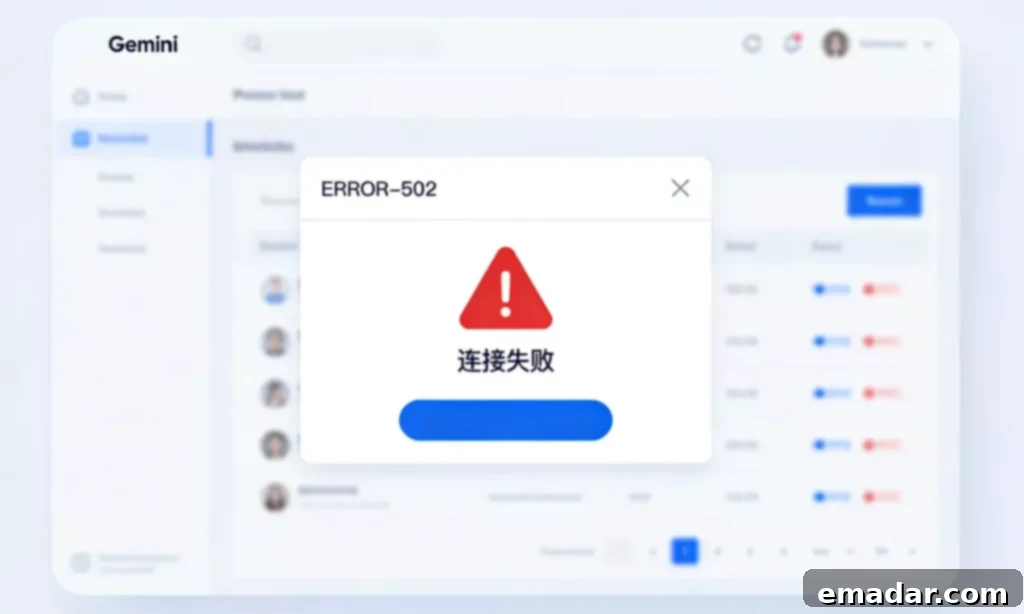
Why Does Gemini Display “Region Not Supported”?
Many users mistakenly believe that simply using a VPN or proxy is sufficient to access Gemini. However, Google’s sophisticated IP environment detection capabilities are far more advanced than that. Here are the key reasons why you might be seeing the “Region Not Supported” error:
- Data Center IPs are Blacklisted: A significant portion of low-cost VPNs and proxies utilize data center IPs. Google often identifies these IPs as belonging to “non-real users” and blocks their access to AI services like Gemini. This is because data center IPs are often associated with automated traffic and bot activity.
- High Fraud Score: If your IP address is shared among numerous users, and some of those users engage in activities that violate Google’s terms of service, your IP’s reputation (Fraud Score) will plummet. This makes your IP appear suspicious to Google.
- WebRTC and DNS Leaks: Even when using a proxy, your browser might be leaking your real geographic location information through WebRTC technology or DNS leaks. This allows Google to identify your true location and block access if it’s not a supported region.
- Account Reputation and Environmental Mismatch: Frequent changes in login locations or logging in from low-quality IP environments can trigger Google’s risk control systems, potentially leading to account limitations or even suspension. Your Google account builds up a reputation based on your browsing habits, IP address, and other factors. A sudden change can raise red flags.
3-Minute Fix: The Ultimate Steps to Resolve Gemini Access Issues
Follow these steps to troubleshoot and resolve issues preventing you from accessing Gemini.
Step 1: Thoroughly Clear Browser Fingerprint
Before attempting to log in again, it’s crucial to clear your browser’s cache and cookies. This removes any stored information that might be hindering your access. Alternatively, use your browser’s incognito mode or private browsing feature to start with a clean slate.
Advanced Solution: Consider using a fingerprint browser like AdsPower or HubStudio to create a completely isolated “native device environment” for Gemini. This provides a higher level of anonymity and reduces the chances of detection.
Step 2: Verify and Switch to a “Static Residential IP” (Critical)
This is the most important step in resolving Gemini access problems. Using the correct type of IP address is essential.
- Ordinary Proxies: These are dynamic and constantly changing, making them easily detectable by Google.
- Static Residential IP: These IPs originate from real Internet Service Providers (ISPs) such as AT&T or Verizon. In Google’s database, you’ll be recognized as a legitimate home user. They are much harder to detect than datacenter IPs.
- Exclusivity: Ensure that the IP address you’re using is exclusively used by you for accessing Gemini. This significantly reduces the risk of triggering Google’s risk control systems. Sharing an IP with many users dramatically increases your risk of being blocked.
Step 3: Disable WebRTC Leakage
Install a browser extension like “WebRTC Leak Prevent” to prevent your local network IP address from being detected by Google. These extensions prevent websites from discovering your true IP address even when you are using a VPN or proxy.
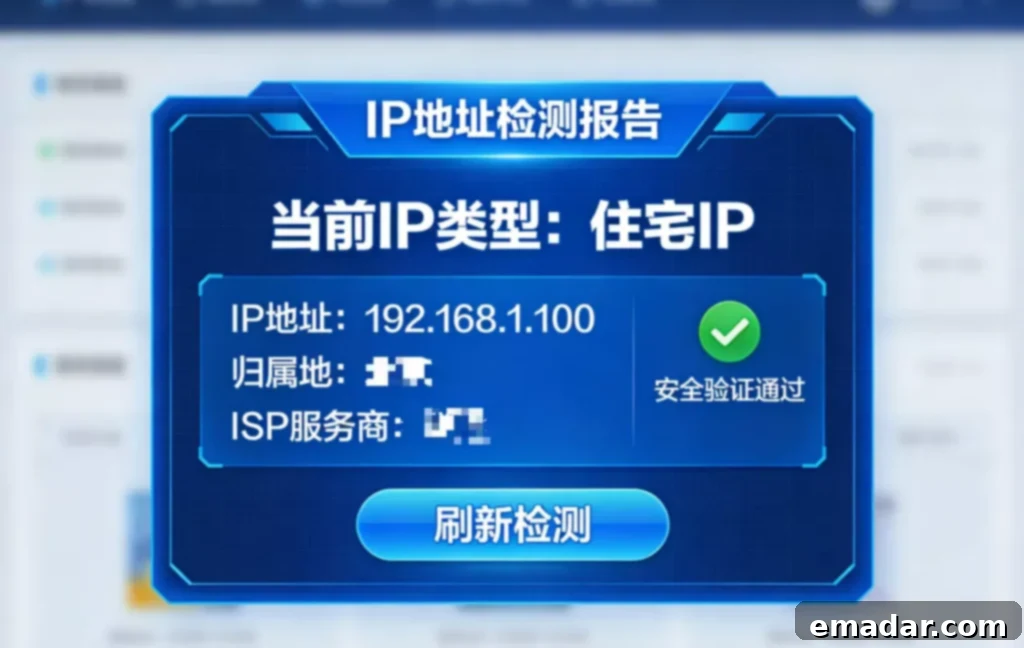
Why Choose Our “AI-Dedicated Clean IP” Service?
As a professional overseas network proxy provider, we have specifically optimized our services for AI tools like Gemini, ChatGPT, and Claude. We understand the specific requirements and challenges of accessing these platforms.
- Extremely High IP Purity:
Our IP address pool undergoes rigorous screening processes to ensure that the IP Fraud Score remains below 10. This means you can instantly access Gemini without encountering annoying CAPTCHA verifications (Recaptcha). We constantly monitor and refresh our IP pool to maintain the highest level of purity.
- Exclusive Static Environment:
Our static residential proxies support long-term renewals. For users who need to train AI models, access APIs, or engage in enterprise-level applications, a stable IP pathway is the only way to protect your assets and avoid account suspension. Stability is crucial for consistent and reliable access to AI services.
- Multiple Regions Available:
We support Gemini’s initial launch regions, including the United States (US), United Kingdom (UK), Japan (JP), and Singapore (SG). You can freely switch between the best nodes based on your model latency requirements. Choosing a server location closer to your physical location can improve performance.
Frequently Asked Questions (FAQ)
Q: Why do I still get an error even after changing nodes?
A: This is usually because your browser cookies are storing your previous error state. Try this: Clear all cookies for Google domains -> Restart your browser -> Connect to our clean IP -> Log in again.
Q: Why is my IP being blocked by Gemini?
A: There are three main underlying reasons why Gemini might be blocking your IP:
- Data Center IP Attributes: Most ordinary VPNs use data center IPs. Google’s risk control system can accurately identify these IPs as belonging to server farms rather than real residences, leading to direct blocking.
- IP Association Risk (Public IP): Public IP segments are used by thousands of users simultaneously. If someone engages in illegal activity or frequently switches accounts, the entire IP segment may be blacklisted by Google. This “bad neighbor” effect can impact your access.
- Geographic Location Leakage: Even if you change your IP, if your browser’s WebRTC or DNS resolution leaks your real geographic location, Google will determine that your IP is an abnormal proxy and block it.
Q: Can I use free tools to access Gemini?
A: It’s highly not recommended. The IP segments of free tools are generally on Google’s blacklist. At best, this will result in “Region Not Supported” errors, and at worst, your Google account will be flagged as “abnormal login” and permanently disabled. The risks outweigh the benefits.
Q: What other uses are there for static residential IPs?
A: In addition to smooth Gemini use, it is also an essential tool for TikTok operation, US Apple ID maintenance, ChatGPT Plus subscription, and cross-border e-commerce anti-association. They provide a stable and reliable connection that mimics a real user, making them ideal for these activities.
Start Your High-Speed Gemini Experience Now
Don’t let troublesome network environments hinder your productivity.
[Contact Customer Service Now ]
IPFLY Proxy:
- Stable across all nodes, supporting 190+ countries and regions worldwide
- Instant connection, seamless operation, simulating real home broadband scenarios